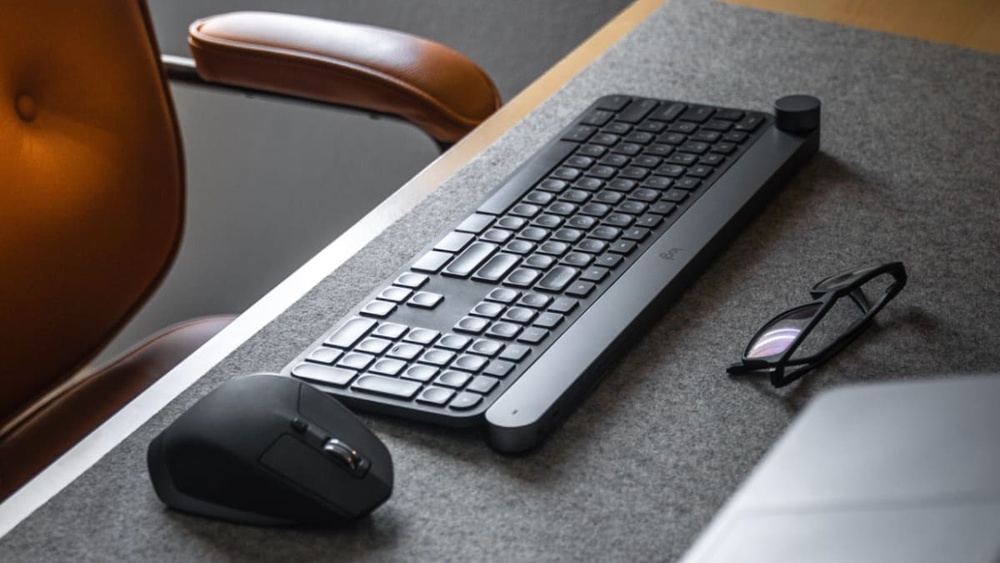
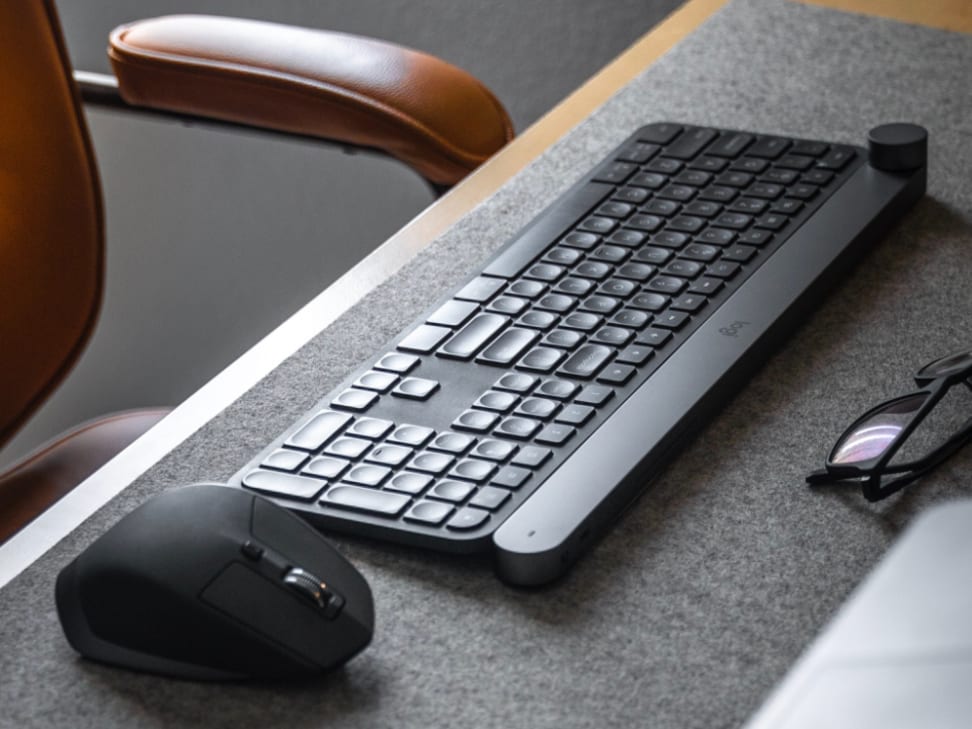
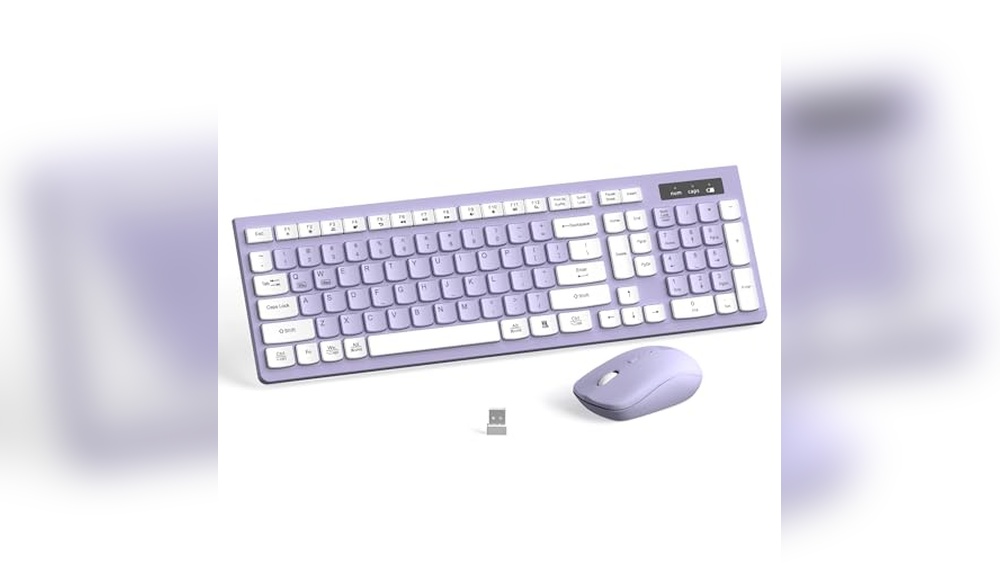
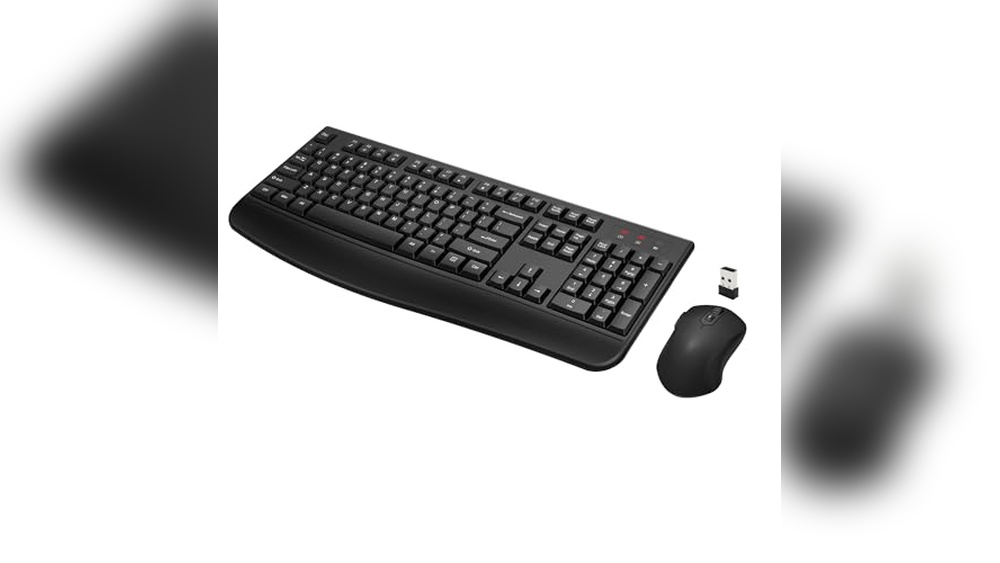
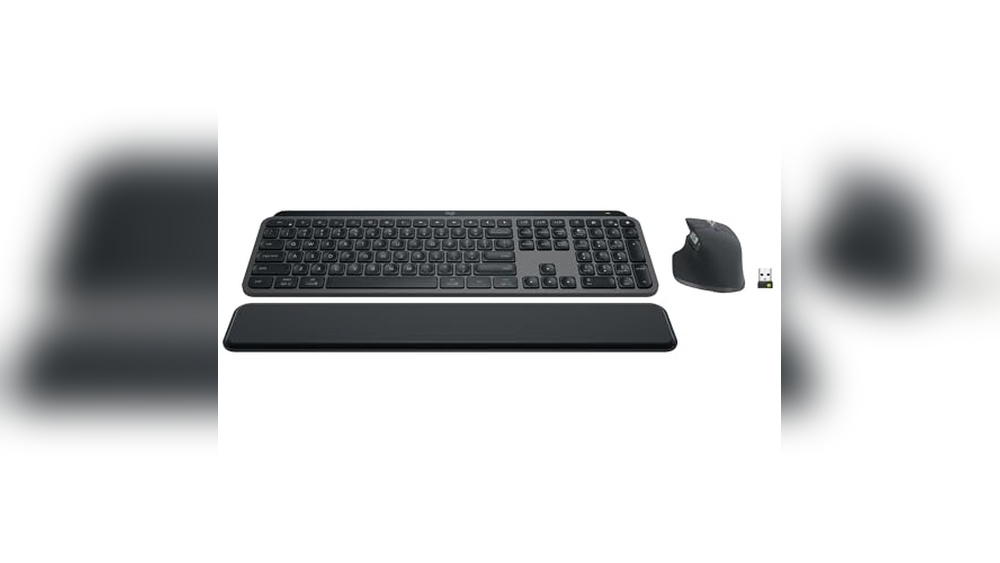
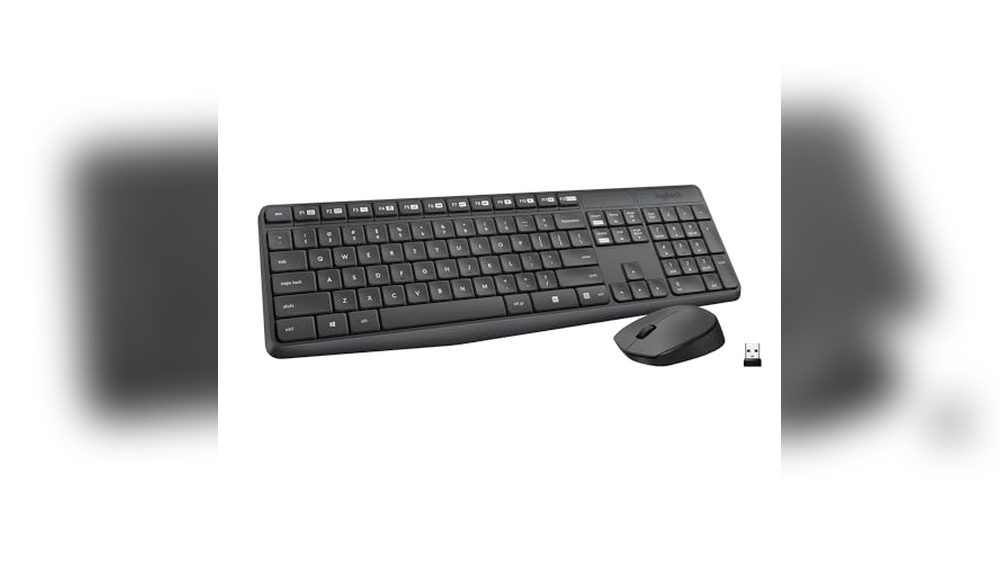
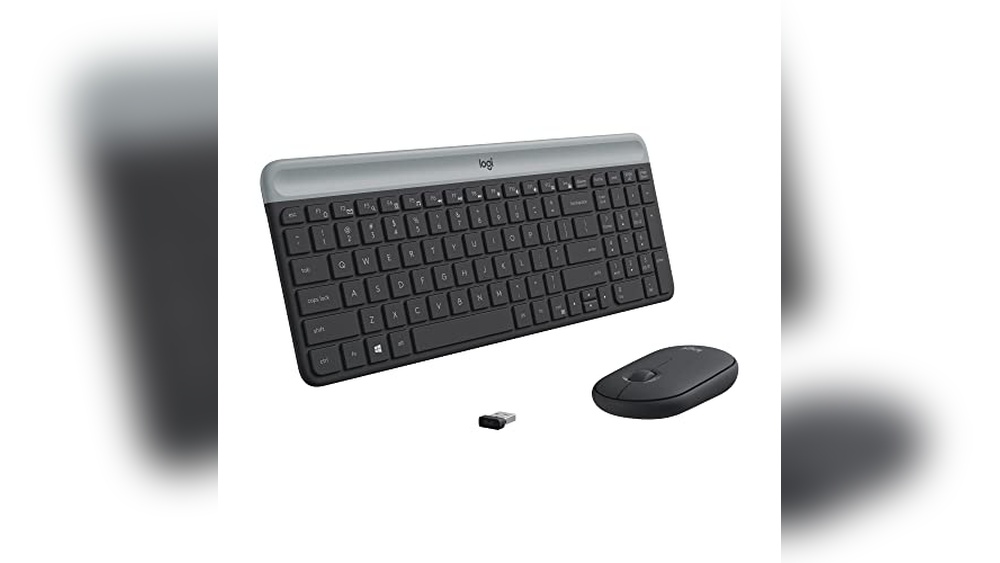
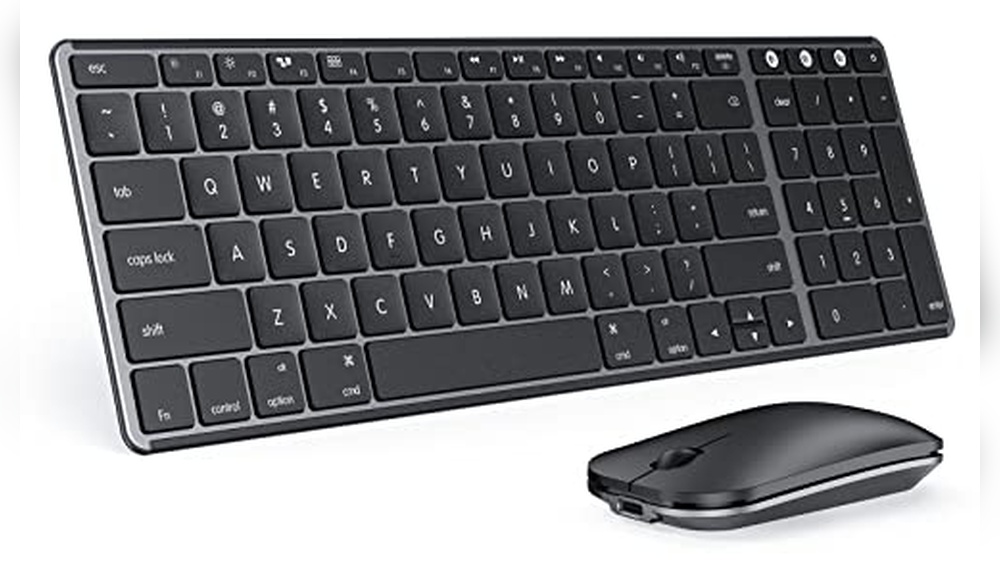
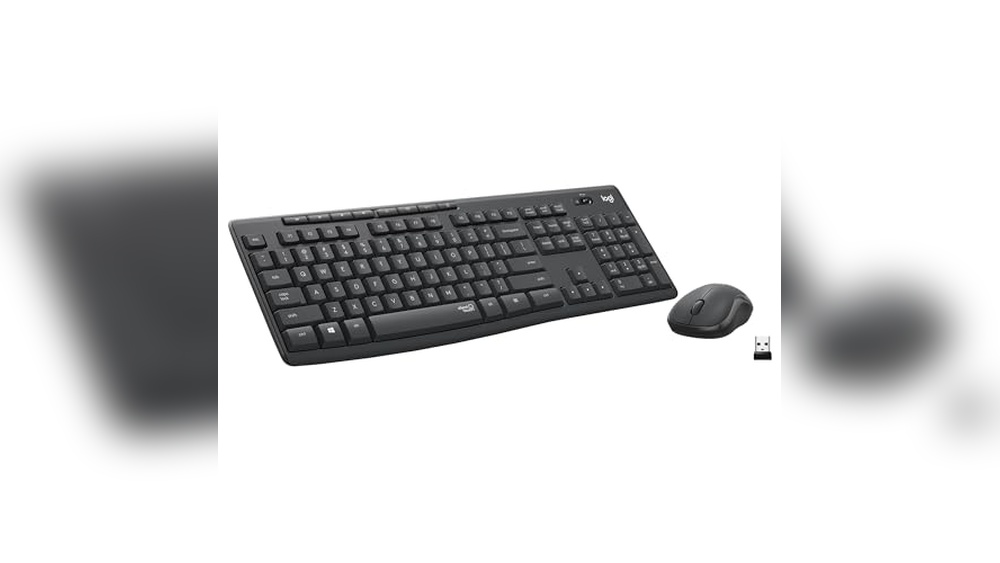
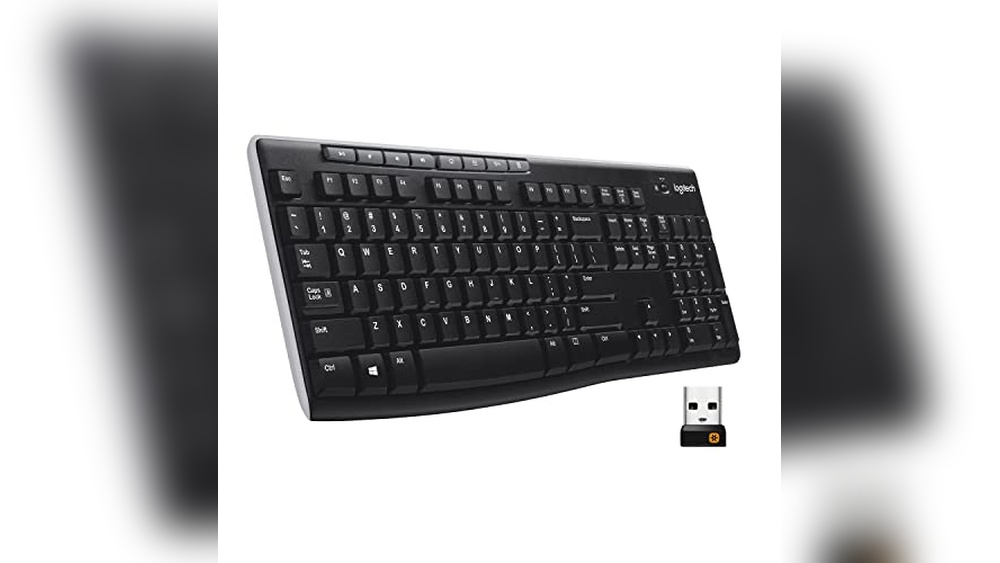
Are you tired of dealing with tangled wires every time you want to work or play on your computer? Choosing a good wireless keyboard and mouse can change the way you use your device, making your space cleaner and your movements freer.
But with so many options out there, how do you find the one that fits your needs perfectly? You’ll discover what makes a wireless keyboard and mouse truly good, so you can enjoy comfort, reliability, and style without the hassle.
Keep reading to find the perfect combo that works for you.
A good wireless keyboard offers freedom from cables without losing comfort or efficiency. It fits well with your workspace and daily tasks. Knowing the key features of wireless keyboards helps in choosing the right one. These features affect usability, comfort, and how long the device lasts. This section highlights the most important aspects to consider.
Connectivity Options
Wireless keyboards connect to devices in different ways. The most common methods are Bluetooth and 2.4 GHz wireless via a USB receiver. Each method has benefits and limits.
Bluetooth: Works with many devices like laptops, tablets, and smartphones. No USB dongle needed. Good for travel and multiple device use.
2.4 GHz Wireless: Uses a small USB receiver. Offers a stable and fast connection. Best for desktop computers and gaming setups.
Multi-device Pairing: Some keyboards connect to several devices and switch between them. Useful for users with multiple gadgets.
Here is a quick comparison:
Connectivity Type
Range
Device Compatibility
Setup
Bluetooth
Up to 30 feet
Most modern devices
Pair via device settings
2.4 GHz Wireless
Up to 33 feet
Devices with a USB port
Plug the receiver in and connect
Choose the connectivity type that fits your devices and workspace. A reliable connection ensures smooth typing and no delays.
Battery Life
Battery life is key for wireless keyboards. Long battery life means less charging or changing batteries. This saves time and keeps you typing without breaks.
Wireless keyboards use two main power sources:
Rechargeable Batteries: Built-in batteries charged via USB. It can last days or weeks on a full charge.
Replaceable Batteries: Usually AA or AAA batteries. Last for months depending on usage.
Some models have power-saving features like automatic sleep mode. These help extend battery life by turning off the keyboard when not used.
Power Source
Average Battery Life
Pros
Cons
Rechargeable
1-4 weeks per charge
Eco-friendly, cost-saving
Needs regular charging
Replaceable
3-12 months
Quick battery swap
Ongoing battery cost
Check battery life ratings before buying. A keyboard with long-lasting power is better for work and play.
Ergonomics And Design
Ergonomics means how comfortable and healthy the keyboard feels. A good design reduces strain on your hands and wrists. This helps prevent pain during long typing sessions.
Look for these design elements:
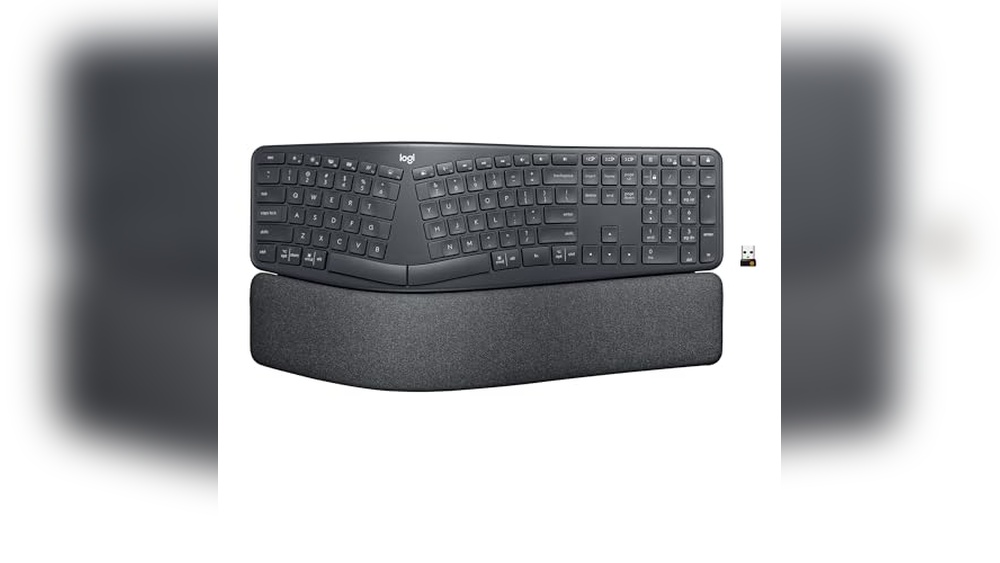
Split Keyboards: Separate sections for hands to reduce wrist strain.
Adjustable Tilt: Allows changing keyboard angle for better hand position.
Wrist Rest: Supports wrists and keeps them in a natural position.
Compact Layout: Saves desk space and reduces hand movement.
Materials and build quality also matter. A sturdy keyboard lasts longer and feels better to type on. Lightweight designs are easier to carry.
Color and style can add to your workspace mood, but focus on comfort first.
Key Switch Types
Key switches affect how the keyboard feels and sounds. They impact typing speed, accuracy, and comfort. There are three main types:
Membrane Switches: Use a rubber dome under keys. They are quiet and soft but less responsive.
Mechanical Switches: Have individual switches for each key. Provide tactile feedback and longer life. Popular with typists and gamers.
Scissor Switches: A hybrid design often found in laptops. Offer a low profile and short travel distance.
Here is a simple comparison:
Switch Type
Feel
Noise Level
Durability
Membrane
Soft, mushy
Quiet
Lower
Mechanical
Clicky or tactile
Louder
High
Scissor
Firm, low travel
Quiet
Medium
Choose switches based on your typing style and noise preference. Mechanical switches suit heavy typists. Membrane or scissor switches work well for quiet environments.
Key Features Of Wireless Mice
A good wireless keyboard and mouse set offers freedom from cables and enhances workspace neatness. The mouse is a crucial part of this duo. It should feel natural and respond well to every move. Key features of wireless mice help users pick the right one for their needs. These features cover how the mouse senses movement, battery life, comfort during use, and extra functions for better control. Understanding these points makes choosing easier and improves overall computer use.
Sensor Types And Accuracy
The sensor is the heart of a wireless mouse. It tracks movement and sends signals to the computer. Two main sensor types exist:
Optical Sensors: Use light to detect movement. Works well on most surfaces but may struggle on glass or shiny desks.
Laser Sensors: Use a laser beam for higher precision. Perform better on more surfaces, including glass.
Accuracy is measured in DPI (dots per inch). Higher DPI means the cursor moves faster on the screen with small hand movements. Typical DPI ranges include:
DPI Range
Best For
800 – 1600
Regular office work and browsing
1600 – 3200
Photo editing and light gaming
3200+
Professional gaming and detailed design
Choose a mouse with h adjustable DPI to switch sensitivity based on tasks. A higher DPI is not always better for daily tasks. Balanced accuracy helps reduce hand strain and improves precision.
Battery Performance
Battery life affects how often a wireless mouse needs charging or new batteries. Some mice use rechargeable batteries, while others use replaceable AA or AAA cells.
Key points about battery performance:
Battery Life: Can last from a few days to several months on one charge or set of batteries.
Power Saving: Features like auto-sleep mode help extend battery life.
Charging Options: Some mice charge via USB cables or wireless charging pads.
A long battery life reduces interruptions. Quick charging or easy battery replacement keeps the mouse ready for use. Check for indicators that show battery status. This helps avoid sudden shutdowns during work or play.
Battery Type
Average Life
Pros
Cons
Rechargeable
1-3 weeks
Cost-effective, eco-friendly
Needs charging downtime
Replaceable Batteries
1-6 months
Quick swap, no charging wait
Ongoing battery cost
Comfort And Grip Styles
Comfort matters for long hours of mouse use. A good wireless mouse fits the hand well and supports natural wrist positions.
Common grip styles include:
Palm Grip: Hand rests fully on the mouse. Best for larger mice and relaxed use.
Claw Grip: Fingers arch with fingertips and palm touching. Offers fast, precise control.
Fingertip Grip: Only fingertips touch the mouse. Allows quick movements and is suited for smaller mice.
Look for these comfort features:
Ergonomic shape that reduces wrist strain
Textured or rubber grips for secure hold
Lightweight design for easy movement
Size matching your hand dimensions
Comfort affects productivity and reduces pain. Testing a mouse before buying helps find the best fit. Some wireless mice come in left- or right-handed versions or ambidextrous designs for all users.
Additional Buttons And Customization
Extra buttons add convenience and speed. They allow quick commands without moving to the keyboard.
Common extra buttons include:
Side Buttons: Often used for forward and back navigation in browsers.
DPI Switch Button: Changes cursor speed on the fly.
Scroll Wheel Button: Middle click or tilt for horizontal scrolling.
Custom Buttons: Programmable for special functions or macros.
Customization software often comes with wireless mice. It helps users assign different functions to buttons. This improves workflow for gaming, editing, or office tasks.
Consider these benefits:
Faster access to common commands
Personalized control setups
Improved efficiency and comfort
Extra buttons and customization make a wireless mouse more than just a pointer. They turn it into a powerful tool for daily use.
Popular Wireless Keyboard And Mouse Brands
Choosing a good wireless keyboard and mouse means picking devices that offer comfort, reliability, and smooth performance. Many brands compete to provide these features with different designs and price points. Knowing the popular wireless keyboard and mouse brands helps find the right match for daily tasks, gaming, or office work. These brands focus on quality, battery life, and wireless range, making your setup clutter-free and efficient.
Top Brands For Keyboards
Several brands stand out for their wireless keyboards due to build quality, typing comfort, and smart features. Here are some popular names known for their keyboards:
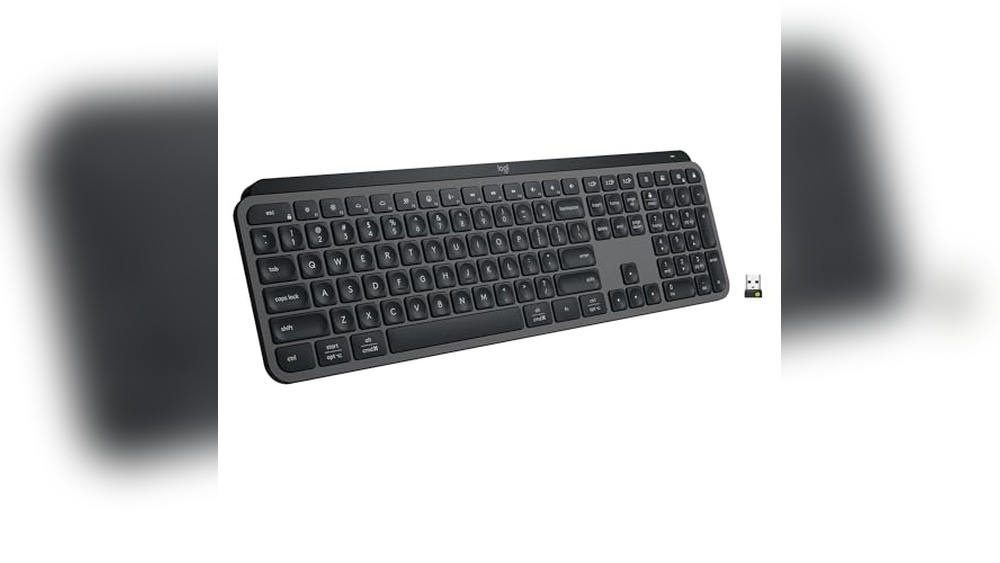
Logitech: Famous for ergonomic designs and long battery life. Models like the Logitech K380 and MX Keys are well-loved.
Microsoft: Offers reliable keyboards with good key travel and quiet typing, such as the Microsoft Surface Keyboard.
Apple: Known for sleek designs and seamless integration with Mac devices, especially the Magic Keyboard.
Keychron: Popular for mechanical wireless keyboards favored by programmers and writers.
Razer: Provides gaming-focused wireless keyboards with fast response and RGB lighting.
These brands often add extra features like backlighting, multi-device pairing, and compact layouts. The choice depends on your needs, whether for work, creativity, or gaming.
Brand
Key Features
Ideal For
Logitech
Multi-device support, ergonomic, and long battery life
Office and casual use
Microsoft
Quiet keys, simple design
Everyday typing
Apple
Thin, stylish, Mac optimized
Mac users
Keychron
Mechanical switches, customizable
Typing enthusiasts and coders
Razer
Fast response, RGB lighting
Gamers
Top Brands For Mice
Wireless mice come in many styles, from simple office tools to advanced gaming devices. These brands lead the market with quality and innovative features:
Logitech: Offers a wide range from basic to high-performance mice, including the MX Master series.
Razer: Known for precision gaming mice with customizable buttons and lighting.
Microsoft: Provides ergonomic wireless mice with smooth tracking and good battery life.
HP: Offers affordable wireless mice suitable for office and home use.
Apple: The Magic Mouse blends minimalist design with multitouch gestures for Mac users.
Each brand focuses on comfort, sensor accuracy, and battery efficiency. Choosing the right mouse depends on hand size, grip style, and tasks.
Brand
Key Features
Best Use
Logitech
High precision, ergonomic, multi-device
Office and creative work
Razer
Fast sensor, programmable buttons
Gaming
Microsoft
Comfort design, reliable tracking
General use
HP
Budget-friendly, simple
Basic office tasks
Apple
Multi-touch, slim design
Mac users
Combo Sets Vs Separate Purchases
Buying a wireless keyboard and mouse together or separately depends on preferences and needs. Combo sets provide both devices in one package, often at a better price. They match in style and sometimes share a single USB receiver, reducing clutter.
Separate purchases allow more freedom to choose each device. This suits users who want a specific keyboard or mouse brand or model. Separate buying also helps if one device needs replacement without changing the other.
Combo Sets:
Usually cheaper than buying items separately
Unified design and color scheme
Single USB receiver for both devices
Limited choice compared to separate buying
Separate Purchases:
Freedom to mix brands and features
Replace or upgrade devices independently
It can be more expensive overall
More variety in style and function
Users focused on budget and simplicity may prefer combo sets. Those wanting custom setups might choose separate devices. Both options have strong offerings from top brands.
Choosing For Different Uses
Choosing a good wireless keyboard and mouse depends greatly on the intended use. Different tasks require different features, comfort levels, and performance. A keyboard and mouse combo for office work may not suit gaming needs. Similarly, portability matters a lot for travel but less for a fixed desk setup. Understanding these differences helps you pick the right tools for your daily activities.
Office And Productivity
For office and productivity tasks, focus on comfort, reliability, and quiet operation. A wireless keyboard and mouse should support long hours of typing and navigation without causing strain or noise. Look for ergonomic designs that reduce wrist pain.
Quiet keys: Soft-touch or membrane keys reduce noise in shared workspaces.
Full-size layout: Includes a numeric keypad for easier data entry.
Precision mouse: Smooth tracking helps with document editing and spreadsheets.
Wireless combos with programmable shortcut keys also boost productivity by speeding up common tasks. Look for models that connect easily via Bluetooth or USB dongle. A simple setup and compatibility with your computer improve efficiency.
Gaming
Gaming demands fast response times, durability, and customization options. A good wireless keyboard and mouse for gaming must handle quick actions without lag. Mechanical keys offer tactile feedback and faster key registration.
Low latency: Ensures commands register instantly.
Mechanical switches: Provide a satisfying click and durability.
Customizable buttons: Assign macros or shortcuts for complex moves.
High DPI mouse: Allows precise control and fast movements.
Feature
Why It Matters for Gaming
Mechanical Keys
Faster key presses and better feedback
Adjustable DPI
Improves aiming accuracy and speed
Custom Macros
Simplifies complex commands during play
Stable Wireless Signal
Prevents input delays or disconnections
Look for wireless devices with dedicated gaming modes or profiles. RGB lighting can help track active keys and add style, but it is not essential. Comfort is key too, as long gaming sessions need support for hands and wrists.
Travel And Portability
Travel and portability require compact, lightweight, and easy-to-carry wireless keyboards and mice. Space-saving designs fit well in backpacks or laptop bags. Battery life matters to avoid frequent charging on the road.
Compact size: Smaller layouts without a numeric keypad save space.
Lightweight materials: Reduce overall load during travel.
Rechargeable batteries: Avoid buying replacements while away.
Bluetooth connectivity: Works without a USB dongle, useful for tablets and laptops.
Feature
Benefit for Travelers
Foldable or Detachable Keyboard
Easier packing and space saving
Bluetooth Only
Less clutter, works with many devices
Rechargeable Battery
Convenient charging, no battery waste
Protective Case Included
Prevents damage during transport
Choose wireless combos designed for durability and quick setup. Devices with automatic sleep modes save battery during inactivity. Prioritize comfort, but remember the smaller size may affect typing speed slightly.
Budget Vs Premium Options
Choosing a good wireless keyboard and mouse depends on your needs and budget. Budget options offer basic functionality at a lower price, while premium models provide advanced features and better build quality. Understanding the differences helps pick the right set without overspending or missing out on useful features.
Affordable Models
Affordable wireless keyboards and mice are perfect for everyday tasks like browsing and typing emails. These models usually cost less than $50 and cover the basics well.
Simple design: Most affordable sets have a straightforward look and feel.
Decent battery life: They often use AA or AAA batteries lasting several months.
Plug-and-play: Easy setup with USB receivers or Bluetooth.
Limited extra features: Usually no backlighting or programmable keys.
Here is a quick comparison table of typical affordable models:
Feature
Budget Keyboard & Mouse
Premium Keyboard & Mouse
Price
$15 – $50
$80 – $200+
Build Quality
Plastic, basic
Metal accents, durable
Battery Life
3-12 months
6-24 months, rechargeable
Extra Features
Minimal
Backlighting, programmable keys, ergonomic
Affordable options suit students, office workers, or anyone needing a reliable set without extra bells and whistles.
High-end Features
Premium wireless keyboards and mice come with advanced features that improve comfort and productivity. These models often cost over $80 and target power users or professionals.
Ergonomic design: Shaped to reduce wrist strain during long use.
Backlit keys: Adjustable lighting helps typing in low light.
Customizable buttons: Programmable keys support shortcuts and macros.
Rechargeable batteries: Built-in batteries save money on replacements.
Multi-device support: Switch between several devices easily.
These features help users who spend hours typing or need precise control for creative work. Premium models use higher-quality materials like aluminum or soft-touch plastics.
Example features in a high-end wireless keyboard and mouse:
Mechanical or scissor-switch keys for better feedback.
Silent or quiet key presses to reduce noise.
Advanced optical or laser sensors for smooth mouse movement.
Software to customize key functions and lighting effects.
Value For Money
Value depends on balancing cost with features and durability. A good wireless keyboard and mouse should last for years and meet your daily needs.
Consider these points to get value:
Assess your usage: Heavy typing or gaming may need premium gear.
Check battery type: Rechargeable saves money long term.
Look for warranty: Longer warranty shows brand confidence.
Read reviews: Real user feedback reveals reliability.
Budget sets offer great value for simple tasks. Premium sets add comfort and features but cost more upfront. Sometimes, mid-range options blend benefits well.
Here is a simple checklist to compare options:
Budget Option: - Low cost - Basic features - Good for casual use Premium Option: - Higher cost - Advanced features - Better build and comfort Mid-Range Option: - Moderate cost - Some premium features - Balanced value
Choosing wisely means matching the keyboard and mouse to your daily activities and budget.
Tips For Maintaining Wireless Devices
Maintaining wireless devices like keyboards and mice helps them work well for a long time. These devices rely on batteries, clean surfaces, and updated software. Taking care of these parts keeps your tools responsive and reliable. This section shares simple tips to keep your wireless keyboard and mouse in top shape.
Battery Care
Battery health is key for wireless devices. Good battery care means fewer interruptions and longer use. Follow these simple rules:
Use quality batteries: Choose high-quality rechargeable or alkaline batteries for better life.
Turn off when not in use: Switch off your keyboard and mouse to save power.
Charge regularly: Recharge batteries before they get too low to avoid damage.
Store properly: Remove batteries if you won’t use devices for a long time to stop leaks.
Here is a quick guide to battery types and their pros:
Battery Type
Advantages
Disadvantages
Alkaline
Easy to find, decent life, no charging needed
Not rechargeable, waste after use
Rechargeable NiMH
Reusable, cost-effective, and long-term
Needs a charger, loses charge over time
Lithium-ion (built-in)
Long life, rechargeable, lightweight
Usually built-in, expensive replacement
Cleaning And Maintenance
Clean devices work better and last longer. Dust, dirt, and oils can block keys or cause errors. Keep your keyboard and mouse clean with these tips:
Use a soft cloth: Wipe surfaces gently with a dry microfiber cloth.
Compressed air: Blow out dust from between keys and mouse buttons.
Light cleaning solution: Use a damp cloth with a little water or isopropyl alcohol for sticky spots.
Avoid harsh chemicals: Strong cleaners can damage plastic and electronics.
Clean regularly: Make cleaning a weekly habit to prevent buildup.
Follow this simple cleaning checklist:
Turn off and unplug your devices.
Use compressed air to remove loose debris.
Lightly dampen a cloth with water or alcohol.
Wipe the keyboard and mouse surfaces gently.
Let it dry completely before turning it back on.
Firmware Updates
Firmware controls how your wireless keyboard and mouse work. Updates fix bugs, improve performance, and add features. Check for updates often to keep devices running smoothly.
Steps to update firmware:
Visit the manufacturer’s website: Find support or download sections.
Download update tool: Get the official software for your device.
Connect device: Use USB or Bluetooth as needed.
Run update: Follow the on-screen steps carefully.
Restart device: After the update, restart to apply the changes.
Benefits of updating firmware:
Benefit
Description
Bug Fixes
Resolves known issues for smoother use.
Improved Battery Life
Optimizes power use to extend battery duration.
New Features
Adds functions or compatibility with new devices.
Security
Protects against vulnerabilities or exploits.
Frequently Asked Questions
What Features Make A Wireless Keyboard And Mouse Good?
A good wireless set has a strong connection, long battery life, and a comfortable design.
How Does Battery Life Affect Wireless Keyboard And Mouse Use?
Long battery life means less charging and more time to work or play.
Are Wireless Keyboards And Mice Easy To Connect To Devices?
Yes, most use plug-and-play USB receivers or Bluetooth for quick, simple setup.
Can Wireless Keyboards And Mice Work Without Lag?
Good models offer fast response times and reliable signals to avoid delays.
Is A Wireless Keyboard And Mouse Better Than Wired Ones?
Wireless sets offer freedom of movement and less clutter, but wired sets can be more stable.
Conclusion
A good wireless keyboard and mouse offer comfort and freedom. They help you work or play without tangled wires. Choose one with a reliable connection and long battery life. Think about size, keys, and feel that suits you best. Quality and ease of use matter most.
Pick the set that fits your needs and budget. Enjoy a clutter-free workspace and smooth control every day. Simple, reliable tools make tasks easier and more fun.