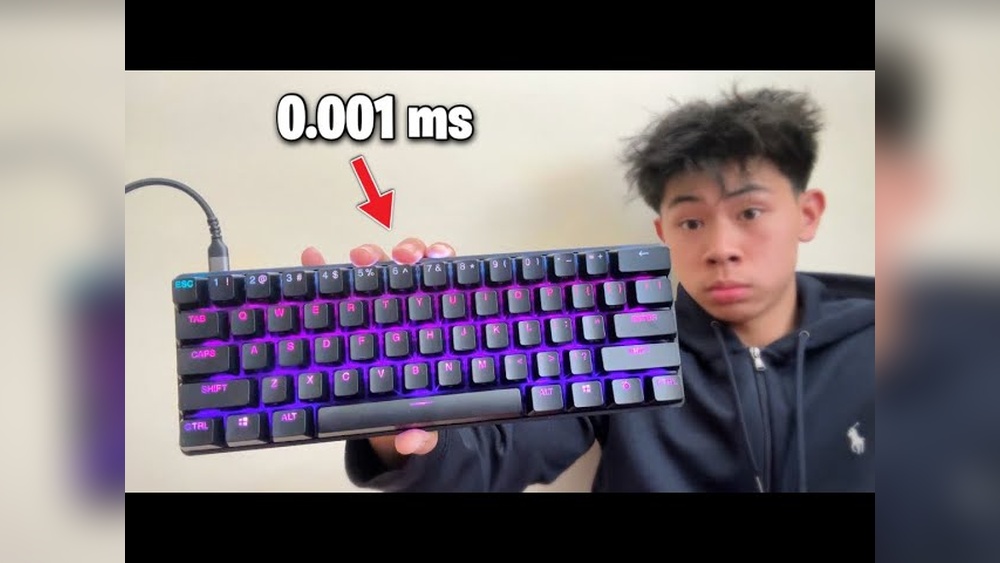
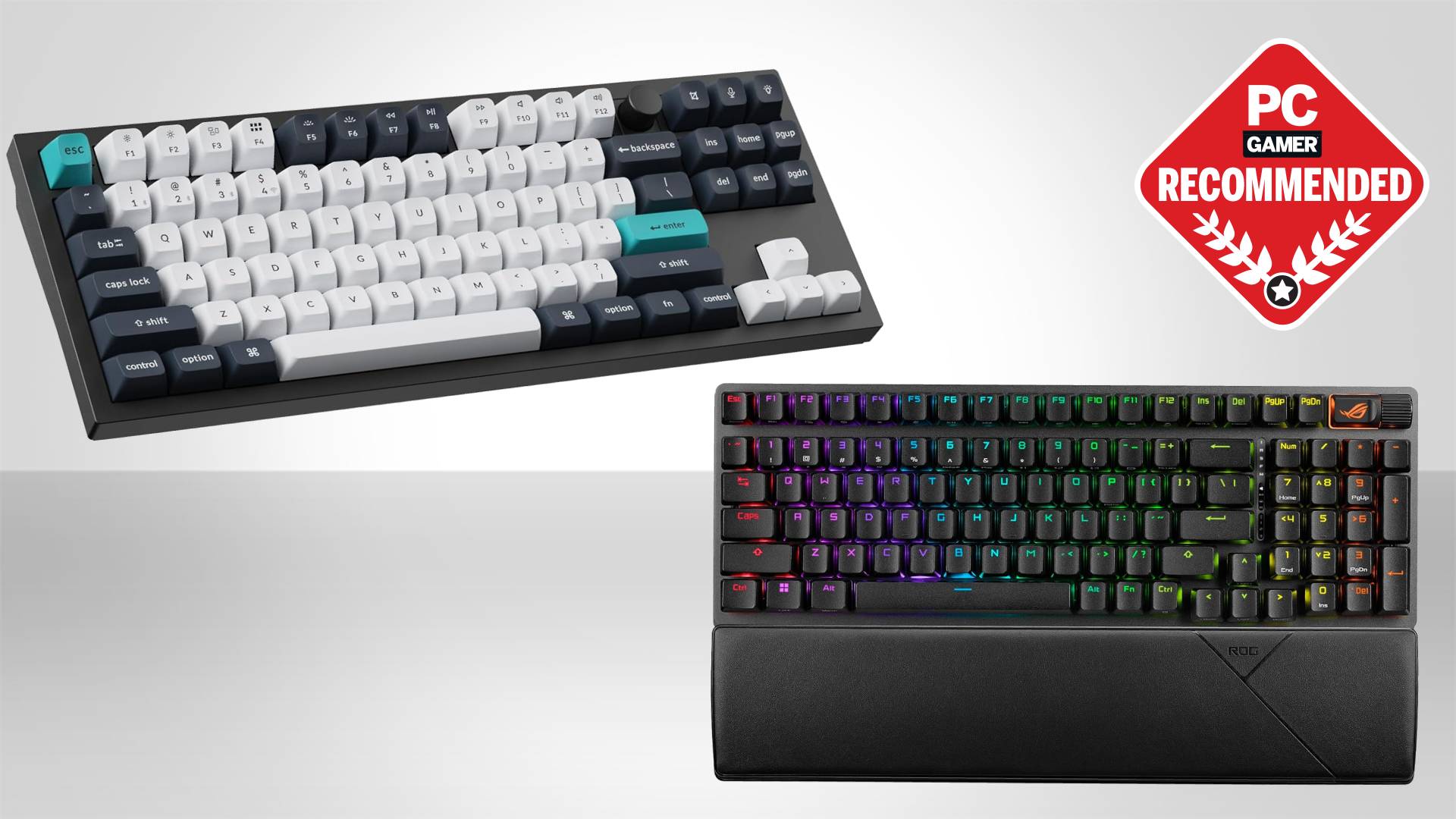
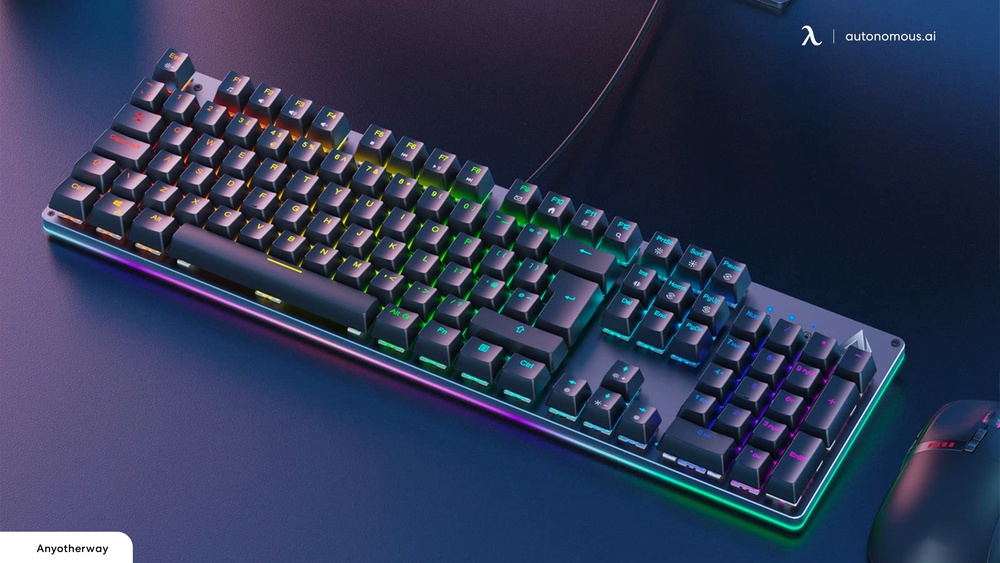
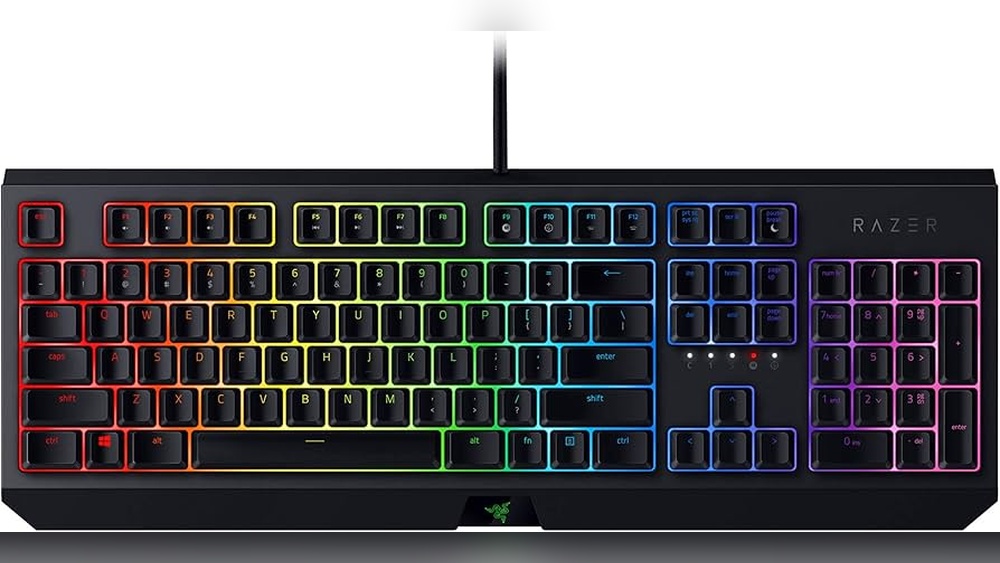
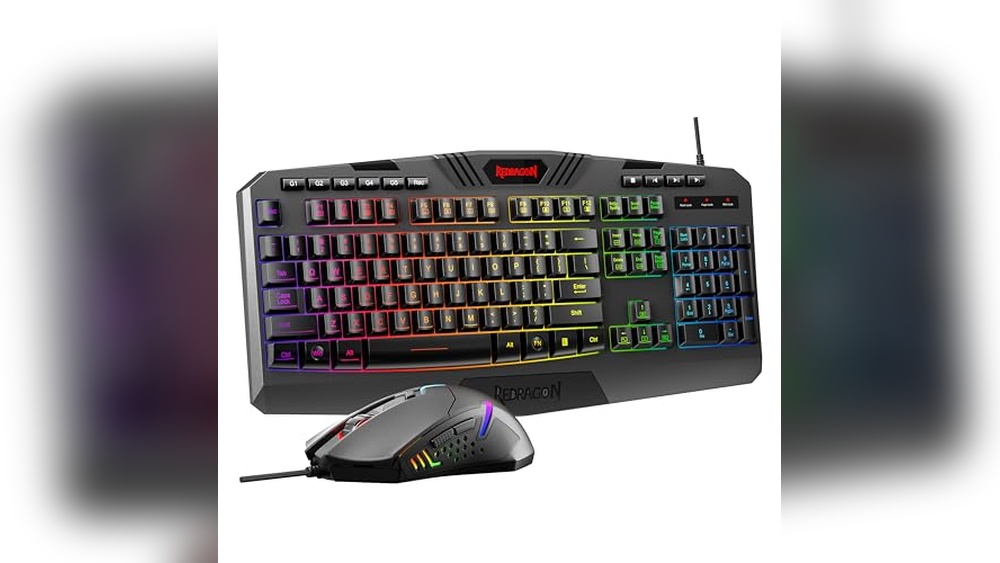
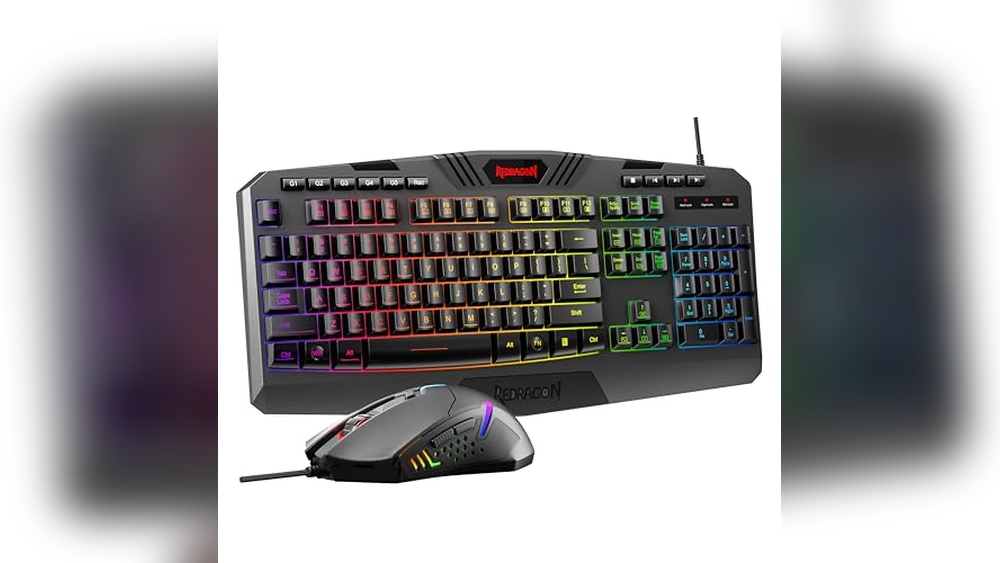
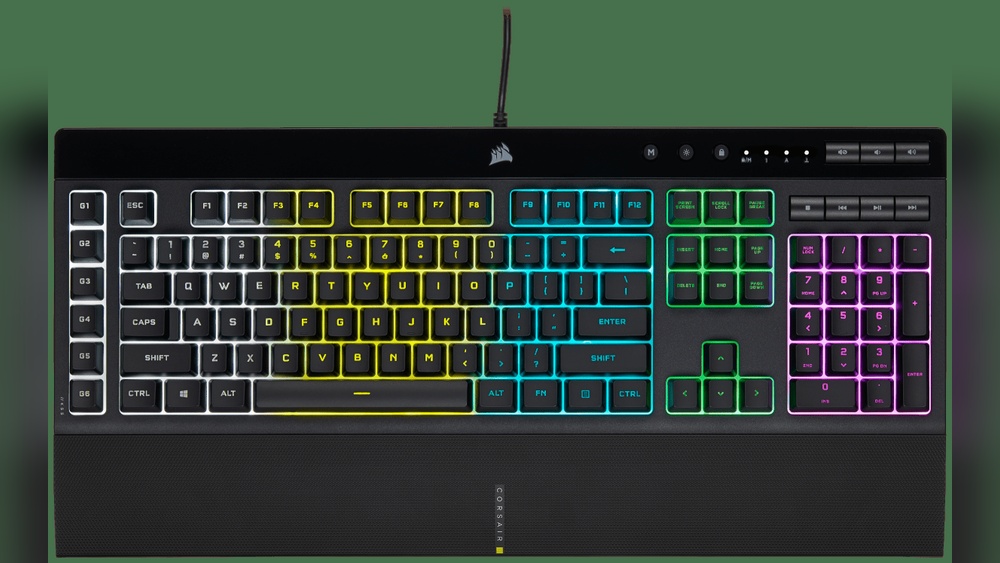
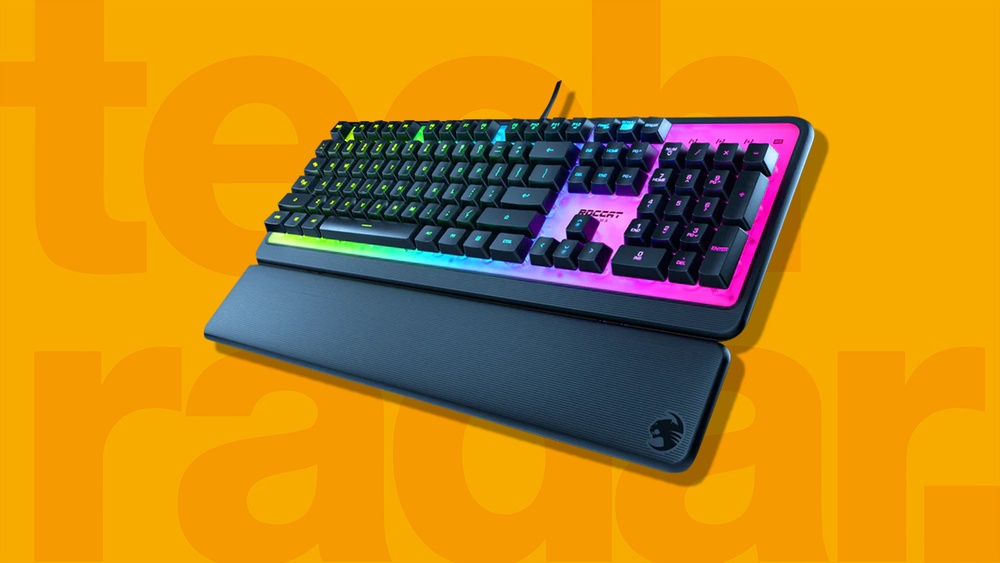
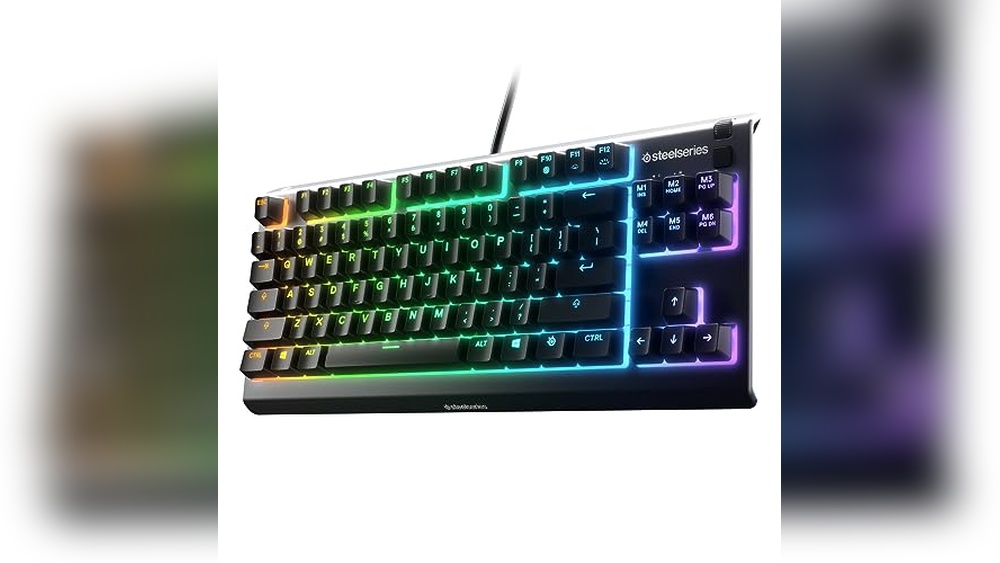
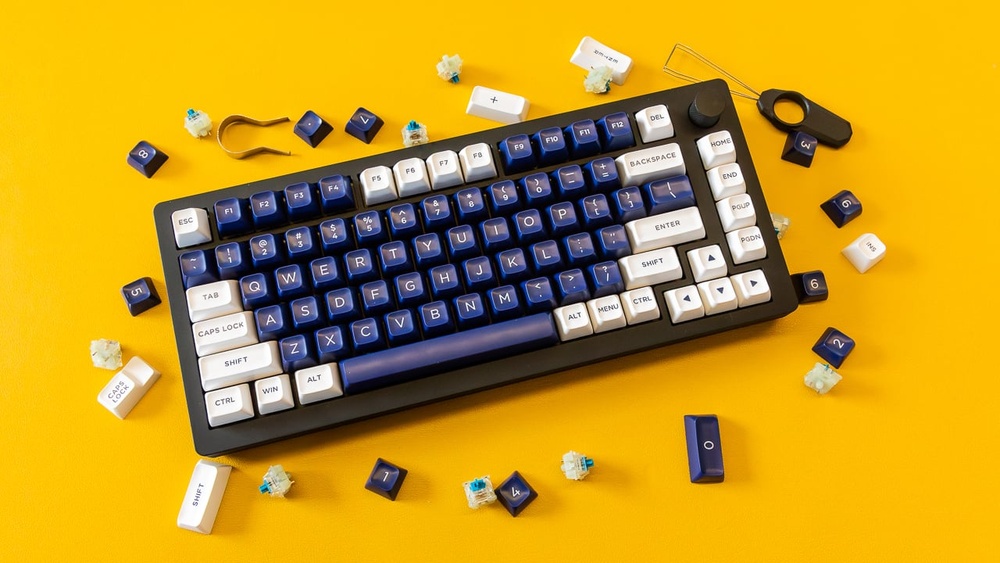
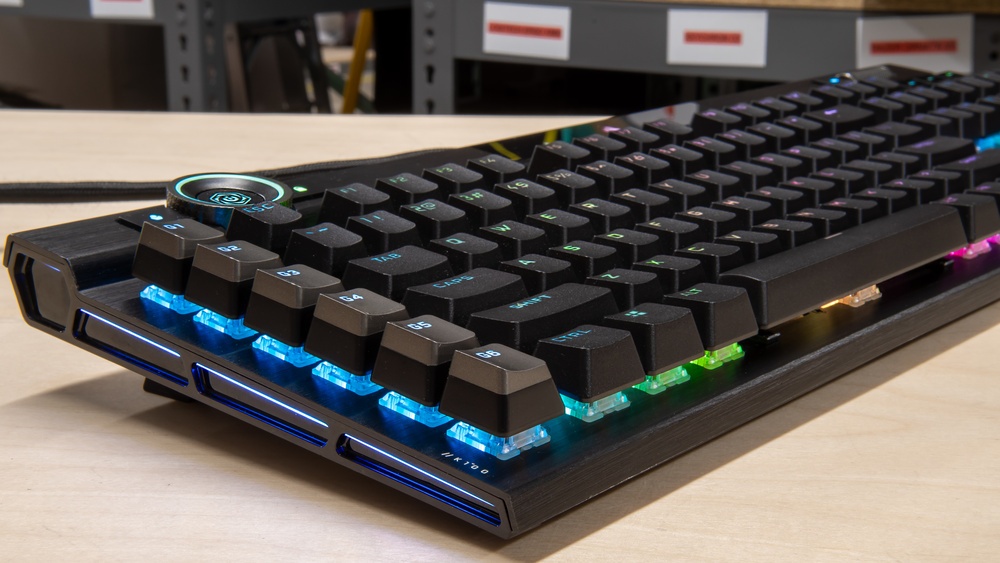
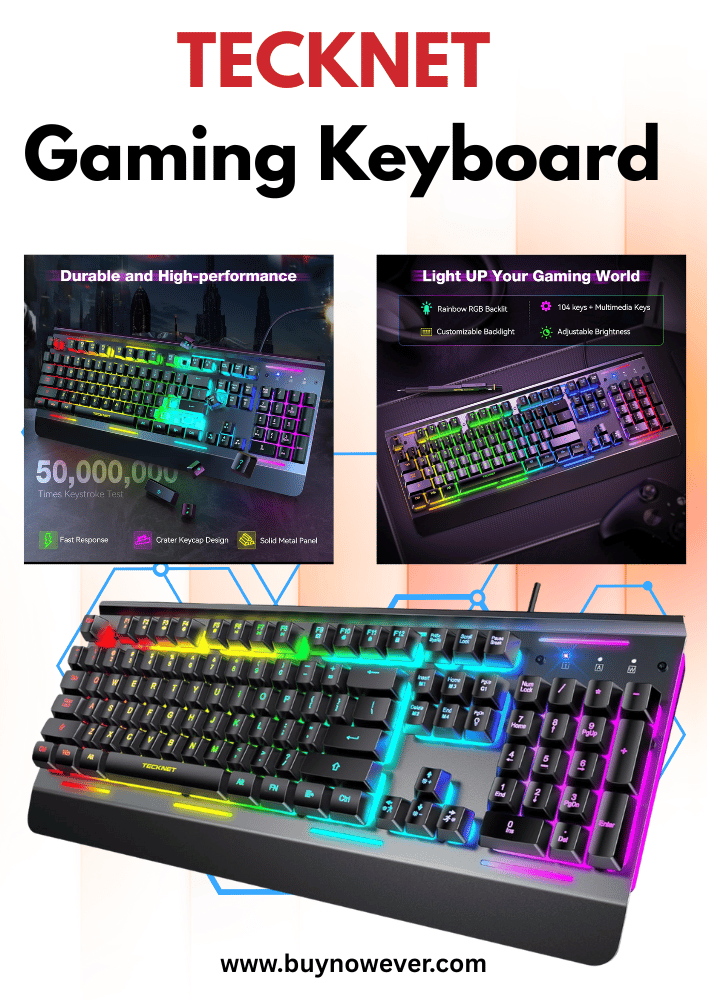
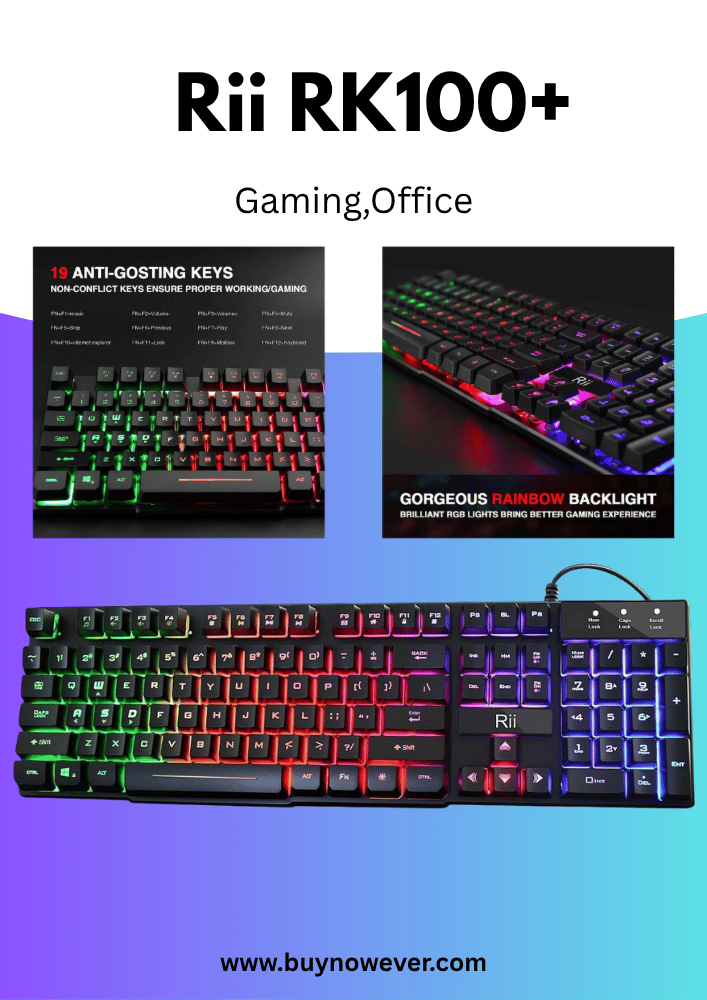
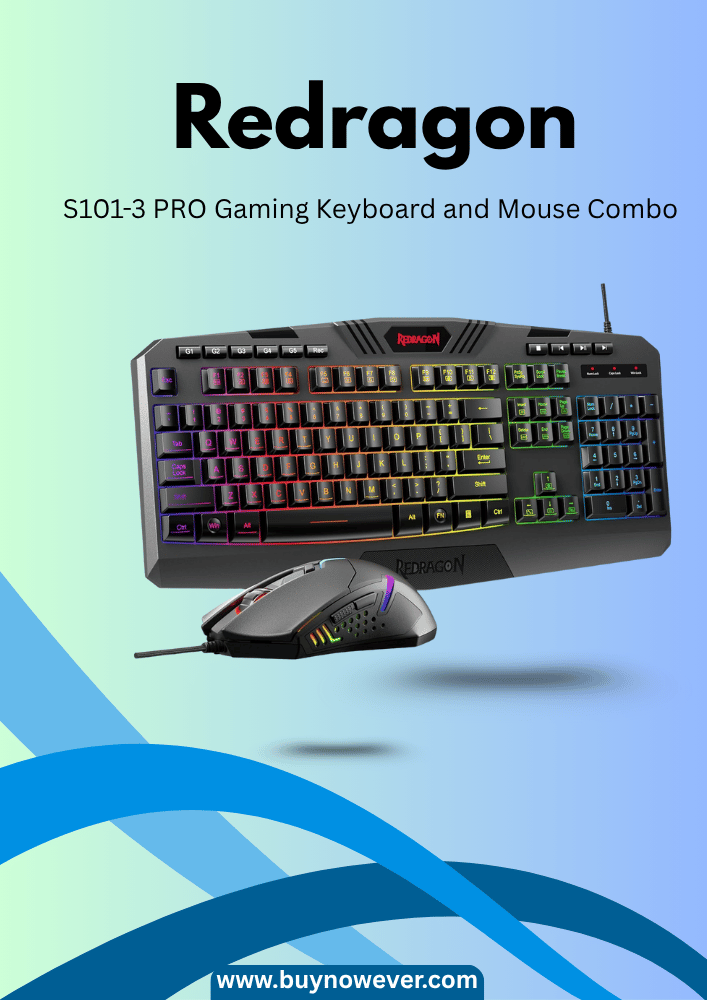
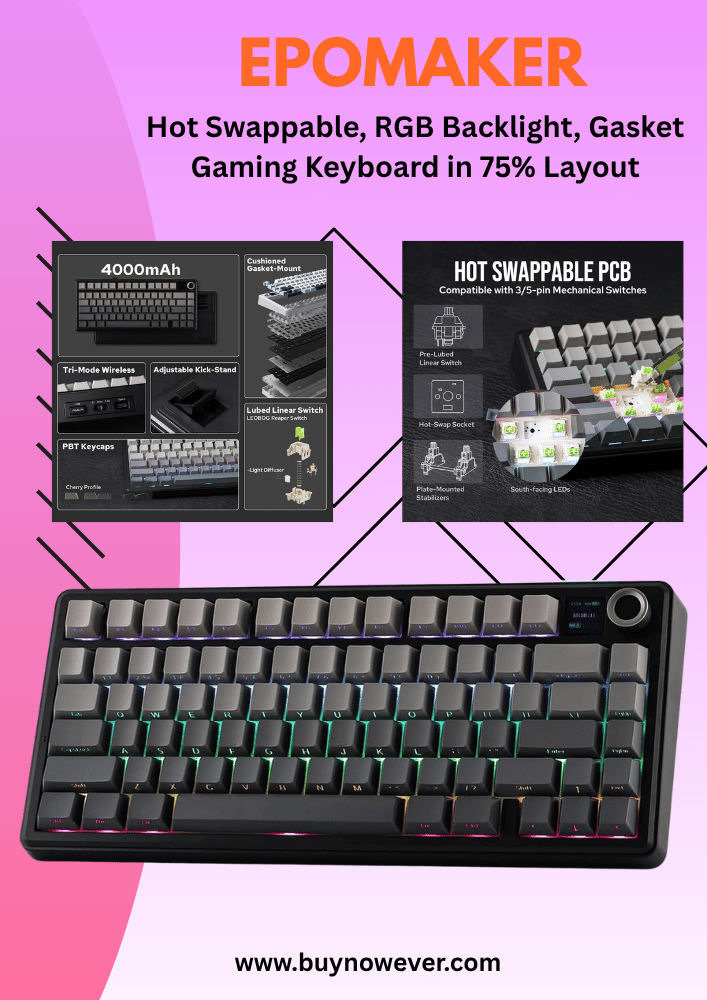
Are you tired of your keyboard slowing you down during intense gaming moments? The Fastest Gaming Keyboard can make the difference between victory and defeat.
But what exactly makes a gaming keyboard the fastest? Is it the keys, the response time, or something else? You’ll discover what sets the fastest gaming keyboards apart and how choosing the right one can instantly boost your performance. Keep reading to find out how to gain that winning edge with your next keyboard.
Top Features Of Fast Gaming Keyboards
Fast gaming keyboards help players react quickly and improve gameplay. They have special features that reduce delay and increase precision. Understanding these features helps choose the best keyboard for fast gaming. The top features include key response time, switch types, polling rate, and build quality.
Key Response Time
Key response time is the delay between pressing a key and the keyboard sending that signal to the computer. A shorter response time means faster actions in the game. This is very important for competitive gaming, where every millisecond counts.
Keyboards with fast response times help players:
Perform quicker attacks
React faster to game events
Execute combos smoothly
Most gaming keyboards have response times between 1ms and 5ms. The lower the number, the better. A 1ms response time means the keyboard sends the keypress to the computer in just one millisecond.
Response Time
Effect on Gaming
1ms
Very fast; almost no delay
3ms
Good for most gamers
5ms
Noticeable delay in fast games
Look for keyboards with a 1ms or 3ms response time for the best performance. The design and technology used in the keyboard affect this speed.
Switch Types
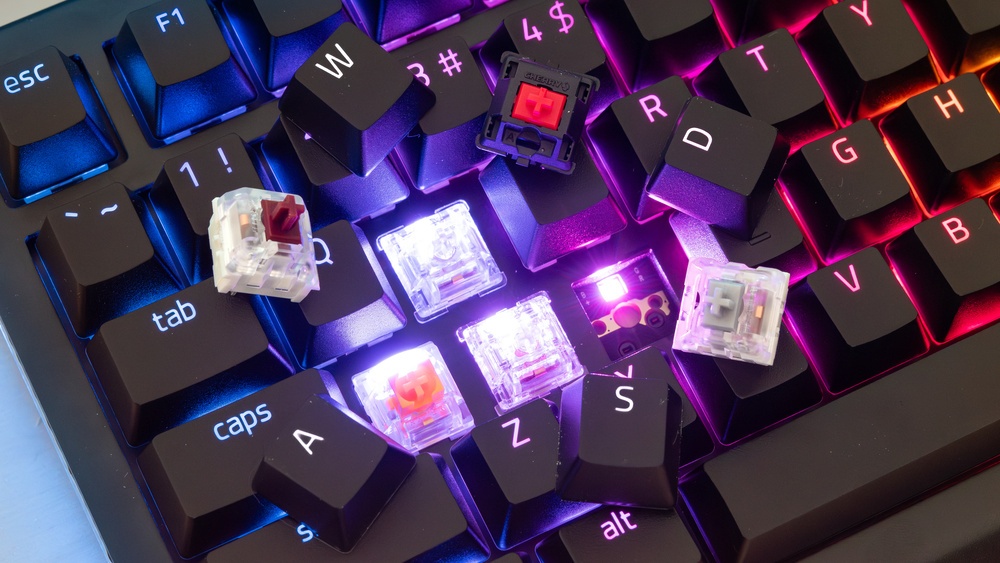
Switches are the parts under each key that register a press. They affect how the keys feel and how fast they respond. Mechanical switches are popular in fast gaming keyboards because they respond quickly and last longer.
There are different switch types:
Linear switches: Smooth and quiet. They register presses without a bump.
Tactile switches: Provide a small bump when the key activates. Good for feedback.
Clicky switches: Make a clicking sound and have a tactile bump. Some gamers like the feel.
Each type suits different play styles. Linear switches are best for fast repeated key presses. Tactile switches help avoid accidental presses. Clicky switches give sound feedback but may distract others.
Switch Type
Feel
Best For
Linear
Smooth, no bump
Fast-paced games, FPS
Tactile
Small bump
Typing and gaming mix
Clicky
Bump and click sound
Typing, feedback lovers
Choosing the right switch improves comfort and speed. Testing different switches helps find the best fit.
Polling Rate
Polling rate is how often the keyboard reports its status to the computer. It is measured in Hertz (Hz). A higher polling rate means the keyboard sends data more often, reducing input delay.
Common polling rates are 125Hz, 250Hz, 500Hz, and 1000Hz. A 1000Hz polling rate means the keyboard updates the computer every 1 millisecond.
125Hz: Updates every 8ms, slower response
250Hz: Updates every 4ms, better but not ideal
500Hz: Updates every 2ms, good for gaming
1000Hz: Updates every 1ms, best for fast gaming
High polling rates reduce lag and improve accuracy. Fast gaming keyboards use 500Hz or 1000Hz polling rates to ensure quick responses.
Polling Rate
Update Interval
Gaming Impact
125Hz
8ms
Noticeable delay
250Hz
4ms
Some delay
500Hz
2ms
Good response
1000Hz
1ms
Very fast, preferred
Build Quality
Build quality affects durability and comfort during long gaming sessions. A well-built keyboard lasts longer and provides a better experience.
Key points of build quality:
Materials: Metal frames and high-quality plastics resist wear and damage.
Keycaps: Thick, textured keycaps improve grip and comfort.
Stabilizers: Keep larger keys like the spacebar steady and quiet.
Cable: Braided cables last longer and resist tangling.
Design: Ergonomic shapes reduce hand strain.
Good build quality prevents key wobble and accidental presses. It also helps the keyboard survive drops or heavy use.
Fast gaming keyboards usually have:
Aluminum or steel top plates
Double-shot or PBT keycaps
Detachable or reinforced cables
Anti-ghosting and n-key rollover features
Strong build quality supports fast and precise gaming for hours without problems.
Popular Fast Gaming Keyboard Models
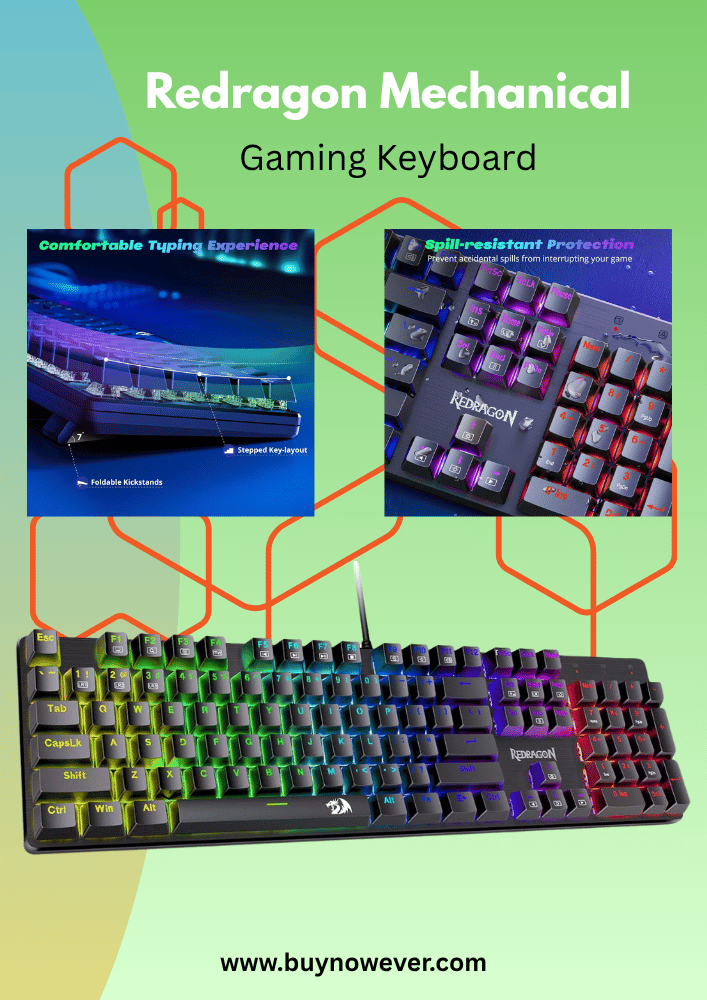
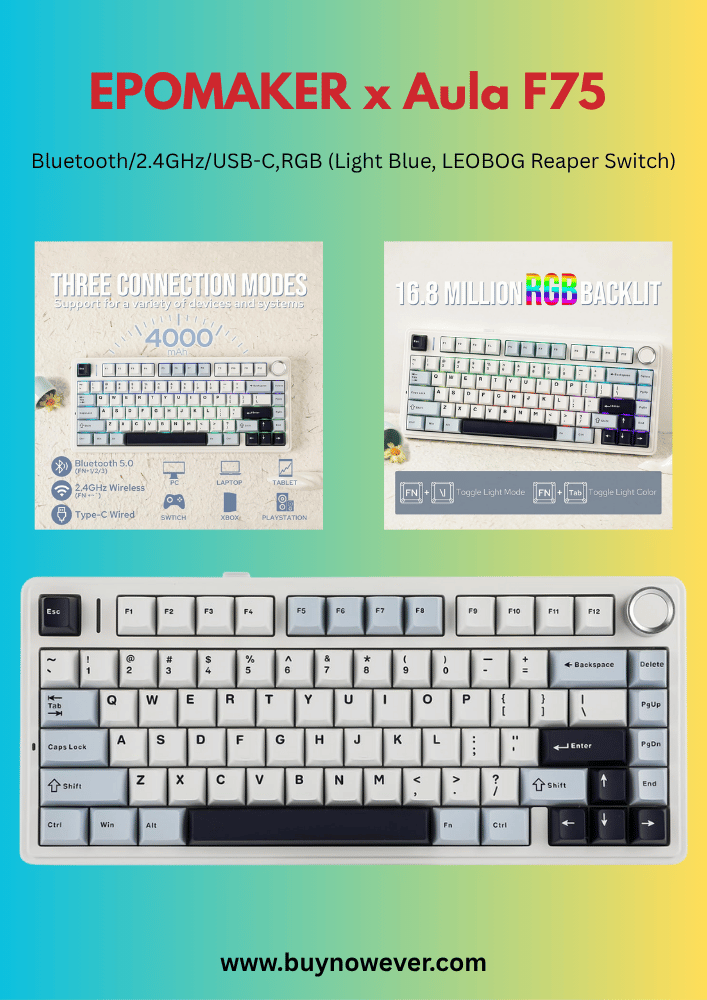
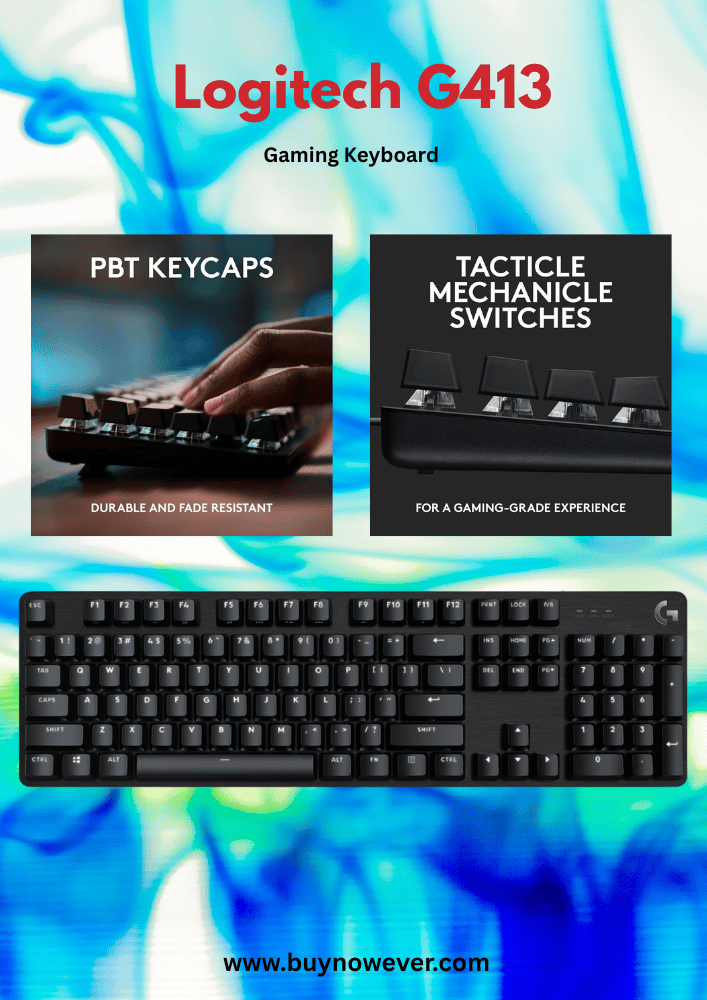
Choosing the fastest gaming keyboard can greatly enhance your gameplay. The speed depends on the keyboard’s design, switch type, and response time. Several popular models are known for their quick reaction and comfort. These keyboards come in different styles, such as mechanical, optical switch, and low-profile. Each type offers unique benefits for gamers who want fast and precise input. Below is a detailed look at popular fast gaming keyboard models in these categories.
Mechanical Keyboards
Mechanical keyboards use physical switches under each key. These switches provide tactile feedback and faster response times. They are very popular among gamers because of their durability and speed.
Some key points about mechanical keyboards:
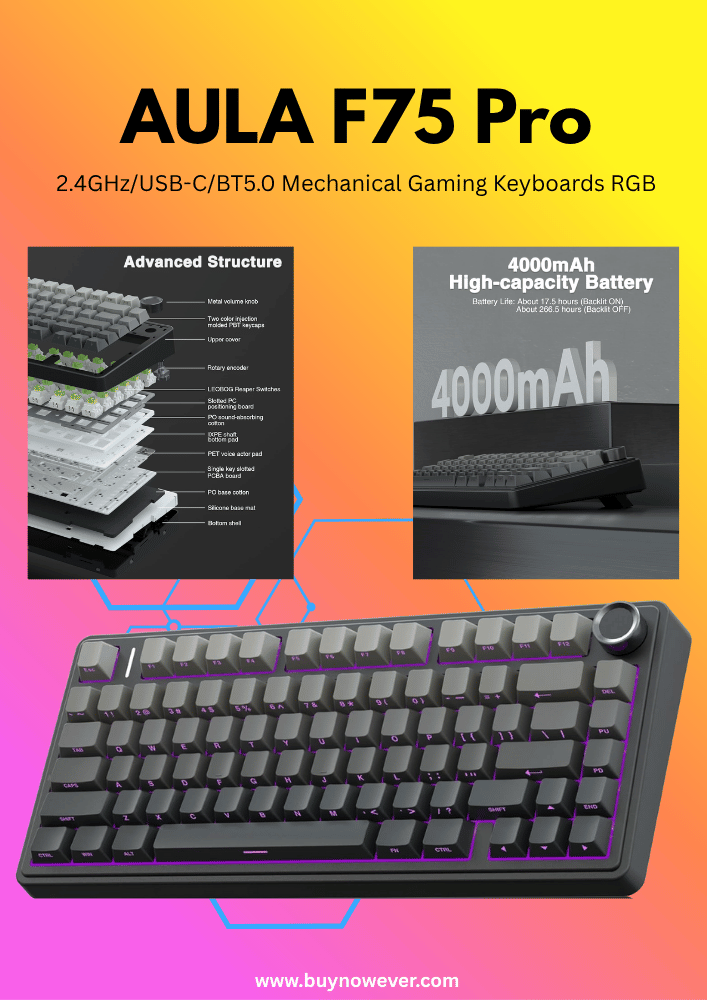
Switch Types: Cherry MX Red, Brown, and Blue are common. Red switches are favored for speed due to low actuation force.
Durability: Mechanical switches can last up to 50 million keystrokes.
Tactile Feedback: Helps gamers know when the key is pressed without “bottoming out.”
Model
Switch Type
Actuation Force
Response Time
Razer BlackWidow V3
Razer Green (Clicky)
50g
1 ms
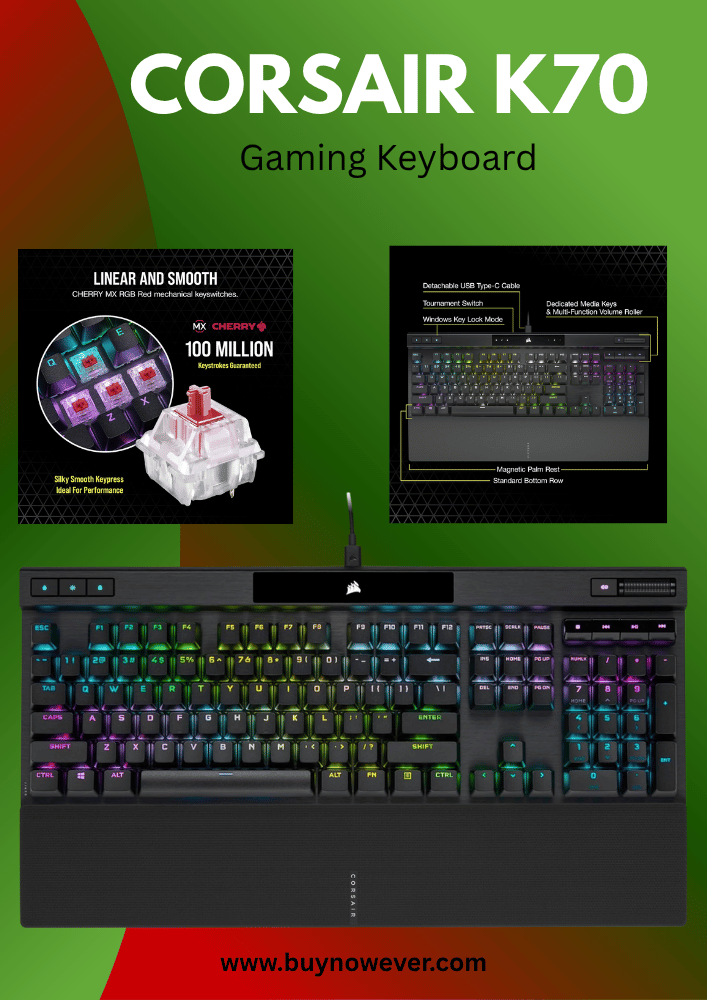
Corsair K70 RGB MK.2
Cherry MX Red
45g
1 ms
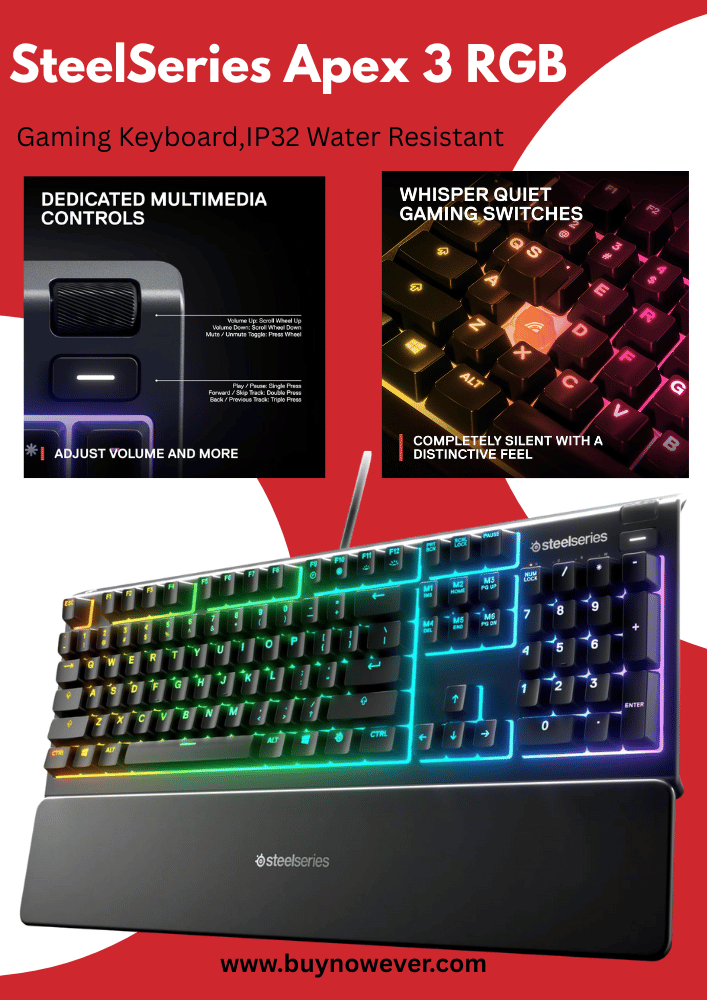
SteelSeries Apex Pro
OmniPoint Adjustable
Adjustable
0.7 ms
Mechanical keyboards offer solid performance. They suit gamers who want fast and precise key presses with strong feedback.
Optical Switch Keyboards
Optical switch keyboards use light-based actuation. When a key is pressed, it breaks a light beam to register the input. This method reduces delay and wear.
Benefits of optical switches:
Faster Response: Less debounce delay than mechanical switches.
Longer Lifespan: No physical contact means less wear and tear.
Consistent Performance: Keys stay accurate over time.
Popular optical switch models include:
Model
Switch Type
Actuation Force
Response Time
Razer Huntsman Elite
Razer Optical Purple
45g
0.2 ms
Cooler Master MK850
Aimpad Optical
Adjustable
~0.2 ms
Optical switch keyboards are excellent for fast-paced games. Their near-instant response helps gamers react quickly.
Low-profile Keyboards
Low-profile keyboards have shorter key travel and a thinner design. These keyboards reduce finger movement and speed up typing.
Features of low-profile keyboards:
Shorter Travel Distance: Keys register faster with less movement.
Compact Design: Saves desk space and improves ergonomics.
Lightweight: Easy to carry and good for mobile gaming setups.
Examples of popular low-profile gaming keyboards:
Model
Switch Type
Key Travel
Response Time
Logitech G915 TKL
GL Low Profile
1.5 mm
1 ms
Razer DeathStalker V2 Pro
Razer Low Profile Optical
1.0 mm
0.2 ms
Low-profile keyboards improve speed by minimizing finger travel. They suit gamers who want quick reactions and a slim keyboard design.
Impact Of Switch Technology
The impact of switch technology on the fastest gaming keyboards is significant. Switches determine how quickly a key registers a press and how it feels during use. Choosing the right switch affects gaming performance and comfort. Switch technology has evolved, offering different types that focus on speed, durability, and feedback. Gamers often debate between mechanical and optical switches, as each has unique advantages. Understanding these differences helps in selecting a keyboard that matches gaming style and needs.
Mechanical Vs Optical Switches
Mechanical switches are the traditional choice for gaming keyboards. They use physical components like springs and metal contacts to register key presses. Optical switches use light beams to detect key presses, removing physical contact points.
Mechanical Switches: Known for reliability and variety, they come in types like linear, tactile, and clicky.
Optical Switches: Offer faster response because light triggers the signal instantly.
Here is a simple comparison:
Feature
Mechanical Switches
Optical Switches
Key Registration
Physical contact required
Light beam triggers action
Response Speed
Fast but limited by contact debounce
Faster, almost no debounce delay
Durability
Up to 50 million keystrokes
Up to 100 million keystrokes
Feel
Varied (tactile, linear, clicky)
Usually smooth and linear
Optical switches reduce input lag and wear. Mechanical switches offer more options for feel and sound. The choice depends on what matters more: speed or experience.
Speed And Durability
Speed is crucial in gaming keyboards. Switches affect how fast a key press is registered. Optical switches generally win in speed due to no physical debounce delay. Mechanical switches have a slight delay because the metal contact must close fully.
Durability also matters for long gaming sessions. Optical switches last longer because they have fewer moving parts. Mechanical switches use springs and metal contacts that wear out over time.
Speed Factors:
Actuation point: How far the key travels before registering
Debounce time: Delay after key press to avoid double input
Signal transmission: Speed of sending the signal to the computer
Durability Factors:
Material quality of switch components
Type of switch technology used
Resistance to dust and wear
Consider this durability and speed table:
Switch Type
Typical Lifespan (keystrokes)
Average Actuation Time (ms)
Mechanical
50 million
1.5 – 2.0
Optical
100 million
1.0 – 1.2
Fast actuation and long lifespan help maintain performance. Optical switches provide the edge in speed and durability for many gamers.
Tactile Feedback
Tactile feedback helps gamers know when a key is pressed without looking. This feedback comes as a bump or click that you feel or hear. Mechanical switches offer various tactile experiences.
Tactile Mechanical Switches: Provide a noticeable bump on actuation. Examples include Cherry MX Brown.
Clicky Mechanical Switches: Add an audible click with the tactile bump. Examples include Cherry MX Blue.
Linear Mechanical Switches: Smooth and quiet with no bump. Examples include Cherry MX Red.
Optical switches mostly use linear designs. They feel smooth and quiet but lack the tactile bump some gamers prefer.
Tactile feedback affects typing accuracy and speed. It reduces errors by confirming key presses physically or audibly. Many gamers prefer tactile or clicky switches for better control.
Here is a quick summary of feedback types:
Switch Type
Tactile Feedback
Sound Level
Mechanical Tactile
Yes, bump felt
Moderate
Mechanical Clicky
Yes, bump + click sound
Loud
Mechanical Linear
No bump
Quiet
Optical Linear
No bump
Quiet
Choosing the right tactile feedback improves comfort and precision during gaming. It depends on personal preference and game type.
Customization And Software Support
The fastest gaming keyboards offer more than just quick response times. Customization and software support play a crucial role in enhancing gameplay. These features let gamers tailor their keyboard functions to match their style and needs. Software tools provide easy control over macros, lighting, and profiles. Such flexibility helps improve performance and comfort during long gaming sessions.
Macro Programming
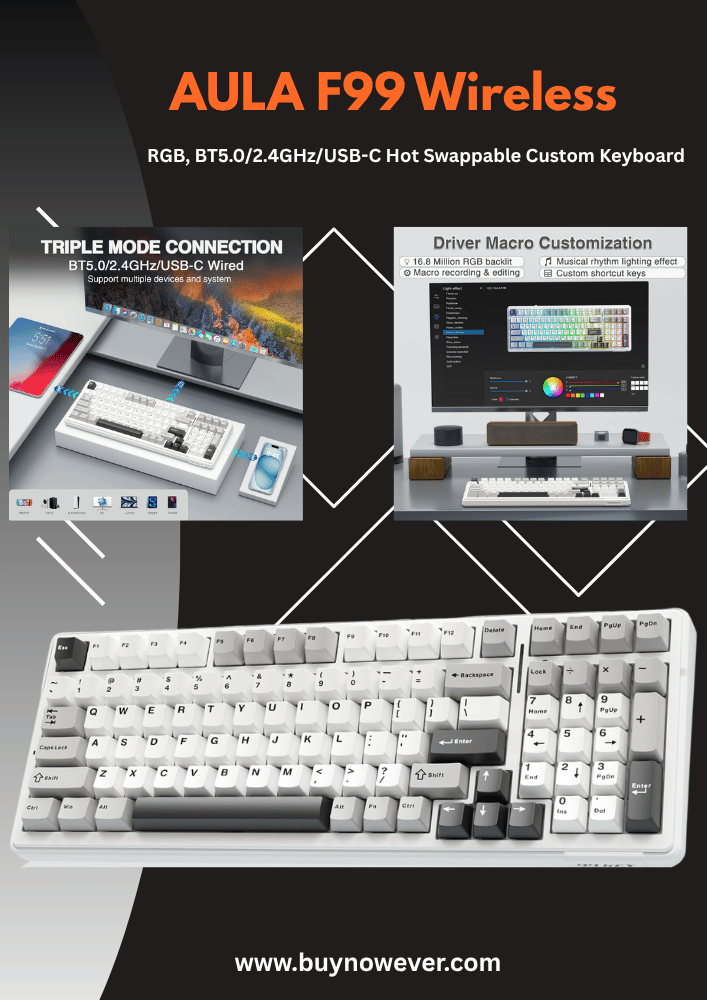
Macro programming allows gamers to assign complex key sequences to a single key. This saves time and effort during fast-paced games. The software for the fastest gaming keyboards usually has a simple interface for creating macros. Users can record key presses and mouse clicks, then edit timing and order.
Benefits of macro programming include:
Speed: Execute multiple commands with one keystroke.
Accuracy: Reduce human error in repetitive tasks.
Customization: Create unique macros for different games.
Here is a basic example of a macro for a shooter game:
// Macro: Quick reload and crouch
Press 'R' (reload)
Wait 200 ms
Press 'Ctrl' (crouch)
Many gaming keyboards support on-the-fly macro recording. This means macros can be created or edited during gameplay without exiting the game. Some keyboards also let you assign macros to mouse buttons or extra keys. This extra control is vital for competitive gaming.
RGB Lighting Effects
RGB lighting is a popular feature in the fastest gaming keyboards. It offers millions of colors and various effects to customize the keyboard’s look. Software support gives full control over these lighting options. Users can create patterns that react to game events or audio.
Common RGB lighting effects include:
Static: One color stays on all keys.
Breathing: Lights fade in and out smoothly.
Wave: Colors move across the keyboard in a wave.
Reactive: Keys light up when pressed.
Lighting customization helps in more ways than aesthetics:
Visual cues: Highlight important keys for faster access.
Focus: Reduce eye strain with softer light settings.
Immersion: Match lighting with game themes.
Many fastest gaming keyboards allow syncing lighting with other RGB devices. This creates a uniform look across your gaming setup. The software usually includes presets and an easy-to-use color wheel for custom colors.
Profiles And Settings
Profiles let gamers save different keyboard setups for various games or tasks. The fastest gaming keyboards come with software that supports multiple profiles. Each profile can store macros, lighting, and key assignments. Switching profiles is quick, often done with a single key.
Advantages of using profiles:
Convenience: Load settings instantly for each game.
Memory: Store profiles on the keyboard or cloud.
Sharing: Export and import profiles from other users.
Settings customization usually includes:
Setting
Description
Key Remapping
Change the function of any key.
Polling Rate
Adjust how often the keyboard reports to the PC.
Debounce Time
Control how long a key press is registered.
Many gaming keyboards allow cloud syncing. This means profiles and settings can be saved online. Gamers can access their setups from any PC. This feature is useful for those who play on multiple devices.
Choosing The Right Keyboard For You
Choosing the right keyboard is essential for fast and smooth gaming. The fastest gaming keyboard matches your style and needs. It helps you react quickly and play better. Picking the best keyboard means thinking about your game type, comfort, and budget. This guide helps you find a keyboard that fits you perfectly.
Gaming Genre Considerations
Different games need different keyboard features. Your gaming genre affects the type of keyboard that suits you best. For example, fast-paced shooters require quick key response and anti-ghosting. Strategy games might benefit from extra programmable keys for shortcuts.
Here is a quick look at what different genres need:
First-Person Shooters (FPS): Fast response time, N-key rollover, and low latency.
Massively Multiplayer Online (MMO): Many programmable keys and macro support.
Real-Time Strategy (RTS): Durable keys and easy access to multiple commands.
Casual Games: Basic keyboards with a comfortable typing feel.
Genre
Key Features Needed
Why It Matters
FPS
Low latency, anti-ghosting
Fast key presses improve reaction time
MMO
Macro keys, programmable buttons
Quick access to complex commands
RTS
Durability, multiple key inputs
Handles many commands without errors
Casual
Comfort, simple layout
Easy and relaxed gaming experience
Choosing a keyboard with features matching your game type will improve your play and comfort.
Ergonomics And Comfort
Comfort is key during long gaming sessions. A fast keyboard is useless if it causes hand pain or fatigue. Ergonomics means the keyboard fits your hands and reduces strain.
Look for these comfort features:
Wrist rest: Supports your wrists and reduces fatigue.
Adjustable tilt: Lets you set a comfortable angle.
Key shape and spacing: Prevents accidental key presses.
Switch type: Mechanical switches often feel better for long use.
Here is a simple checklist for ergonomic features:
Does the keyboard offer wrist support?
Can you adjust the tilt or height?
Are the keys easy to press and spaced well?
Is the keyboard size suitable for your desk?
Ergonomics reduces hand strain and helps you play longer with less discomfort. Test keyboards in person if possible. Comfort is personal. What works for one may not work for another.
Budget And Value
Fast gaming keyboards come at many price points. You don’t need the most expensive model for good speed and features. Set a budget that fits your needs and wallet.
Consider these points:
Essential features: Look for low latency and anti-ghosting first.
Extra features: RGB lighting and macro keys add value but increase price.
Build quality: Durable keyboards last longer and offer better value.
Warranty and support: Protect your investment with good customer service.
Price Range
Typical Features
Who It’s Best For
Under $50
Basic mechanical or membrane, no frills
Casual gamers or beginners
$50 – $100
Mechanical switches, some anti-ghosting, basic lighting
Most gamers want speed and durability
Over $100
High-end switches, full RGB, macro keys, premium build
Competitive gamers and enthusiasts
Match your budget to your needs. Avoid overspending on features you won’t use. A good keyboard balances speed, comfort, and price.
Frequently Asked Questions
What Makes A Gaming Keyboard The Fastest?
A fast gaming keyboard has quick key response and low input delay for smooth gameplay.
Which Switch Type Is Best For Fast Gaming Keyboards?
Mechanical switches like Cherry MX Speed offer fast, light, and reliable key presses.
How Does Polling Rate Affect Gaming Keyboard Speed?
Higher polling rates mean faster communication between keyboard and computer, reducing lag.
Can Wireless Keyboards Be As Fast As Wired Ones?
Some wireless keyboards match wired speed with low latency and a strong connection.
Does Keyboard Layout Impact Gaming Speed?
Compact layouts reduce hand movement, helping players react quicker in games.
Conclusion
Choosing the fastest gaming keyboard improves your gameplay speed. It helps you react quicker and play better. Mechanical switches usually give the fastest response time. Low delay and anti-ghosting features also matter a lot. Pick a keyboard that feels comfortable for long use.
Test different options if you can, to find your best fit. Fast keyboards make gaming smoother and more fun. Remember, the right keyboard suits your style and needs. Keep these points in mind to boost your gaming experience.