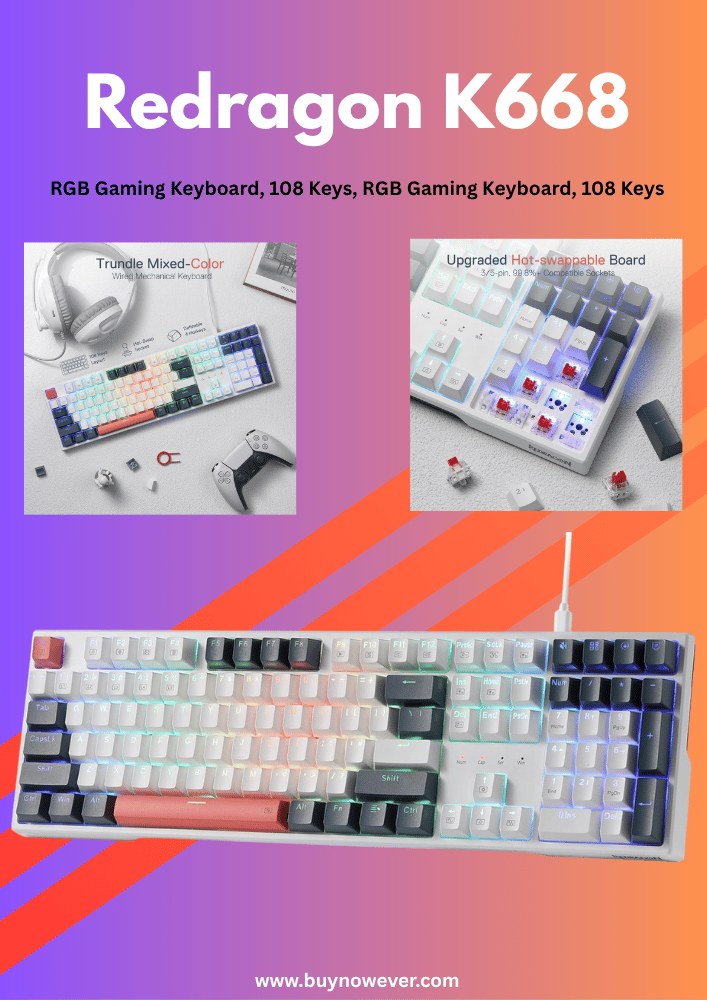
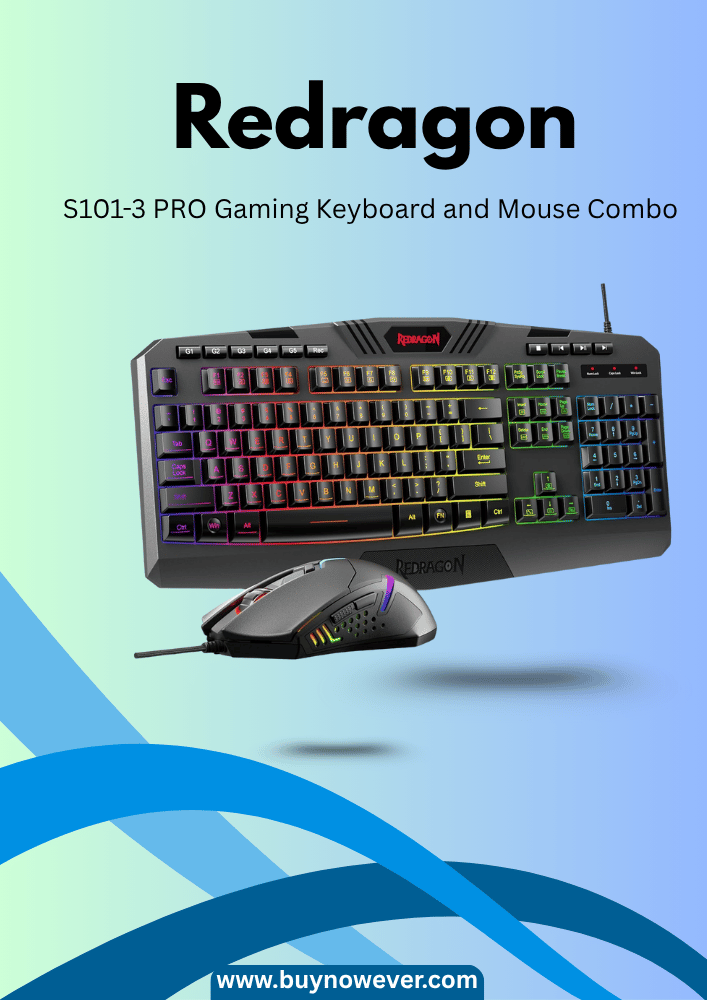
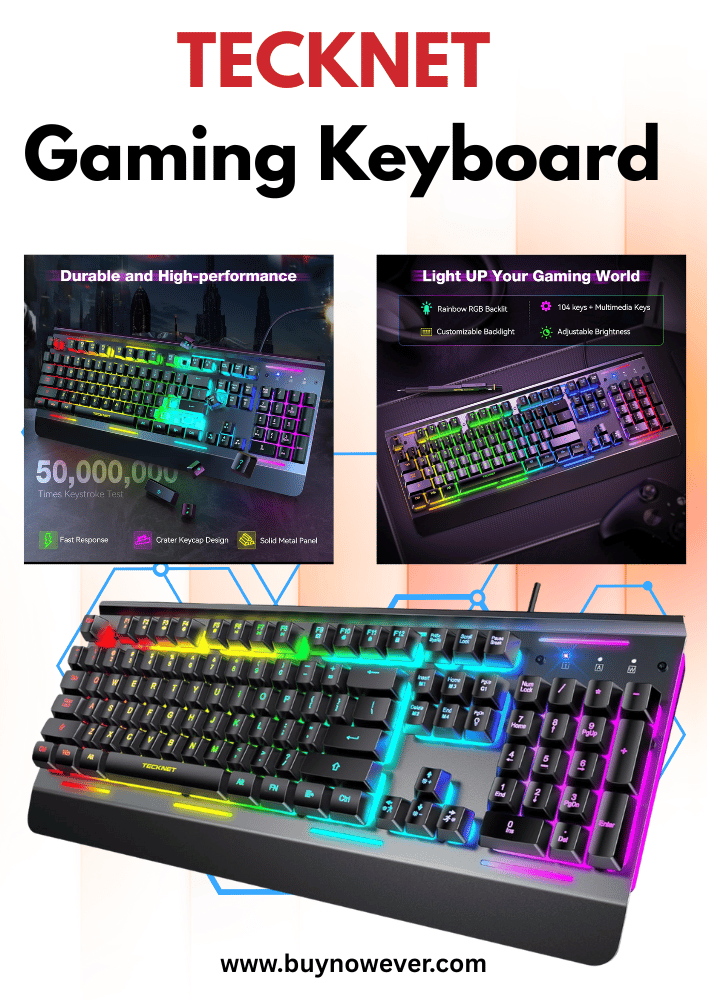
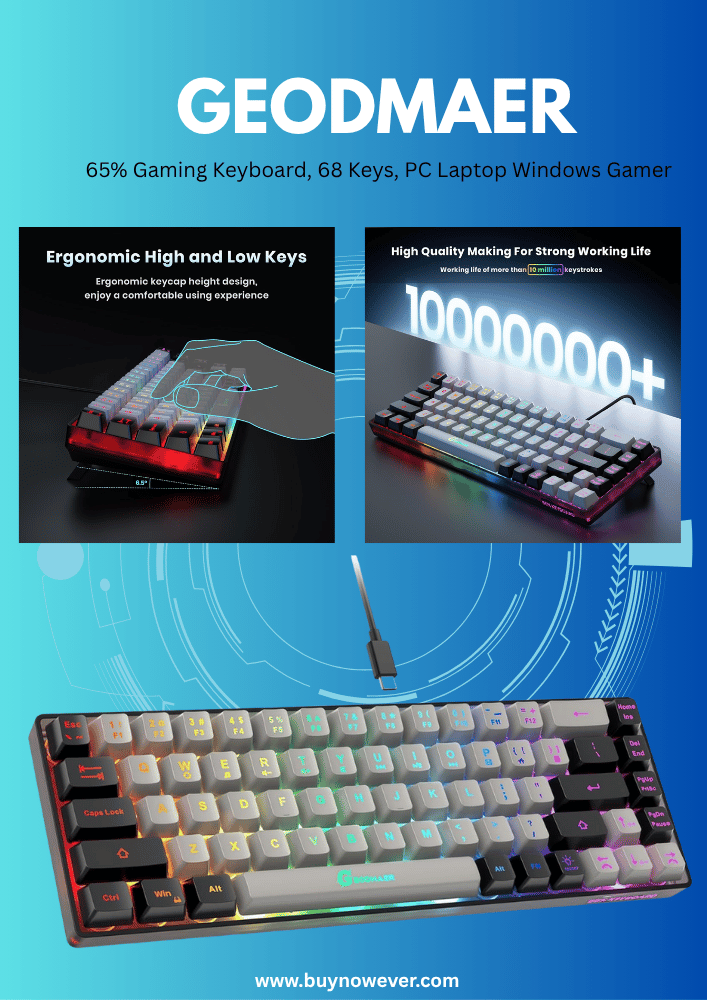
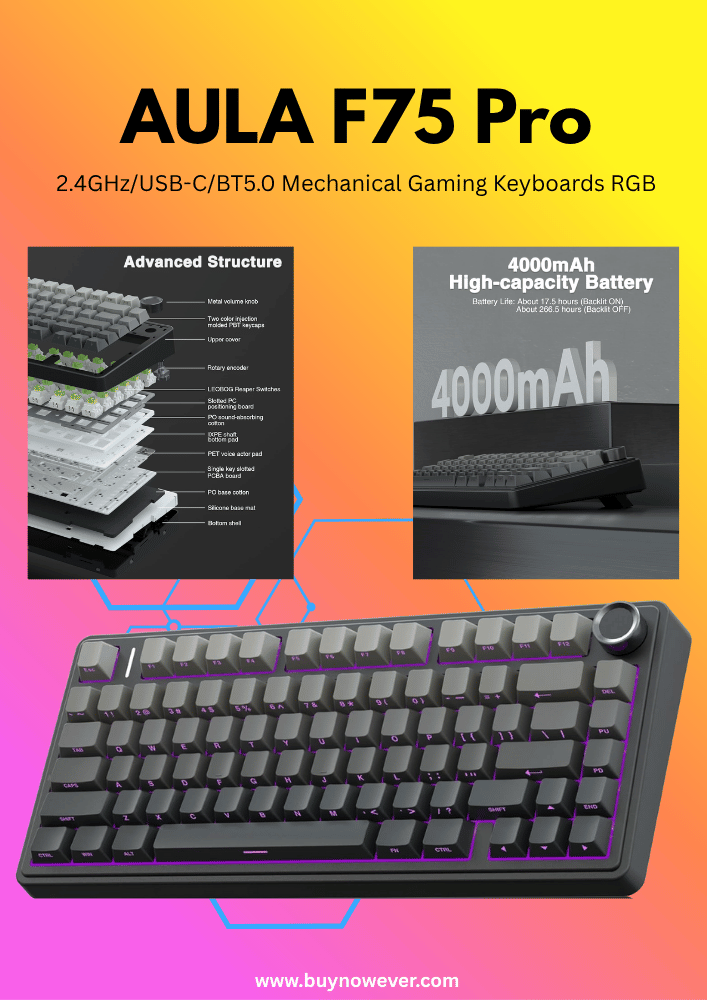
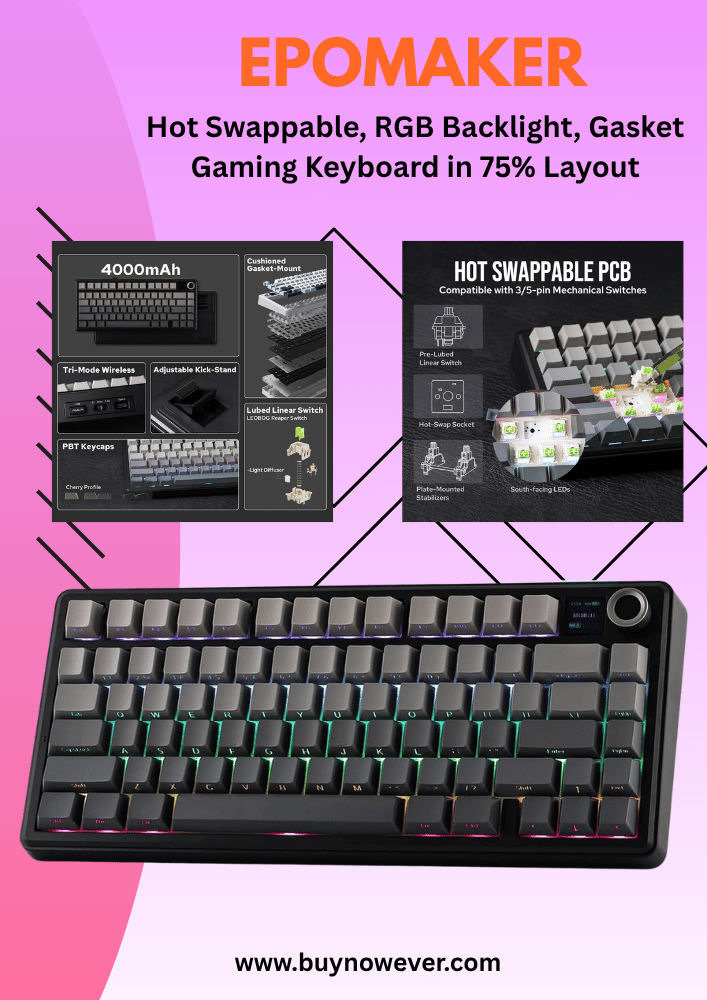
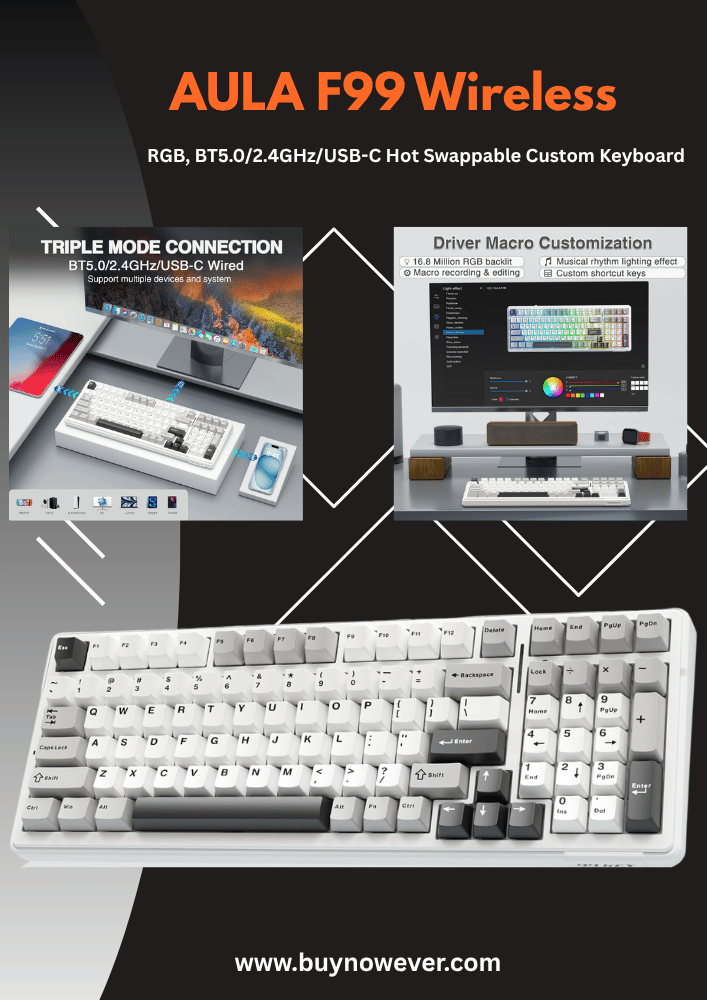
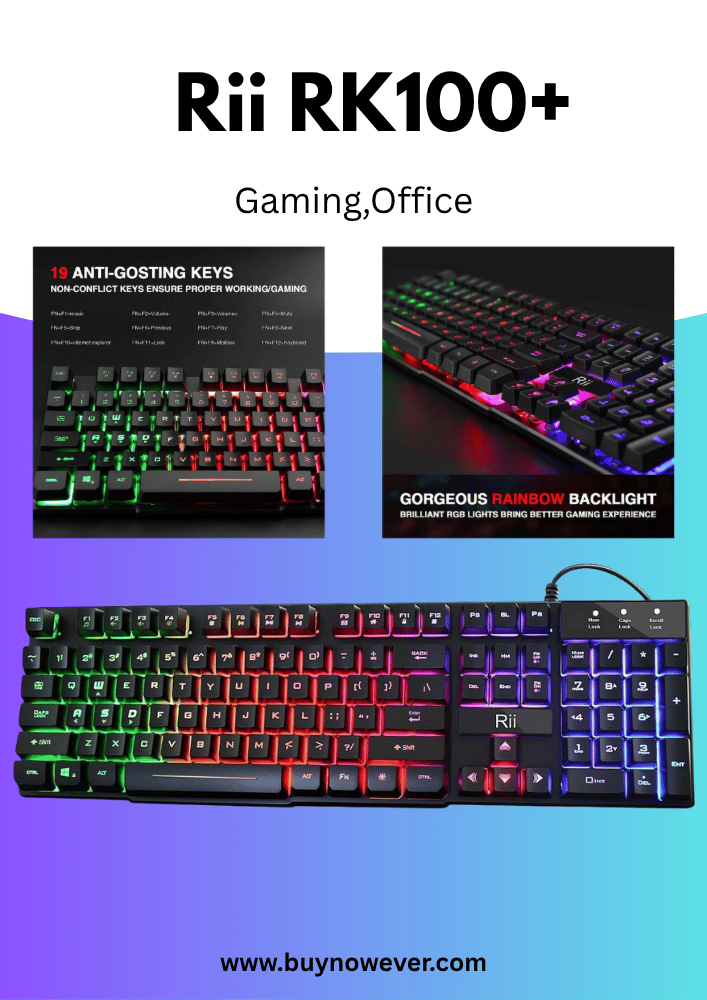
Are you serious about your gaming experience? The Top Reasons Gaming Keyboards Matter might surprise you more than you think.
A gaming keyboard isn’t just a fancy gadget—it’s built to give you an edge. Faster response times, precise controls, and durability can make all the difference between winning and losing. If you want to know how upgrading your keyboard can boost your gameplay and why it’s worth every penny, keep reading.
This could change the way you play forever.
Key Features Of Gaming Keyboards
Gaming keyboards stand out due to their special features designed to improve gameplay and comfort. These keyboards offer more than just typing ability. They provide better response times, durability, and customization options. Understanding the key features helps explain why many gamers prefer them over regular keyboards. These features include the type of switches used, lighting options, and the ability to program macros. Each feature plays a role in enhancing the gaming experience.
Mechanical Vs Membrane Switches
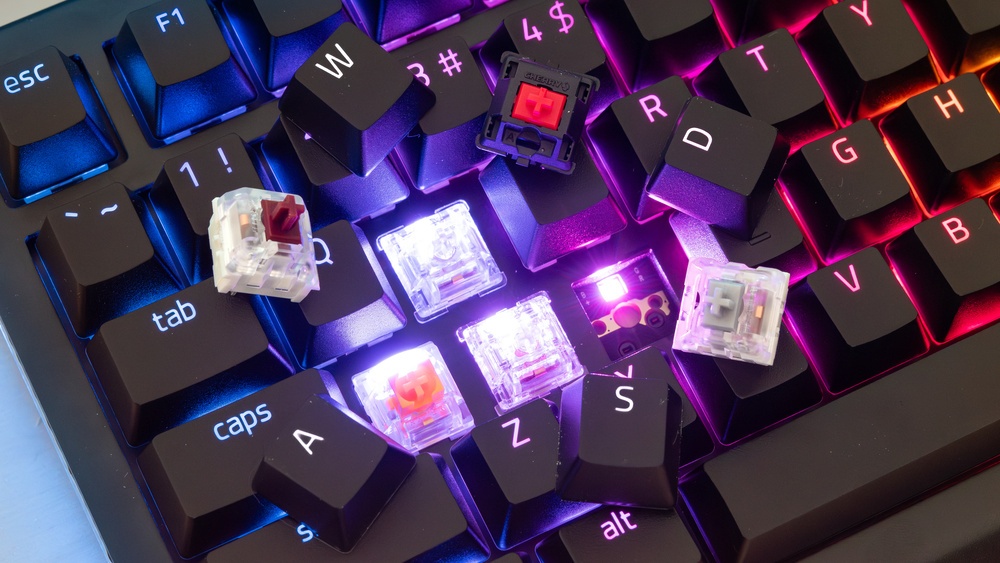
Mechanical and membrane switches are the two main types of keyboard switches. Mechanical switches use individual mechanical parts under each key. Membrane switches rely on a pressure pad system. Mechanical switches are often preferred for gaming because they offer:
Faster response times — Each keypress is registered almost instantly.
Better tactile feedback — You feel a physical “bump” when a key is pressed.
Greater durability — Mechanical switches can last for tens of millions of keystrokes.
Customizable options — Different switch types can suit different playstyles.
Membrane keyboards are usually quieter and cheaper but lack some gaming advantages. Here is a simple comparison table:
Feature
Mechanical Switches
Membrane Switches
Response Time
Fast
Slower
Tactile Feedback
Strong, noticeable
Soft, mushy
Durability
High (50M+ presses)
Low (5M-10M presses)
Noise Level
Louder
Quieter
Cost
Higher
Lower
For fast-paced games, mechanical switches provide a clear advantage. The quick and precise input helps players react better and faster.
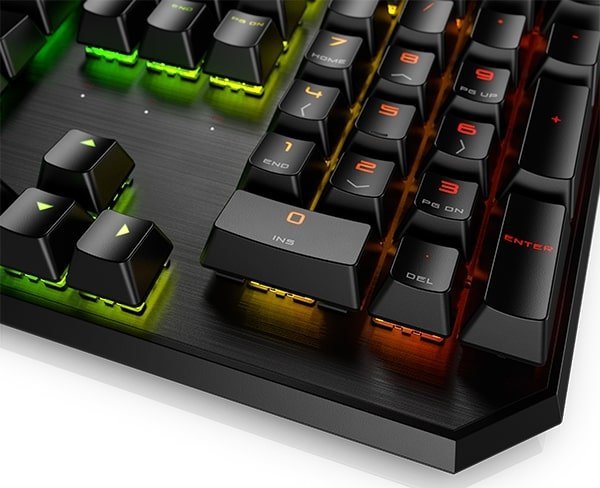
Customizable Rgb Lighting
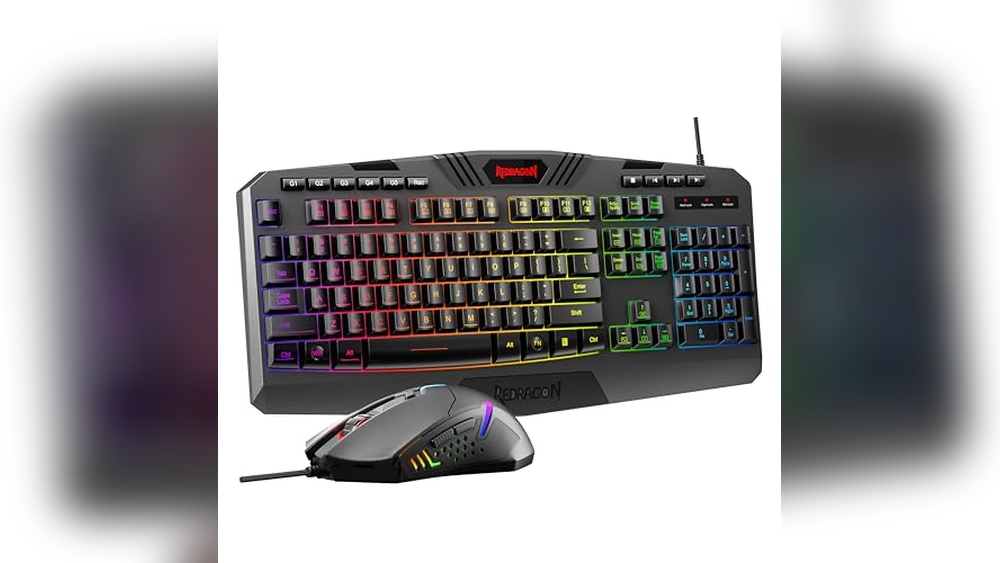
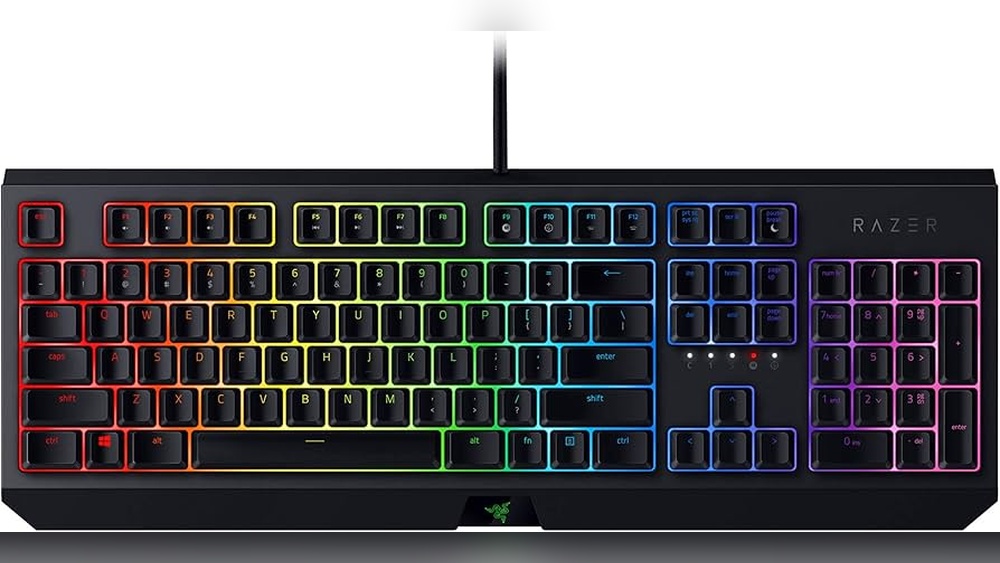
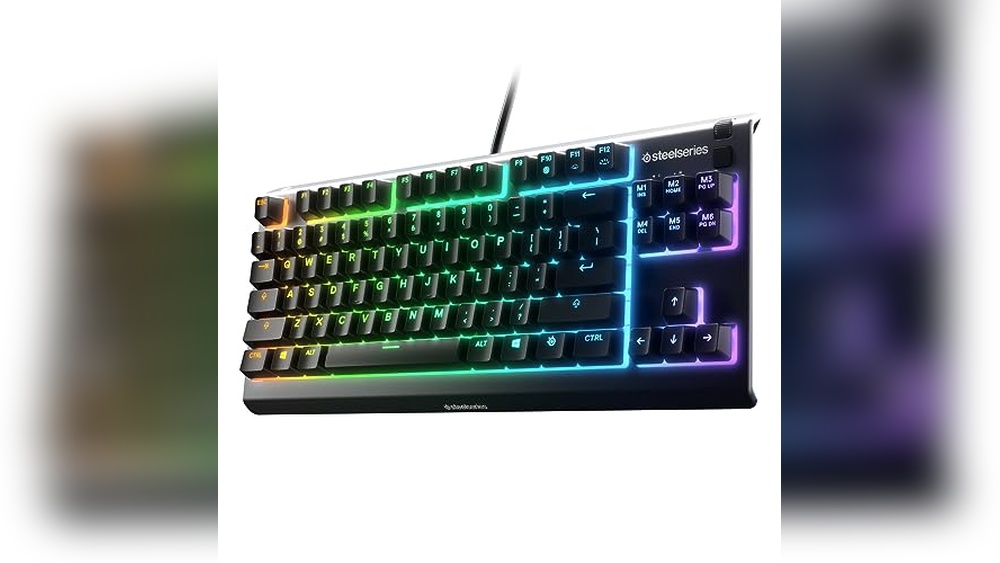
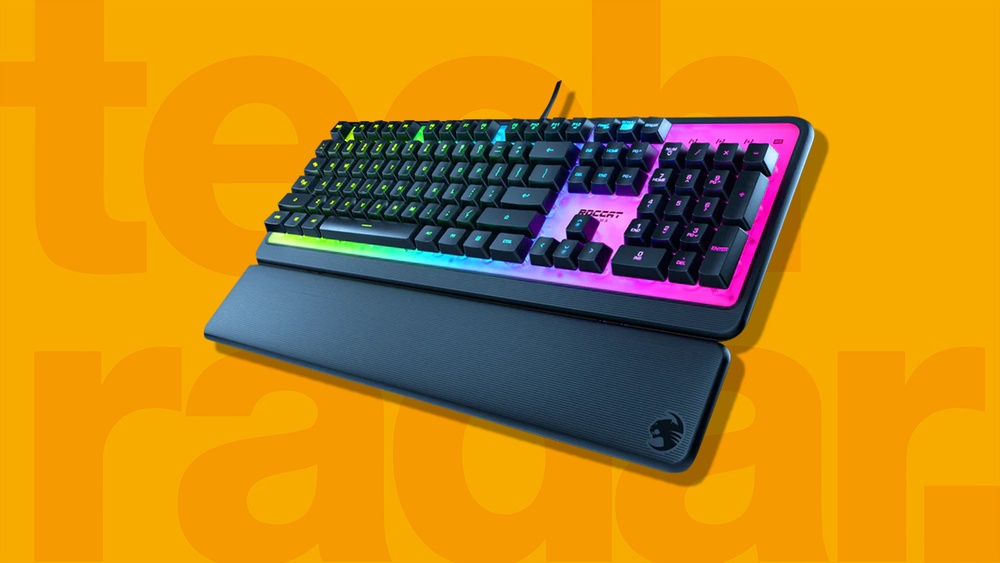
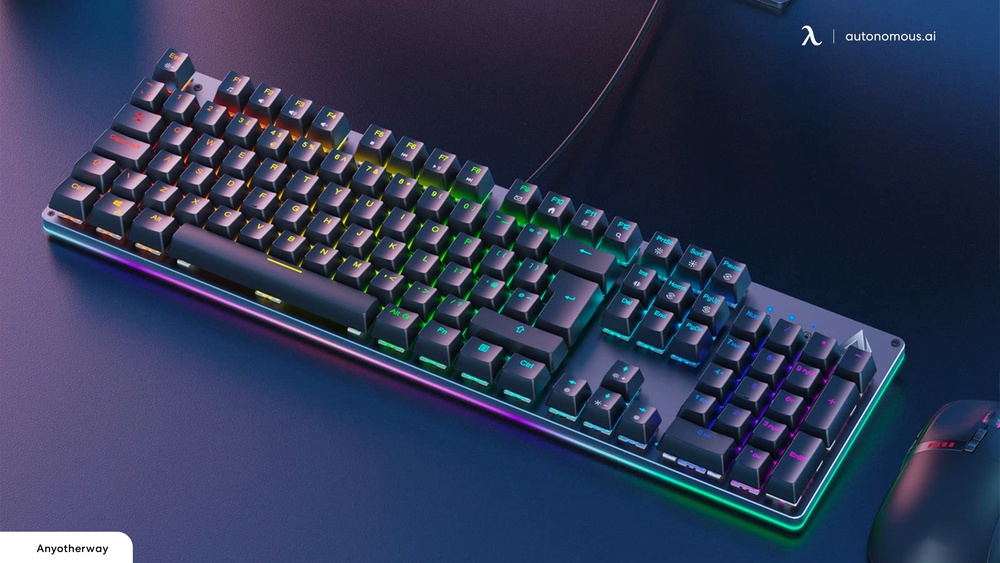
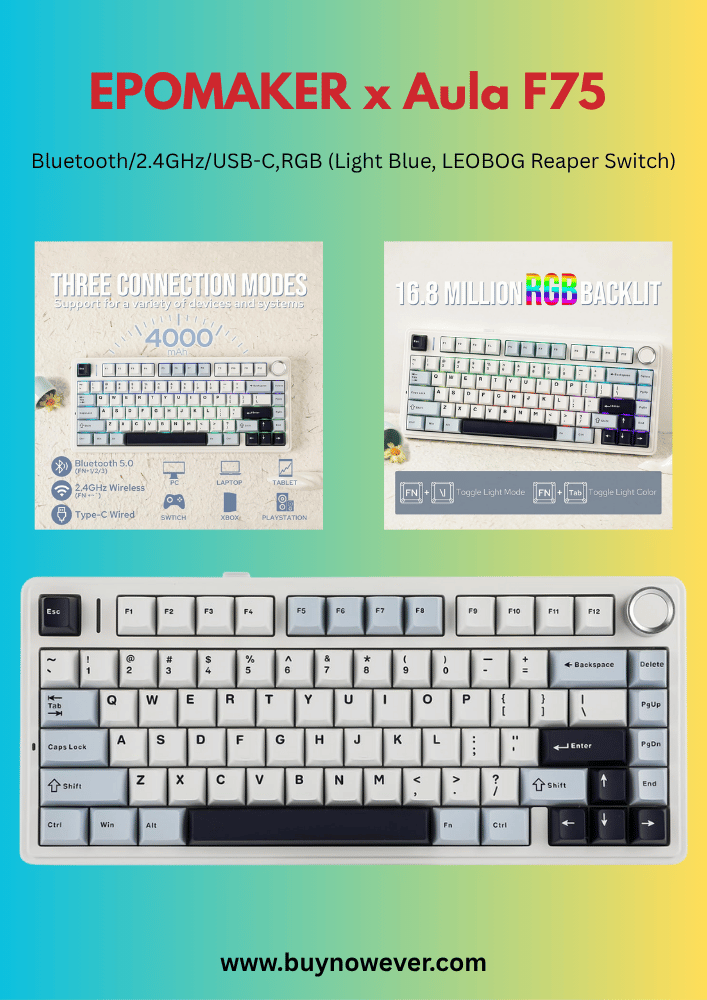
Customizable RGB lighting is a popular feature in gaming keyboards. It allows users to change the colors of the keyboard lights to match their style or mood. The lighting can also improve gameplay by highlighting important keys. Benefits include:
Visual appeal: Makes the keyboard look attractive and unique.
Improved key visibility: Easier to find keys in dark rooms.
Game-specific lighting: Lights can react to game events or show cooldown timers.
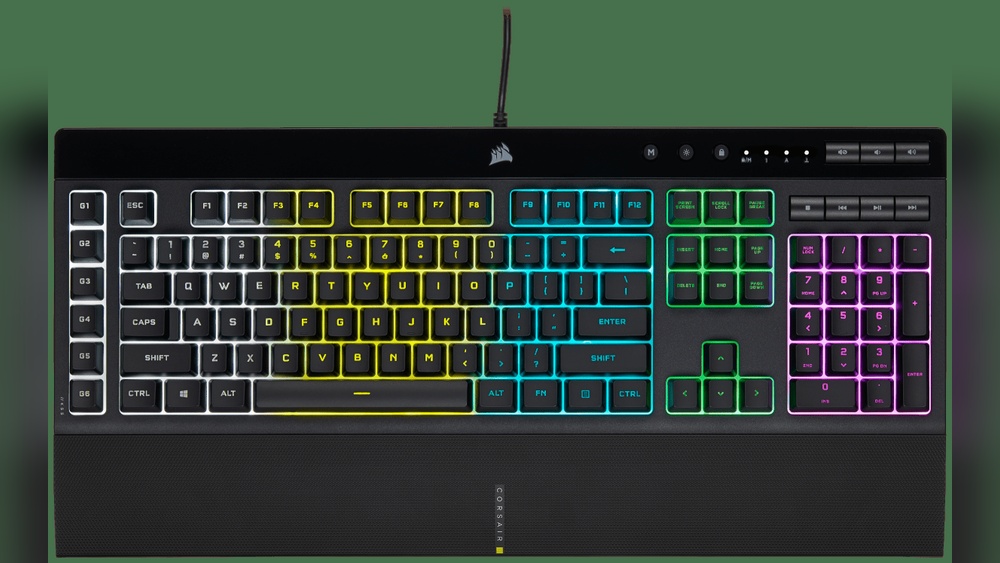
Most gaming keyboards offer software to customize the RGB lighting. Users can create patterns, set colors for individual keys, or sync lighting with other devices. Some keyboards feature:
Static lighting with a single color
Breathing effect that pulses the light
Wave effect that flows across the keyboard
Reactive mode that lights keys when pressed
These lighting effects add a fun and practical element to gaming setups. They help players stay focused and add personality to their gear.
Programmable Macros
Programmable macros let gamers assign multiple actions to a single key. This feature saves time and effort during gameplay. Instead of pressing many keys, players press one to perform complex moves. Advantages include:
Speed: Execute combos faster than manual key presses.
Accuracy: Reduce mistakes by automating sequences.
Customization: Create macros for different games or tasks.
Macros can include simple commands or long chains of actions. Gaming keyboards usually provide software to record, edit, and assign these macros. Common uses are:
Opening inventory or maps quickly
Performing attack combos in fighting games
Launching applications or tools outside of gaming
Having programmable macros increases efficiency and gives players an edge. It also makes repetitive tasks less tiring.
Performance Benefits
Gaming keyboards offer distinct performance benefits that regular keyboards cannot match. These advantages help players react faster, register multiple key presses accurately, and use a device built to last through intense gaming sessions. Each feature improves gameplay and provides a smoother, more reliable experience.
Faster Response Times
Gaming keyboards have faster response times compared to standard keyboards. This speed is crucial in games requiring quick reflexes and precise timing. A faster response means the keyboard sends your keypress signals to the computer almost instantly.
Here are key factors that improve response times:
Mechanical switches: These switches activate faster than membrane keys.
Polling rate: Gaming keyboards often have higher polling rates, sending data more frequently to the PC.
Lower debounce delay: The keyboard registers a keypress immediately without delay.
The table below compares the response times of different keyboard types:
Keyboard Type
Response Time (ms)
Polling Rate (Hz)
Standard Membrane
15-20
125
Basic Mechanical
5-10
250
Gaming Mechanical
1-5
1000
In fast-paced games, every millisecond counts. Gaming keyboards give players an edge by reducing input lag. This advantage can mean the difference between winning and losing.
Anti-ghosting And N-key Rollover
Anti-ghosting and N-key rollover are important features that improve keyboard accuracy during gameplay. Ghosting happens when extra keys register incorrectly because too many keys are pressed at once.
Gaming keyboards solve this with:
Anti-ghosting: Blocks false keypresses and ensures only intended keys register.
N-key rollover (NKRO): Allows multiple keys to be pressed and registered simultaneously without error.
These features are crucial for games requiring complex key combinations. Without them, players risk missing or receiving wrong commands during critical moments.
Here is a simple explanation of NKRO:
2-key rollover: Only two keys can be registered at once.
6-key rollover: Up to six keys can be pressed simultaneously.
N-key rollover: All keys can be pressed and registered at the same time.
Most gaming keyboards support full NKRO or at least 6-key rollover. This means every keypress counts, even in fast, complex sequences.
Durability And Longevity
Gaming keyboards are built to last longer than regular keyboards. They handle intense use without breaking or losing performance. Durability is important because gaming involves heavy and repeated keystrokes.
Key factors that improve durability include:
Mechanical switches: Rated for 50 million or more keypresses.
High-quality materials: Sturdy framesare often made of metal or reinforced plastic.
Replaceable keycaps: Easy to swap out worn or damaged keys.
Water resistance: Protection against spills and dust.
The table below shows typical lifespans for different keyboard types:
Keyboard Type
Estimated Lifespan (Keypresses)
Membrane
5-10 million
Basic Mechanical
20-50 million
Gaming Mechanical
50+ million
Gaming keyboards last longer under heavy use, saving money and hassle over time. Their durability supports long gaming sessions without loss of performance.
Ergonomic Advantages
Ergonomic advantages make gaming keyboards a smart choice for long hours of play. These keyboards focus on reducing strain and improving comfort. Gamers spend hours typing and clicking. Poor design can cause pain in hands, wrists, and fingers. Gaming keyboards help avoid this by using special features that support healthy hand positions and reduce fatigue. This leads to better focus and longer gaming sessions without discomfort.
Comfortable Key Design
Gaming keyboards come with keys designed for comfort and speed. The keys usually have a gentle curve or sculpted shape that fits the fingertips better. This reduces finger strain and makes pressing keys easier. The keys are also spaced perfectly to avoid accidental presses.
Key features include:
Tactile feedback: Keys provide a physical click or bump to confirm each press.
Low activation force: Keys require less pressure, which reduces finger fatigue.
Key travel distance: Optimized for fast response and comfort.
These features work together to offer a smooth and comfortable typing experience. Some keyboards even have mechanical switches that last longer and feel better than regular rubber dome keys. Mechanical keys help maintain finger comfort during intense gaming or typing.
Feature
Benefit
Curved Keycaps
Fits fingers comfortably, reduces fatigue
Mechanical Switches
Precise feedback lasts longer
Low Activation Force
Less finger strain, faster typing
Wrist Rests And Adjustability
Gaming keyboards often include wrist rests to support the wrists during long use. These rests keep wrists in a neutral position. This reduces strain on tendons and muscles. A wrist at the wrong angle can cause pain and even injury over time.
Adjustability is another key ergonomic advantage. Gaming keyboards allow users to adjust height, tilt, and angle. This customization helps users find the most natural hand position. It can prevent stiffness and soreness.
Detachable wrist rests: Can be added or removed based on user preference.
Adjustable feet: Change the keyboard angle for better wrist alignment.
Split designs: Some keyboards split keys into two halves to reduce wrist twisting.
These features work together to improve comfort, reduce injury risk, and enhance gaming performance. Proper wrist support allows for longer play without pain.
Aesthetic And Customization Options
Gaming keyboards stand out for their unique aesthetic and customization options. These features let users create a keyboard that matches their style and preferences. Unlike regular keyboards, gaming models offer many ways to change their look and feel. This helps gamers feel more connected to their setup and can improve their overall experience.
Personalized Keycaps
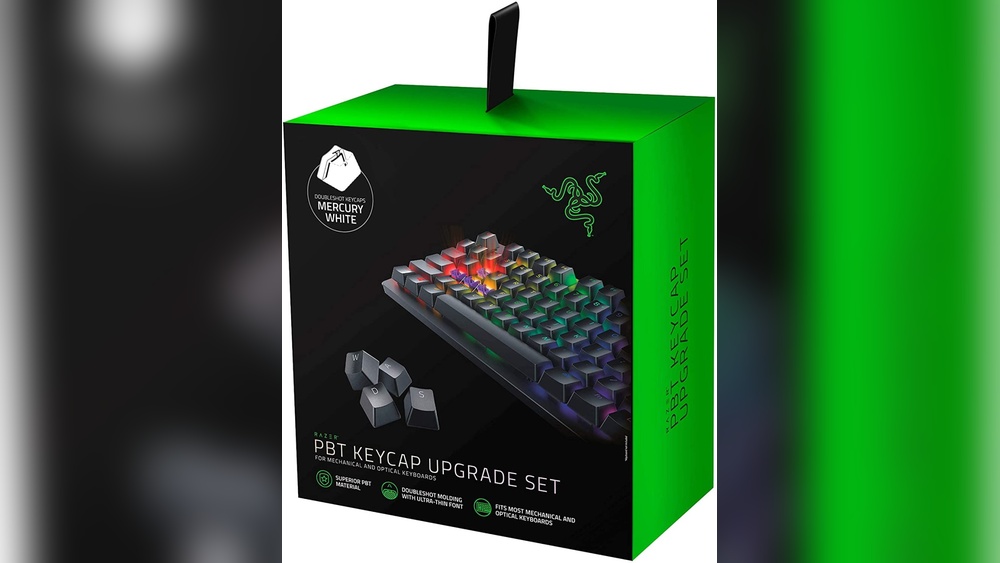
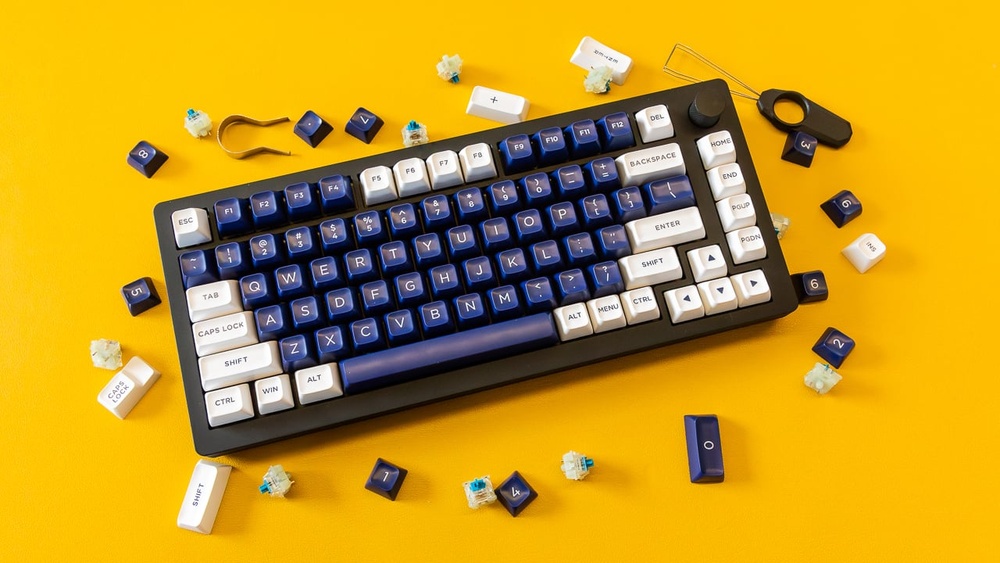
One of the most popular ways to customize a gaming keyboard is by changing the keycaps. Personalized keycaps allow users to swap out the original keys with different colors, shapes, and materials. This makes the keyboard not only look unique but also feel different to type on.
Some common options for personalized keycaps include:
Colors: Bright or pastel colors, single or multi-colored sets.
Materials: PBT (durable and textured), ABS (smooth and shiny), or silicone.
Designs: Custom prints, themed sets, or artisan keycaps shaped like characters or objects.
Here is a simple comparison of popular keycap materials:
Material
Durability
Texture
Price
PBT
High
Textured
Medium
ABS
Low
Smooth
Low
Silicone
Medium
Soft
High
Personalized keycaps also help gamers find the keys they use most by feeling or looking different. This can speed up reaction times during play. Many gamers enjoy collecting artisan keycaps as a hobby, making their keyboard a personal art piece.
Lighting Effects And Profiles
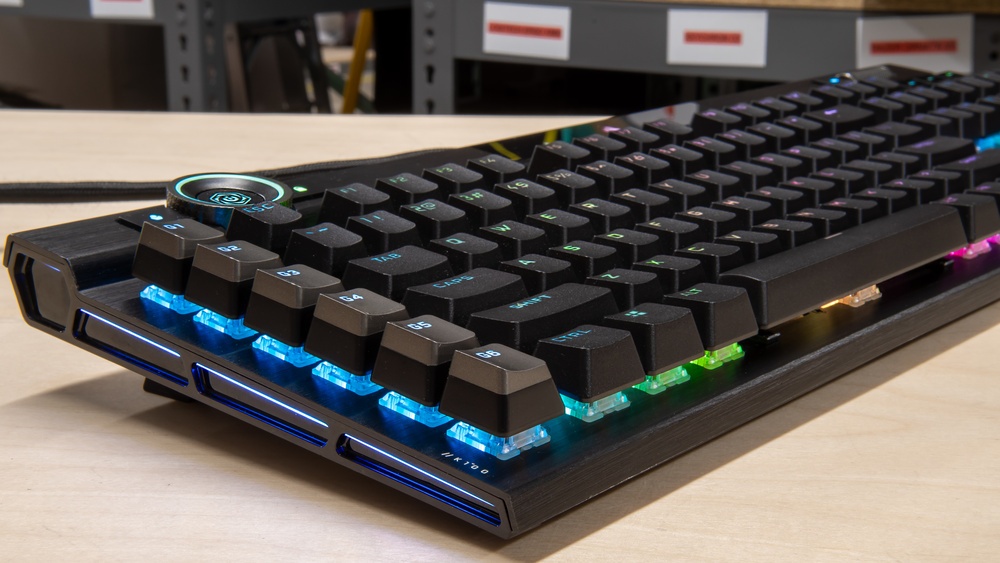
Lighting is another major feature that makes gaming keyboards better. Lighting effects add style and help users see the keys in dark rooms. Gaming keyboards offer many lighting options, from simple single-color backlights to complex RGB setups.
Common lighting effects include:
Static: One solid color on all keys.
Breathing: Light slowly fades in and out.
Wave: Colors flow across the keyboard.
Reactive: Keys light up when pressed.
Custom zones: Different colors on separate keyboard areas.
Gaming keyboards often have lighting profiles that users can save and switch between. Profiles let users:
Customize lighting for specific games or tasks.
Assign colors to important keys.
Adjust brightness and speed of effects.
Sync lighting with other devices.
This flexibility improves both appearance and function. Lighting helps gamers find keys faster and adds a cool look to the setup. Many keyboards come with software to easily change and save these settings.
Lighting Feature
Benefit
RGB Lighting
Full color control for personal style.
Reactive Lighting
Visual feedback for key presses.
Profiles
Quick switching between custom setups.
Sync with Devices
Unified lighting across peripherals.
Comparing Gaming Keyboards To Standard Keyboards
Choosing the right keyboard can change your typing and gaming experience. Gaming keyboards and standard keyboards look similar but serve different purposes. Gaming keyboards offer features designed for better performance and comfort during long sessions. Standard keyboards are simpler and often cheaper. Comparing these two helps understand why gaming keyboards are often preferred by gamers and some professionals. This section explores the differences and benefits of each type.
Price Vs Value
Gaming keyboards usually cost more than standard keyboards. Prices vary based on features like mechanical switches, backlighting, and extra keys. Although they seem expensive, gaming keyboards provide more value for many users.
Durability: Gaming keyboards use stronger materials and mechanical switches that last longer.
Performance: Faster response times and anti-ghosting features improve gaming and typing accuracy.
Customization: Programmable keys and RGB lighting add personalization and convenience.
Standard keyboards are often cheaper but may lack these benefits. They suit basic tasks but might wear out faster with heavy use.
Feature
Gaming Keyboard
Standard Keyboard
Price Range
$50 – $200+
$10 – $50
Switch Type
Mechanical, high durability
Membrane, less durable
Special Features
Anti-ghosting, macros, RGB lighting
Basic layout, no customization
Lifespan
50 million+ keystrokes
5-10 million keystrokes
Gaming keyboards give better value for users needing speed, durability, and customization. Standard keyboards work well for simple tasks but lack advanced features.
Suitability For Different Uses
Different users need different keyboard features. Gaming keyboards excel in fast, precise input. They help in games requiring quick reactions and multiple key presses.
Gaming: Mechanical switches provide fast, tactile feedback. Anti-ghosting allows many keys to be used at once.
Typing: Some gamers and writers prefer mechanical switches for comfort and accuracy.
Office Work: Standard keyboards work fine for basic typing and daily computer use.
Gaming keyboards can be noisy, which might distract in quiet offices. They also need more desk space due to extra features.
Use Case
Gaming Keyboard
Standard Keyboard
Fast Gaming
Ideal – fast response and macros
Not suitable – slower response
Casual Typing
Good – comfortable but noisy
Good – quiet and simple
Professional Work
Depends – if macros help tasks
Best – quiet and straightforward
Choosing depends on the main use. Gaming keyboards offer more control and speed, while standard keyboards provide simplicity and quiet operation.
Popular Gaming Keyboard Brands
Gaming keyboards stand out from regular keyboards because they offer better speed, accuracy, and durability. Popular gaming keyboard brands focus on features that improve your gaming experience. These brands design keyboards that respond quickly and last longer, helping players perform at their best. They also add cool extras like customizable lights and programmable keys.
Top Models And Features
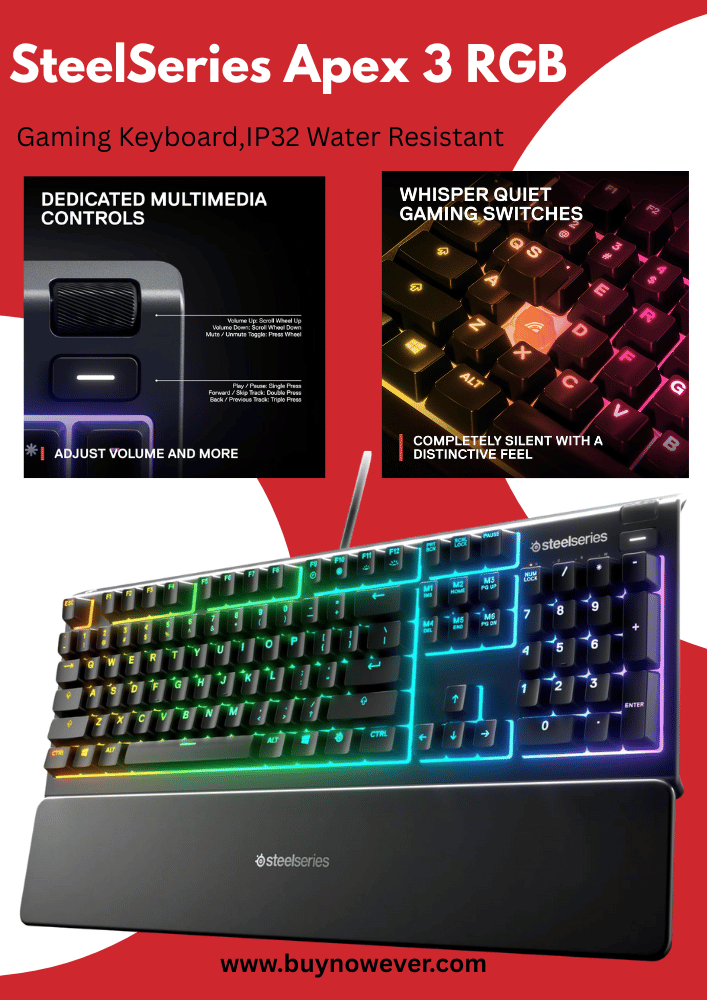
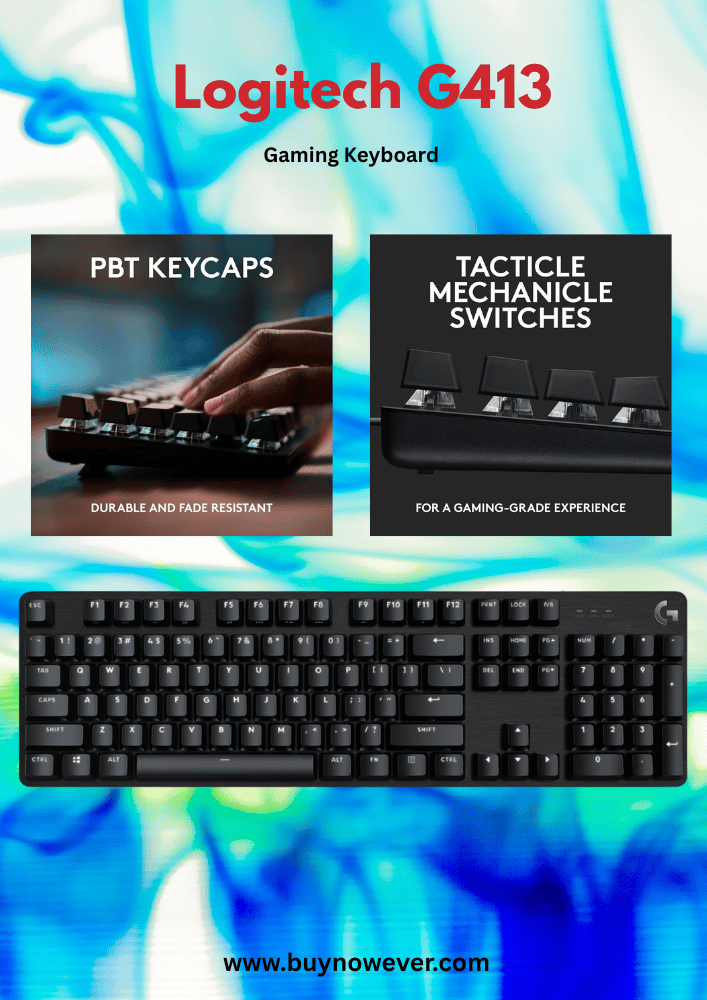
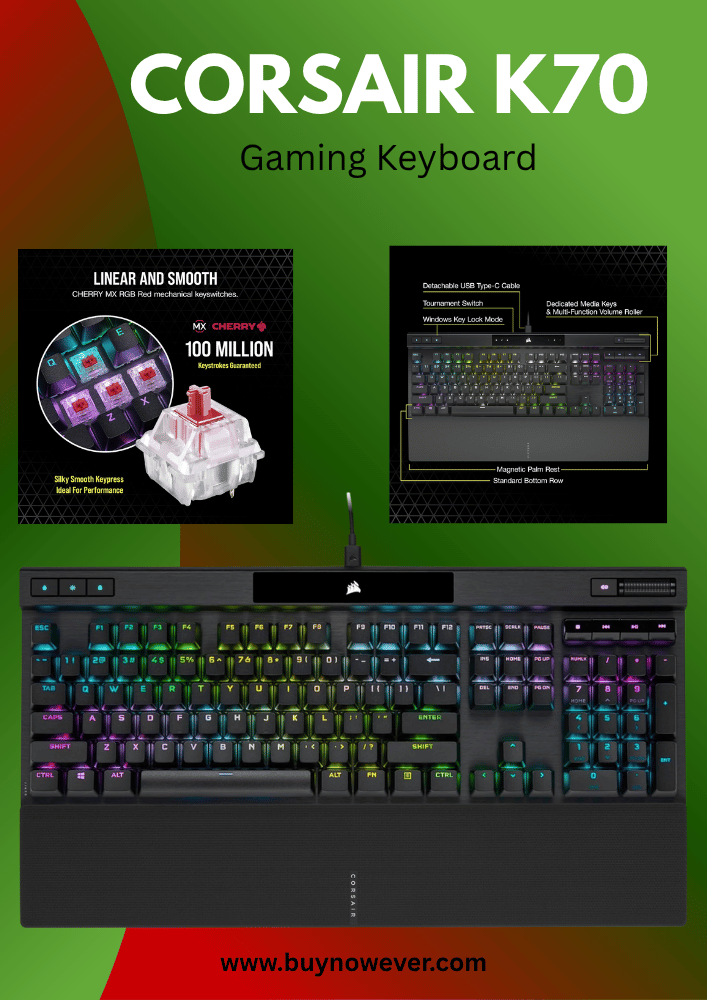
Some popular gaming keyboard brands include Razer, Logitech, Corsair, and SteelSeries. Each brand offers top models with unique features that suit different gaming styles.
Brand
Top Model
Main Features
Price Range
Razer
BlackWidow V4
Mechanical switches for fast response
RGB lighting with customizable effects
Durable build with a metal top plate
Programmable macro keys
$120 – $180
Logitech
G Pro X
Hot-swappable switches
Compact design for better desk space
RGB lighting with game integration
Detachable cable
$130 – $170
Corsair
K95 RGB Platinum
Cherry MX mechanical switches
Dedicated macro keys
RGB backlighting with profiles
Aircraft-grade aluminum frame
$150 – $210
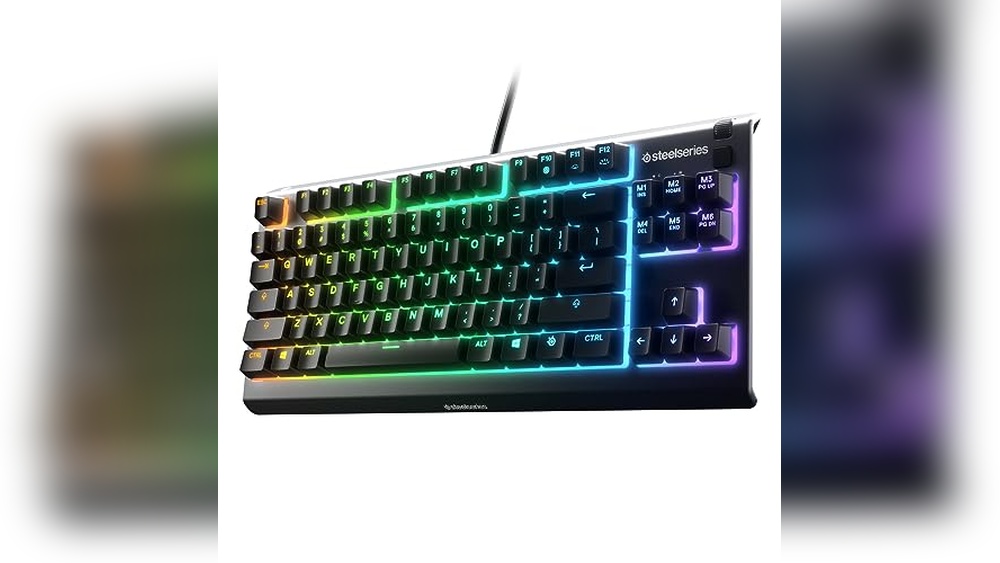
SteelSeries
Apex Pro
Adjustable mechanical switches
OLED smart display
RGB lighting with presets
Durable aluminum frame
$170 – $200
These brands focus on keys that feel good and last long. Mechanical switches provide quick and accurate keystrokes. Customizable lighting helps players set the mood or highlight important keys. Macro keys can be programmed to perform complex commands with one press.
Choosing a keyboard from these brands means getting quality and features that improve gameplay. Their keyboards also come with software to customize settings easily. This makes them ideal for serious gamers who want control and comfort.
Frequently Asked Questions
What Makes Gaming Keyboards Better Than Regular Keyboards?
Gaming keyboards have faster response times and better key durability for intense play.
Do Gaming Keyboards Improve Gaming Accuracy?
Yes, their mechanical keys and anti-ghosting features help press multiple keys accurately.
Why Do Gamers Prefer Mechanical Keyboards?
Mechanical keyboards offer tactile feedback and a longer lifespan, improving control and comfort.
How Does Rgb Lighting Help In Gaming Keyboards?
RGB lighting allows easy key identification in the dark and creates a personalized look.
Are Gaming Keyboards Good For Everyday Use?
Yes, they provide comfort and quick typing, which benefits daily computer tasks too.
Conclusion
Gaming keyboards offer better speed and accuracy for players. Their special keys respond faster than regular keyboards. They also last longer, even after many hours of use. Custom lighting helps find keys in dark rooms. Many allow easy key programming for quick moves.
These features help players enjoy games more fully. Choosing a gaming keyboard can improve your play. It fits well with intense and fun gaming sessions. A good keyboard supports both comfort and control. Consider these benefits when picking your next keyboard.