Best Gaming Keyboards Brands: Pro Gamers Top Choices 2026
Are you looking to level up your gaming setup? Choosing from the Best Gaming Keyboards Brands can significantly improve your performance and keep you comfortable during long gaming sessions.
Choosing the right gaming keyboard brand can make all the difference between victory and frustration. You’ll discover the best gaming keyboard brands trusted by gamers worldwide. By the end, you’ll know exactly which brand suits your style and needs, helping you play smarter and faster.
Keep reading to find the perfect keyboard that matches your gaming passion.
Top gaming keyboard brands set the standard for performance, durability, and style. Choosing a reliable brand ensures a better gaming experience. The best brands focus on comfort, fast response, and custom features. Gamers trust these brands for quality keyboards that last.
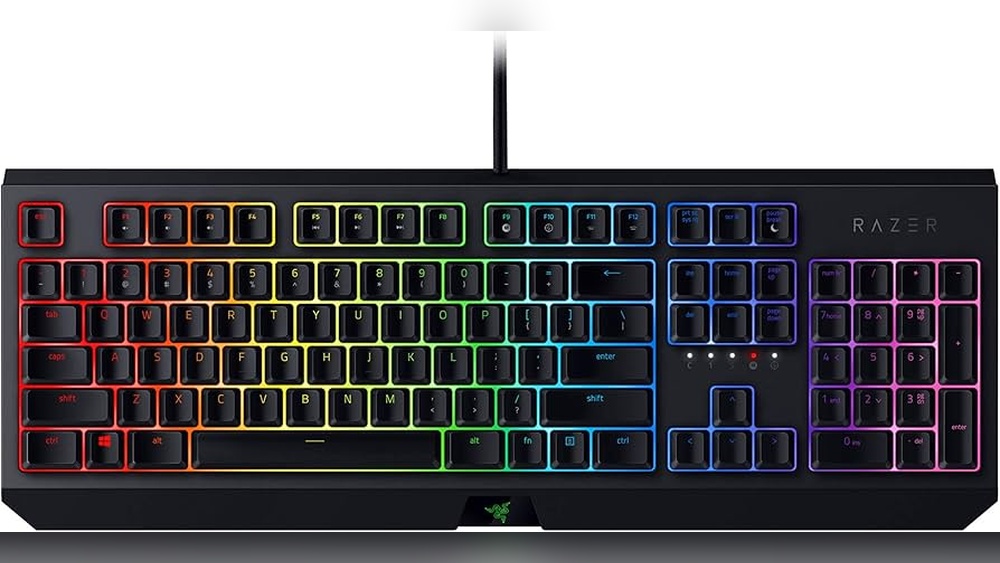
Razer
Razer is famous for its high-quality gaming keyboards. It offers fast mechanical switches and vibrant RGB lighting. The keyboards have programmable keys and a strong build quality. Razer’s BlackWidow series is popular among gamers for responsiveness and durability.
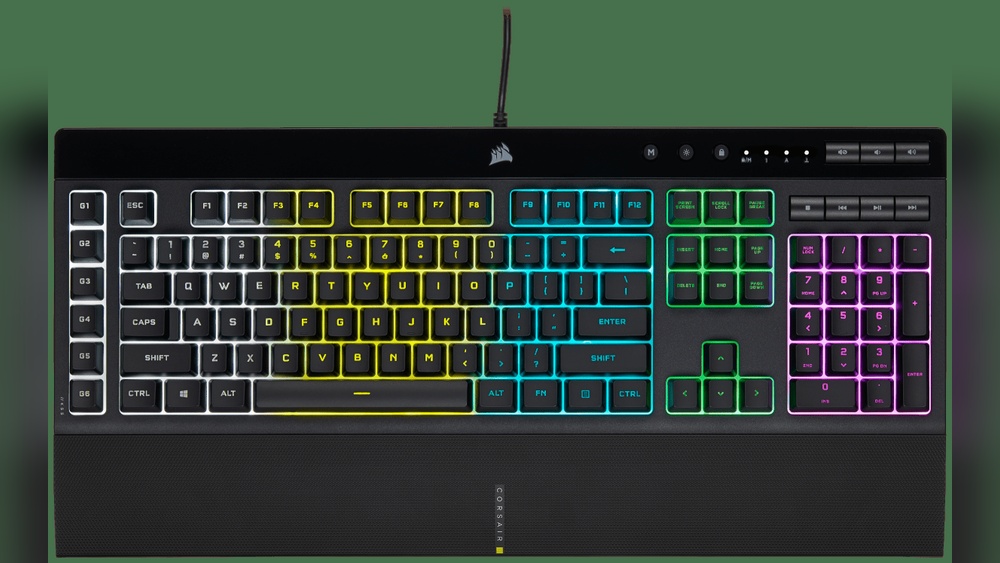
Corsair
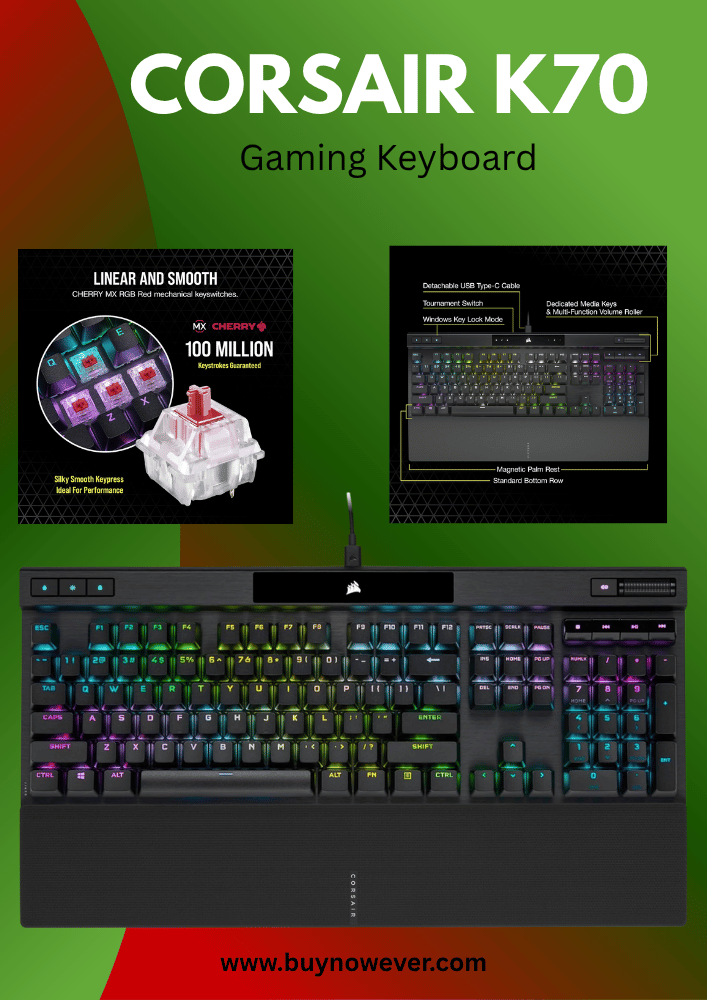
Corsair keyboards combine style and functionality. They use Cherry MX switches known for precision and reliability. Many models include customizable lighting and dedicated macro keys. Corsair’s K95 and K70 keyboards are great for gamers seeking comfort and speed.
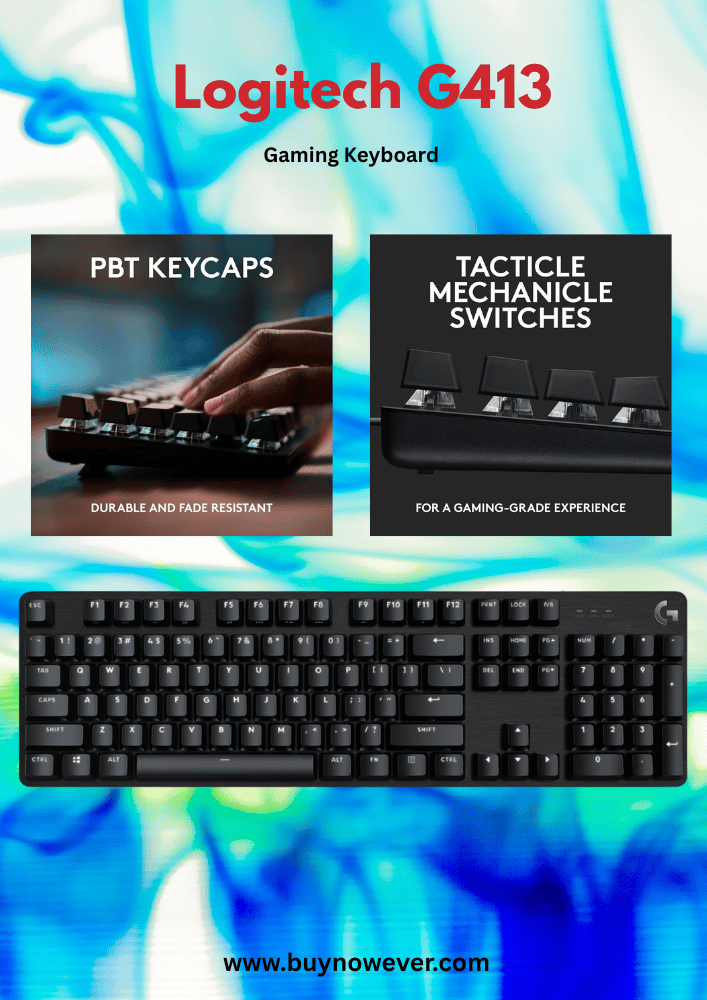
Logitech G
Logitech G focuses on innovation and comfort. Their keyboards have Romer-G or GX mechanical switches for fast key presses. Logitech’s design supports long gaming sessions with ergonomic layouts. The G Pro and G915 are favorites for esports players.
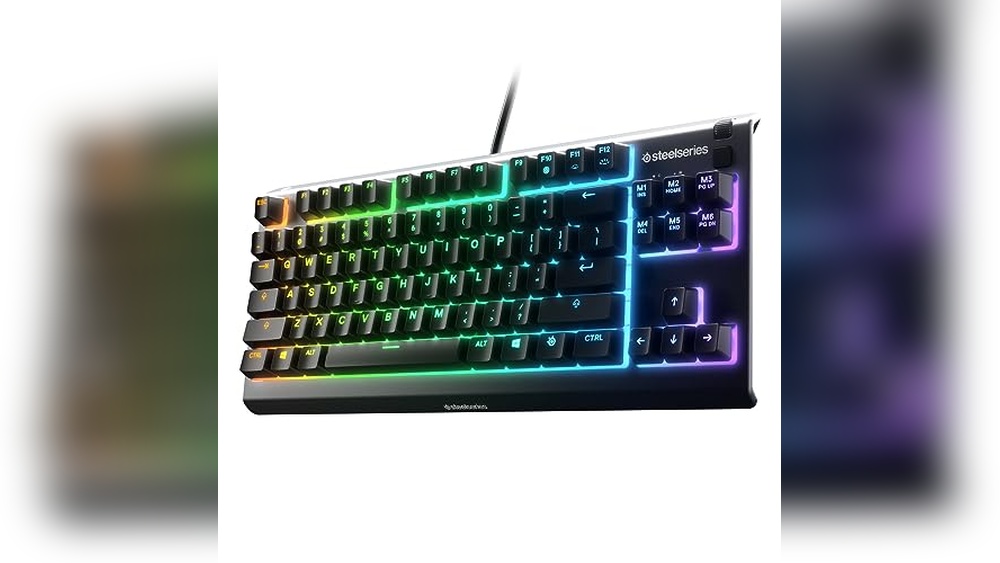
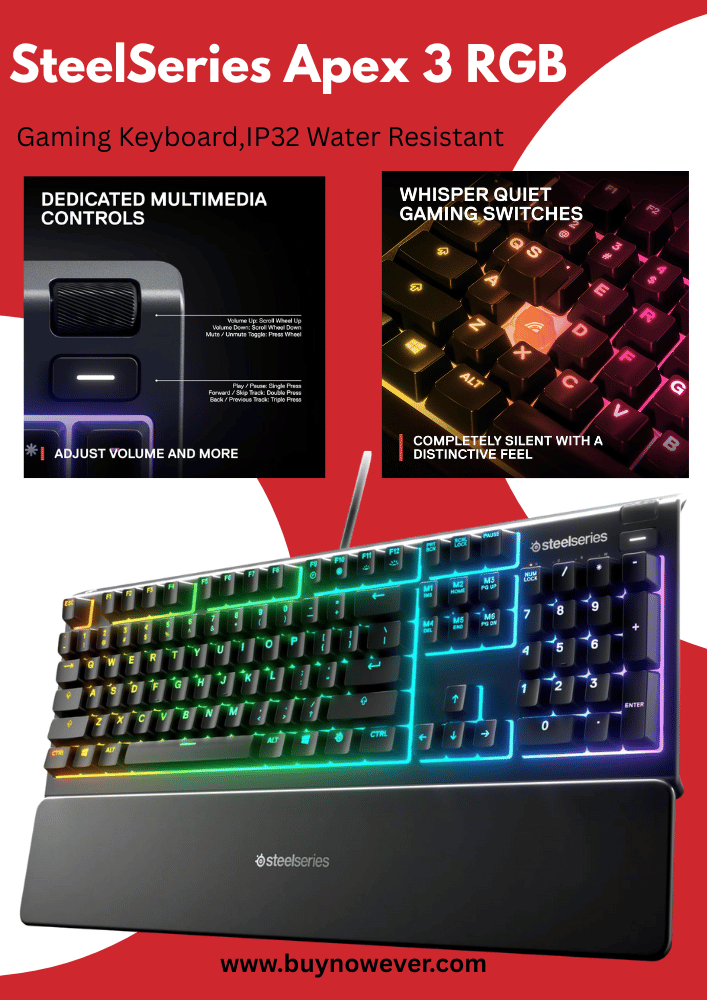
Steelseries
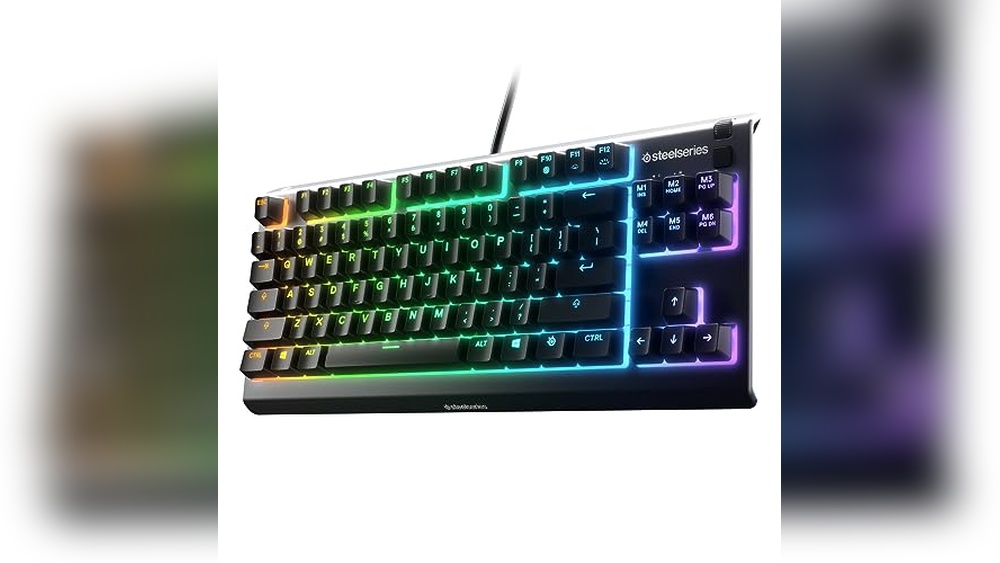
SteelSeries offers keyboards built for durability and performance. Their mechanical keyboards have responsive switches with low latency. SteelSeries keyboards often feature customizable RGB lighting and easy software control. The Apex Pro is known for its adjustable actuation points.
Hyperx
HyperX provides affordable and reliable gaming keyboards. Their models use mechanical switches designed for fast response and comfort. HyperX keyboards have simple, clean designs with solid build quality. The Alloy FPS is popular for its compact and durable design.
Choosing the best gaming keyboard brand means knowing what features matter most. A good keyboard boosts your gaming experience and comfort. Key features include the type of keys, lighting, custom buttons, and how well the keyboard is built. Each aspect affects gameplay, speed, and durability. Understanding these features helps you pick a keyboard that fits your style and needs.
Mechanical Vs Membrane
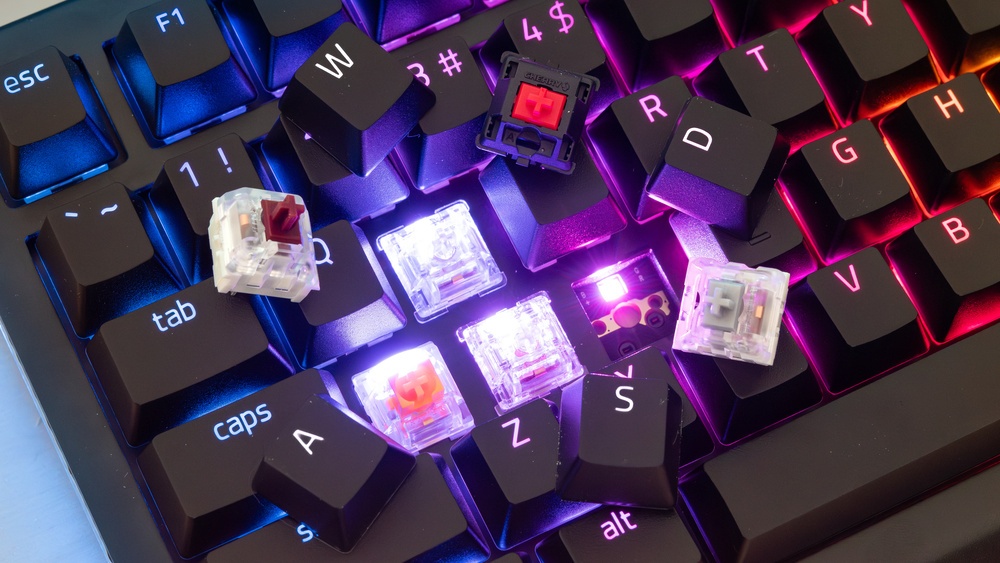
Gaming keyboards use two main key types: mechanical and membrane. Mechanical keys have individual switches under each key. They offer a clear, tactile feel with fast response times. Many gamers prefer mechanical keyboards for their precision and durability.
Membrane keyboards have a softer, quieter feel. They use a rubber dome under the keys. These are usually cheaper but less responsive. They may wear out faster with heavy use.
Here’s a quick comparison:
Feature
Mechanical
Membrane
Key Feel
Clicky and tactile
Soft and quiet
Durability
High (50+ million keystrokes)
Lower (5-10 million keystrokes)
Response Time
Faster and more precise
Slower
Price
Higher
Lower
Mechanical keyboards suit serious gamers. Membrane keyboards work for casual or budget users. Your choice depends on comfort and how much you play.
Rgb Lighting
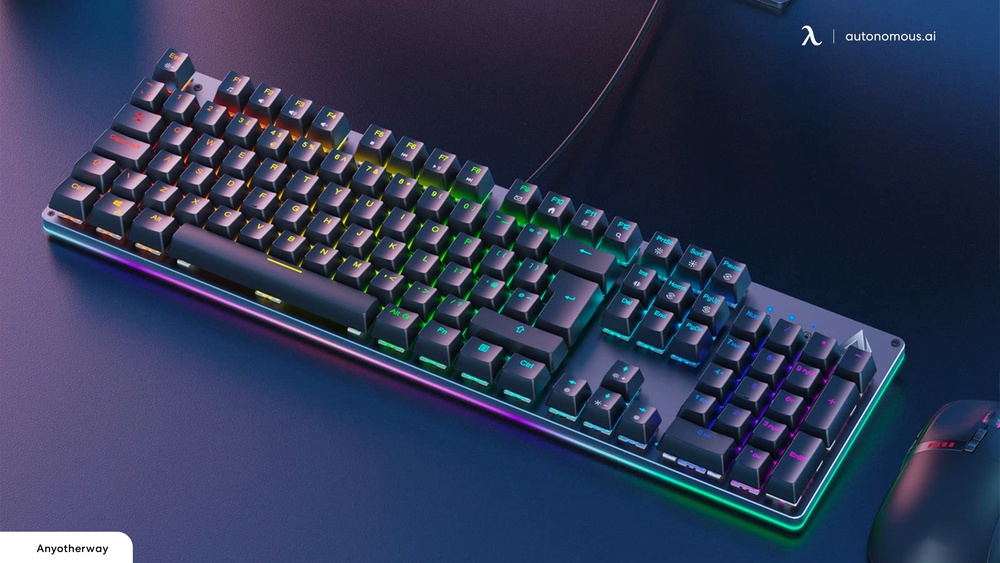
RGB lighting is popular in gaming keyboards. It adds colorful lights under the keys. This feature makes your setup look cool and helps find keys in the dark. Many keyboards offer millions of colors and different lighting effects.
Benefits of RGB lighting:
Customization: Change colors to match your style or game themes.
Improved visibility: See keys clearly in low light.
Game integration: Some keyboards sync lights with in-game actions.
Some common lighting modes include:
Static (one color)
Breathing (fade in and out)
Wave (colors move across the keyboard)
Reactive (lights flash when keys are pressed)
Look for keyboards with easy-to-use software for lighting control. This lets you create custom patterns and save them. RGB lighting adds fun without hurting performance.
Programmable Keys
Programmable keys let you assign specific commands or macros to keys. This saves time by doing complex actions with one press. Many gaming keyboards have extra keys on the side or top for this feature.
Advantages of programmable keys:
Faster gameplay: Execute combos or moves instantly.
Custom macros: Automate repetitive tasks.
Game-specific profiles: Switch settings for different games easily.
Good software support is essential for programming keys. It should allow easy editing and saving of macros. Some keyboards let you record macros on the fly, without software.
Programmable keys are useful for MMO, RPG, and strategy games. They give you a competitive edge and improve multitasking.
Build Quality
Build quality affects how long a keyboard lasts and feels. A solid keyboard stays stable during intense gaming sessions. Look for keyboards with sturdy frames made from metal or high-quality plastic.
Key aspects of build quality:
Frame material: Metal frames offer durability and weight.
Keycaps: PBT keycaps are more durable than ABS.
Water resistance: Protection from spills adds safety.
Anti-ghosting and N-key rollover: Ensure all keystrokes register correctly.
Check the keyboard’s feet and tilt options for comfort. Rubber pads prevent slipping on desks. A well-built keyboard feels solid and lasts for years.
Corsair Keyboards
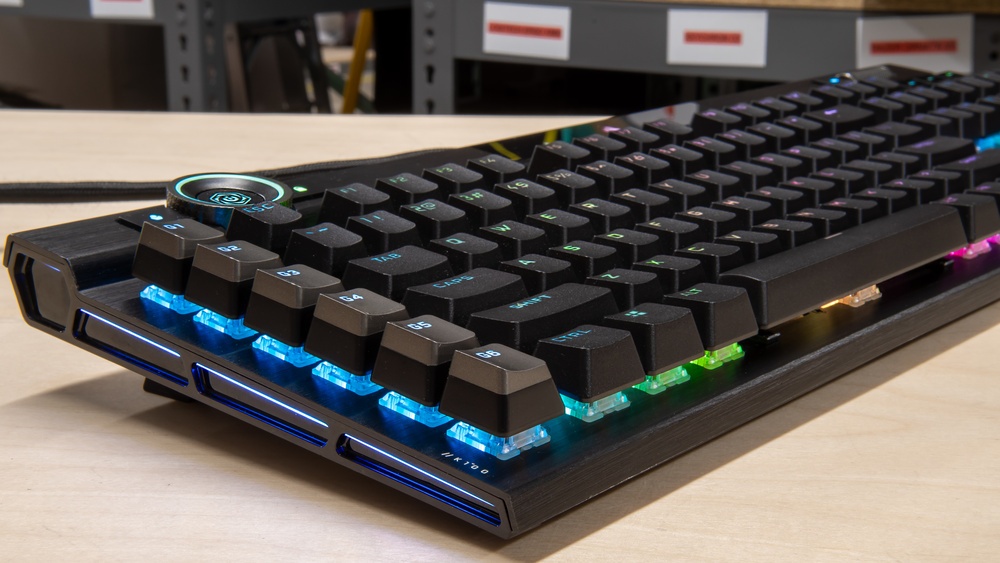
Corsair keyboards are a popular choice among gamers worldwide. Known for their durability and performance, these keyboards offer a blend of style and functionality. Corsair focuses on delivering high-quality mechanical keyboards that enhance gaming experiences. Their products suit both casual players and professional esports athletes. The brand uses advanced technology to create keyboards with fast response times and comfortable designs. Corsair keyboards also come with customizable RGB lighting, which adds a visual appeal to gaming setups. Overall, Corsair is a trusted name in the gaming community for reliable and feature-rich keyboards.
Popular Models
Corsair offers several keyboard models that fit different gaming needs and budgets. Here are some of the best-known models:
Corsair K95 RGB Platinum: A premium keyboard with mechanical switches and customizable RGB lighting. It features 6 programmable macro keys.
Corsair K70 RGB MK.2: Known for its compact design and Cherry MX switches, it provides fast key response and durability.
Corsair K68 RGB: A more affordable option with water and dust resistance, suitable for everyday gaming.
Corsair K55 RGB: A membrane keyboard with quiet keys and customizable RGB zones, ideal for budget-conscious users.
Here is a quick comparison table to highlight key features:
Model
Switch Type
Macro Keys
RGB Lighting
Price Range
K95 RGB Platinum
Mechanical (Cherry MX)
6
Full RGB
High
K70 RGB MK.2
Mechanical (Cherry MX)
0
Full RGB
Mid to High
K68 RGB
Mechanical (Cherry MX Red)
0
Full RGB
Mid
K55 RGB
Membrane
6
RGB Zones
Low
Unique Features
Corsair keyboards include several unique features that improve gaming and typing. One main feature is the use of Cherry MX mechanical switches. These switches offer precise and fast key presses with different tactile options, such as Red, Brown, or Speed.
Another standout feature is the RGB lighting system. Corsair uses the iCUE software to control lighting effects. Users can customize colors, create animations, and sync lighting with other Corsair devices.
Dedicated Macro Keys: Programmable keys allow complex commands with one press.
Aluminum Frame: Many models have a sturdy aluminum build for long-lasting use.
Detachable Wrist Rest: Provides comfort during long gaming sessions.
Dust and Water Resistance: Certain models, like K6,8, protect against spills and dust.
USB Passthrough Ports: Extra USB ports on the keyboard for convenience.
These features make Corsair keyboards suitable for intense gaming and daily work. The software support also adds flexibility to customize performance.
User Experience
Gamers praise Corsair keyboards for their comfort and reliability. The keys have a satisfying feel and respond quickly, which helps in fast-paced games. The keyboards are quiet enough to use without disturbing others.
The RGB lighting adds a fun and personal touch. Users enjoy setting up different profiles for games and work, changing colors and effects easily through iCUE software.
Many find the build quality excellent. The aluminum frame makes the keyboard stable and solid. The detachable wrist rest reduces hand fatigue during long sessions.
Here are common points from user feedback:
Easy to customize: The software is user-friendly for lighting and macros.
Durable keys: Mechanical switches last longer than membrane ones.
Comfortable design: Good key spacing and wrist support.
Responsive performance: Keys register presses fast and accurately.
Some noise: Mechanical switches can be loud for quiet environments.
Overall, Corsair keyboards provide a smooth and enjoyable experience. They fit well with both casual and serious gamers.
Razer Keyboards
Razer Keyboards stand out in the world of gaming peripherals for their blend of advanced technology and sleek design. Known for durable builds and user-friendly features, Razer offers keyboards that suit both casual players and competitive gamers. These keyboards enhance gameplay with fast response times and customizable options. Many gamers trust Razer for consistent quality and innovation. Their products often include special features tailored to improve comfort and control during long gaming sessions.
Signature Technologies
Razer keyboards use unique technologies to boost gaming performance and comfort. One key innovation is the Razer Mechanical Switches. These switches offer precise keystrokes and fast actuation, helping players react quickly in games. Razer also designs switches to be durable, often rated for up to 80 million key presses.
Razer Green Switch: Tactile and clicky, good for typing and gaming.
Razer Yellow Switch: Silent and smooth, ideal for fast-paced games.
Razer Orange Switch: Quiet and tactile, a balance between Green and Yellow.
Another important feature is the Chroma RGB Lighting. It allows users to customize lighting effects with millions of colors. This adds a visual appeal and helps players identify keys easily in low light. The Razer Synapse software controls these settings, letting users create profiles and macros for different games.
Technology
Benefit
Mechanical Switches
Fast, reliable key response
Chroma RGB
Customizable lighting effects
Razer Synapse
Macro and profile programming
Design And Aesthetics
Razer keyboards feature modern and sharp designs that appeal to gamers. They often use a black or dark color scheme with bright RGB lighting. The keyboards have a low profile and ergonomic shape to reduce hand fatigue during long use.
Key design elements include:
Durable Build: Made with high-quality materials like aluminum and reinforced plastics.
Compact Layouts: Options range from full-size to tenkeyless (TKL) and compact 65% keyboards.
Wrist Rest: Many models include a detachable wrist rest for comfort.
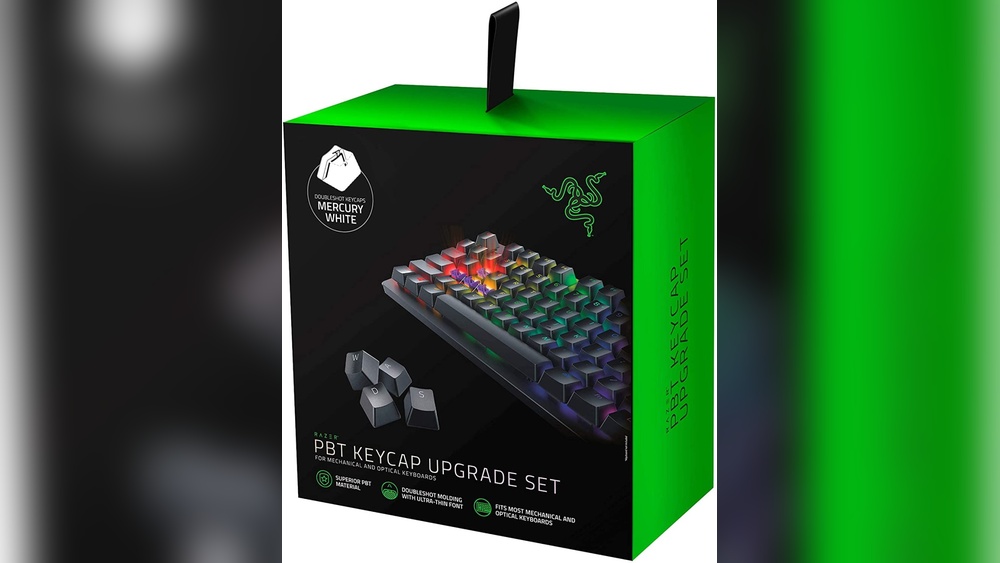
Customizable Keycaps: Some keyboards come with extra keycaps for different gaming styles.
The RGB lighting is integrated around keys and edges, creating a glowing effect. This lighting can sync with other Razer devices, giving a unified look to the gaming setup.
Feature
Description
Material
Aluminum top plate and sturdy plastic body
Size Options
Full-size, TKL, 65%, and more
Lighting
Customizable Chroma RGB with sync
Comfort
Detachable wrist rest on select models
Performance Highlights
Razer keyboards offer features that improve gaming speed and accuracy. The mechanical switches register keystrokes quickly, allowing players to execute commands without delay. This advantage proves useful in fast-paced games like shooters or real-time strategy.
N-Key Rollover: Allows pressing many keys at once without missing inputs.
Polling Rate: A high polling rate (up to 1000Hz) reduces input lag.
Many Razer keyboards support onboard memory to save user profiles and macros. This feature helps gamers carry their settings on the go. The keyboards also have media controls for quick volume and playback adjustments.
Users can customize key functions through Razer Synapse. This software lets players assign macros, remap keys, and control lighting. The software is simple and easy to use.
Performance Feature
Benefit
Anti-Ghosting
Accurate multiple key inputs
N-Key Rollover
Supports many simultaneous key presses
Polling Rate
Reduces input lag for faster response
Onboard Memory
Saves profiles and macros without software
Logitech Keyboards
Logitech Keyboards stand out among the best gaming keyboard brands for their reliable performance and user-friendly features. They offer a mix of affordable and high-end models that suit beginners and pro gamers alike. Known for innovation and comfort, Logitech combines smart design with quality materials. Their keyboards help players react quickly and enjoy longer gaming sessions without fatigue.
Model Range
Logitech provides a wide variety of keyboard models to match different gaming styles and budgets. Their range includes:
Entry-Level: Simple and budget-friendly, great for casual gamers.
Mid-Range: More features like RGB lighting and mechanical keys.
High-End: Premium materials, advanced customization, and faster response times.
The popular Logitech gaming keyboards include the G213 Prodigy, G513 Carbon, and G915 TKL. Each has unique features:
Model
Type
Key Switch
Lighting
Price Range
G213 Prodigy
Membrane
Soft
RGB Zone Lighting
Low
G513 Carbon
Mechanical
GX Blue, Brown
Full RGB
Mid
G915 TKL
Mechanical Wireless
GL Clicky, Tactile, Linear
Full RGB
High
This range meets needs for different game genres, from fast shooters to RPGs. Logitech ensures every gamer finds a keyboard that fits their style and play.
Customization Options
Logitech keyboards offer extensive customization to enhance the gaming experience. Users can personalize:
RGB Lighting: Change colors and effects per key or zone.
Key Assignments: Remap keys or create macros for complex commands.
Profiles: Save multiple settings for different games or apps.
The Logitech G HUB Software controls these options. It has a simple interface that allows:
Setting custom lighting patterns.
Programming macros with a few clicks.
Adjusting key functions quickly.
Customization helps gamers react faster and feel more in control. Some models also support onboard memory. This feature saves profiles directly on the keyboard, so settings stay the same on different PCs.
Durability
Logitech keyboards are built to last through intense gaming sessions. They use high-quality materials such as:
Aircraft-grade aluminum: For the keyboard frame, adding strength and a premium feel.
Durable key switches: Mechanical switches rated for millions of key presses.
Spill-resistant design: Protects against accidental liquid damage.
Many Logitech gaming keyboards come with features that extend their lifespan:
Reinforced keycaps to prevent wear.
Anti-ghosting technology ensures every keypress registers.
Stable feet for better grip on desks.
The brand tests each keyboard to meet strict quality standards. This means fewer issues like stuck keys or fading lights. Gamers can trust Logitech keyboards to perform well over years of use.
Steelseries Keyboards
SteelSeries Keyboards stand out in the crowded world of gaming gear. Known for their quality and design, these keyboards cater to serious gamers and casual players alike. SteelSeries focuses on delivering products that enhance gaming performance and comfort. Their keyboards combine durability, smart features, and responsive keys. This combination makes them a top choice for those who want reliable and fast input in games.
Innovation In Gaming
SteelSeries invests heavily in innovation to improve the gaming experience. They use advanced technology to create keyboards that respond quickly and accurately. One key feature is their use of mechanical switches, which offer tactile feedback and fast actuation. This lets players react faster in intense games.
Some innovations include:
RGB Lighting: Customizable lights that show different colors and effects. This helps with visual cues and adds style.
Durable Materials: SteelSeries keyboards use metal frames and high-quality plastics for long life.
Anti-Ghosting: Ensures multiple key presses register correctly during fast play.
Fast Polling Rate: Reduces input lag by sending signals to the computer very quickly.
Here is a quick comparison of some popular SteelSeries keyboard models:
Model
Switch Type
Lighting
Special Features
Apex Pro
Adjustable Mechanical
RGB
OLED Smart Display, Adjustable Actuation
Apex 7
Mechanical
RGB
Durable Aluminum Frame, Media Controls
Apex 3
Membrane
RGB
Water Resistant, Quiet Keys
Ergonomics
SteelSeries designs keyboards with comfort in mind. Playing for hours can cause strain. Their keyboards help reduce this by focusing on ergonomics.
Key ergonomic features include:
Wrist Rest: Many models come with a soft wrist rest to support your hands.
Adjustable Height: You can change the keyboard angle to find a natural hand position.
Key Shape: Keys are slightly curved to fit fingers better, which lowers finger fatigue.
Compact Layout: Some keyboards have a smaller footprint, helping reduce arm reach.
These features help players keep a healthy posture. They avoid pain in the wrists, fingers, and shoulders. Ergonomic design is essential for long gaming sessions or work that requires typing.
Software Integration
SteelSeries keyboards work well with SteelSeries Engine software. This software lets users customize their keyboard settings easily.
With the software, users can:
Program Macros: Create custom key sequences for complex commands.
Adjust Lighting: Change RGB colors and effects on each key.
Save Profiles: Store different settings for various games or tasks.
Sync Devices: Connect keyboards, mice, and headsets to sync lighting and settings.
The software is user-friendly and updates often. It also supports cloud storage, so settings are saved online. This means gamers can access their preferences on any computer.
Other Notable Brands
Besides the top well-known gaming keyboard brands, several other notable brands offer excellent options. These brands combine quality, features, and style to meet gamers’ needs. They provide a variety of keyboards suitable for different budgets and preferences. Here, we explore three key players: HyperX, ASUS ROG, and Cooler Master. Each brand brings unique strengths to the gaming keyboard market.
Hyperx
HyperX is a popular brand known for delivering reliable gaming peripherals. Its keyboards feature robust build quality and comfortable designs. HyperX keyboards appeal to both casual and competitive gamers. They often include mechanical switches that provide quick response and tactile feedback.
Key features of HyperX gaming keyboards:
Durable aluminum frame
Customizable RGB lighting
Anti-ghosting and N-key rollover
Detachable USB-C cable for convenience
Quiet and smooth mechanical switches
One of the popular models is the HyperX Alloy FPS Pro. It is a tenkeyless keyboard, which means it lacks a numeric keypad for a compact design. This model suits gamers who want more desk space for mouse movement.
Model
Switch Type
Layout
Lighting
Price Range
Alloy FPS Pro
Cherry MX Red
Tenkeyless
Red LED
$$
Alloy Elite 2
HyperX Red
Full-size
RGB
$$$
Asus Rog
ASUS ROG (Republic of Gamers) offers high-performance gaming keyboards with advanced features. These keyboards target serious gamers who want fast and precise controls. ASUS ROG keyboards often include unique design elements and extensive customization options.
Standout features of ASUS ROG keyboards:
Optical or mechanical switches with fast actuation
Aura Sync RGB lighting for synchronized effects
Dedicated media controls
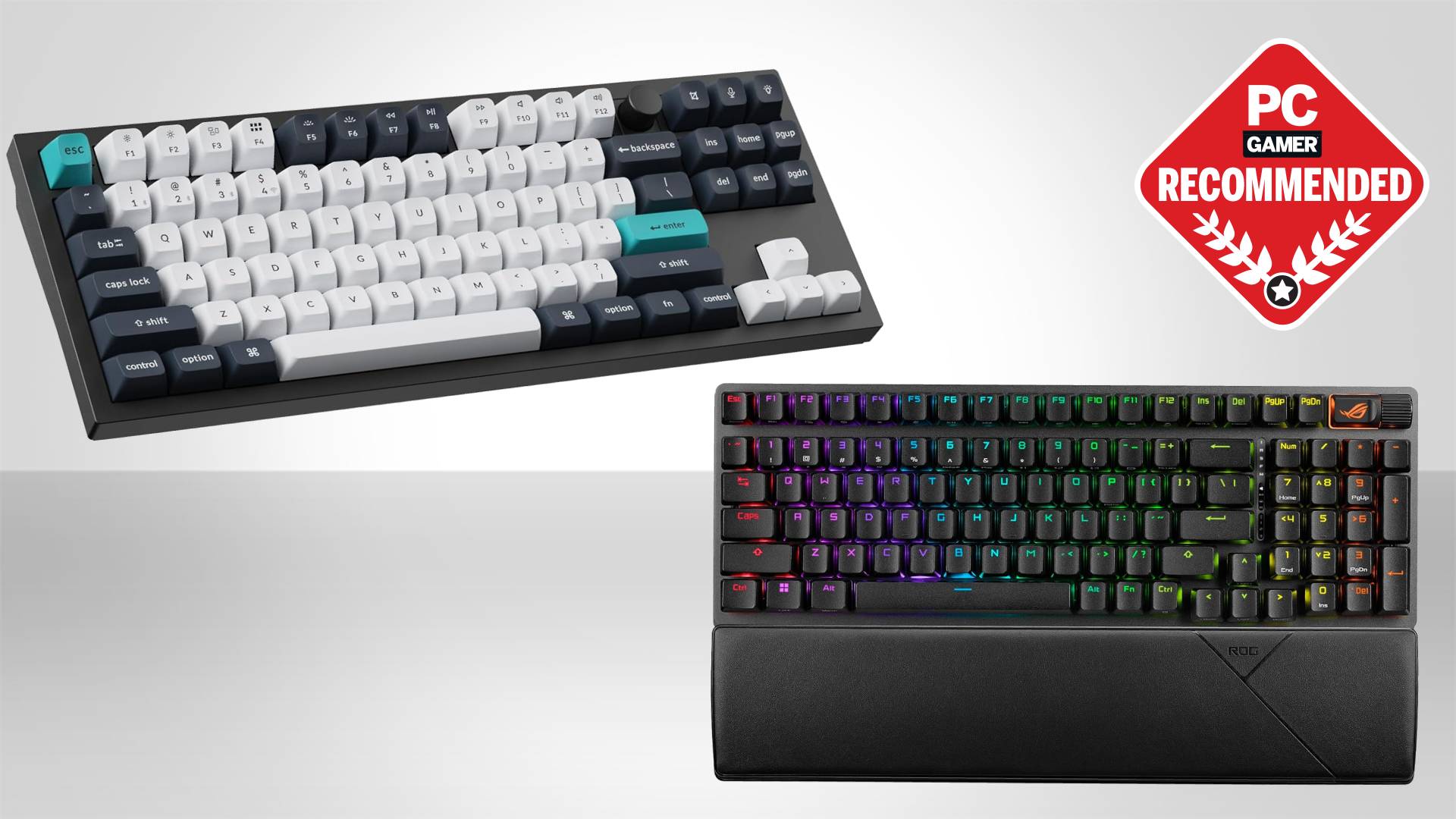
Ergonomic wrist rests for comfort
Robust software for macro and lighting customization
The ROG Strix Scope is a well-known model designed for FPS games. It features a wider Ctrl key for easier reach and quieter switches. ASUS ROG keyboards blend performance and style, making them attractive for gaming setups.
Cooler Master
Cooler Master is a respected name in computer hardware and peripherals. Its gaming keyboards offer solid performance and durability. The brand focuses on delivering a good typing feel and customizable options.
Features common in Cooler Master keyboards:
Mechanical switches from Cherry MX or Cooler Master’s own
RGB backlighting with multiple effects
Compact and full-size models
Detachable cables for easy transport
Strong build with metal top plates
The Cooler Master CK550 is a popular model with a minimalist design and solid performance. It offers customizable RGB lighting and a comfortable typing experience. Cooler Master keyboards suit gamers who want quality without complex extras.
Price Vs Performance
Choosing the best gaming keyboard brand often means balancing price vs performance. Some keyboards cost less but still offer good features. Others are expensive but packed with advanced functions. Understanding this balance helps gamers pick the right keyboard for their needs and budget. This section breaks down options into two categories: budget-friendly and high-end models.
Budget-friendly Options
Budget-friendly gaming keyboards offer solid performance without a high price tag. These models usually have good build quality and basic gaming features. They work well for casual gamers or beginners. Many brands provide reliable keyboards under $70 that still deliver fast response times and comfortable typing.
Key features of budget-friendly keyboards:
Membrane or basic mechanical switches
Simple RGB lighting or no lighting
Durable plastic frames
Basic anti-ghosting and N-key rollover
Compact or full-size layouts
Brand
Model
Price Range
Main Features
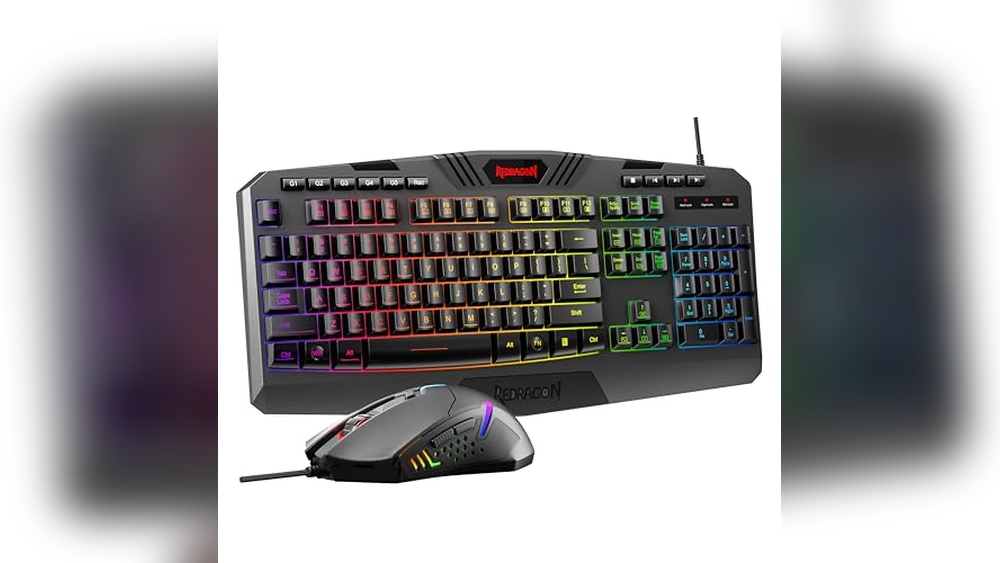
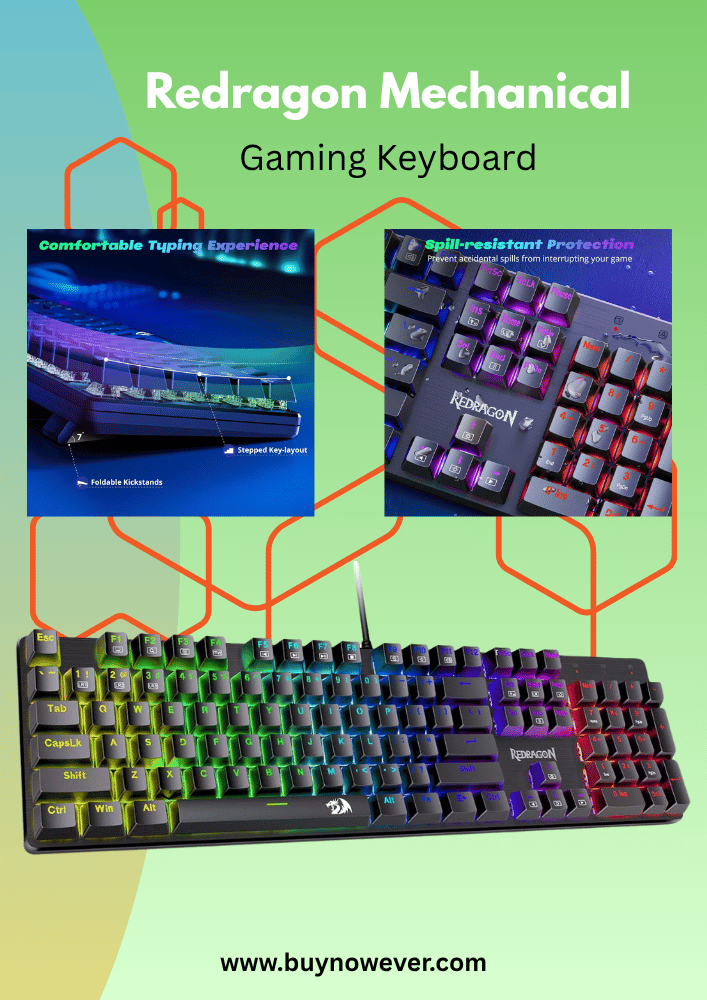
Redragon
K552 Kumara
$40 – $60
Mechanical switches, red backlighting, durable metal frame
Logitech
G213 Prodigy
$50 – $70
Membrane switches, RGB lighting, spill-resistant
SteelSeries
Apex 3
$50 – $70
Quiet switches, RGB illumination, water-resistant
These keyboards strike a good balance between cost and gaming essentials. They may lack some advanced features, but offer reliable performance. Great for gamers who want a decent keyboard without spending a lot.
High-end Models
High-end gaming keyboards offer superior performance and extra features. They use premium mechanical switches for fast, precise key presses. These keyboards include customizable RGB lighting, programmable keys, and robust software support. They suit serious gamers who demand top performance and durability.
High-end keyboards provide precise control and durability for intense gaming sessions. The extra features improve gameplay and user experience but come at a higher price. Ideal for gamers who want the best performance and customization.
Maintenance Tips
Maintaining your gaming keyboard is essential to keep it working smoothly and extend its life. Regular care helps avoid sticky keys, lag, and other issues. Simple steps like cleaning, replacing keycaps, and updating firmware can improve performance. These tips suit all top gaming keyboard brands and keep your setup in top shape.
Cleaning
Dust, dirt, and sweat easily build up on gaming keyboards. Regular cleaning prevents key malfunctions and keeps the keyboard hygienic. Follow these steps:
Unplug the keyboard: Always disconnect before cleaning to avoid damage.
Shake out debris: Turn the keyboard upside down and gently shake it to remove loose dirt.
Use compressed air: Blow air between keys to clear hidden dust.
Wipe the surface: Use a soft cloth slightly dampened with water or isopropyl alcohol.
Clean keycaps: Remove and soak keycaps in warm, soapy water for 30 minutes if very dirty.
Cleaning tools and supplies:
Item
Purpose
Tip
Compressed air
Remove dust between keys
Use short bursts, hold upright
Soft microfiber cloth
Wipe the surface and keys
Use a damp cloth, not a wet one
Isopropyl alcohol (70%)
Disinfect and clean
Apply to the cloth, not directly
Never spray liquids directly on the keyboard. Let keycaps dry fully before reattaching. Clean weekly or monthly, depending on use.
Keycap Replacement
Keycaps wear out or get damaged with heavy use. Replacing them keeps your keyboard looking fresh and feeling smooth. Follow these tips:
Choose the right keycaps: Match the layout and switch type (e.g., Cherry MX, Romer-G).
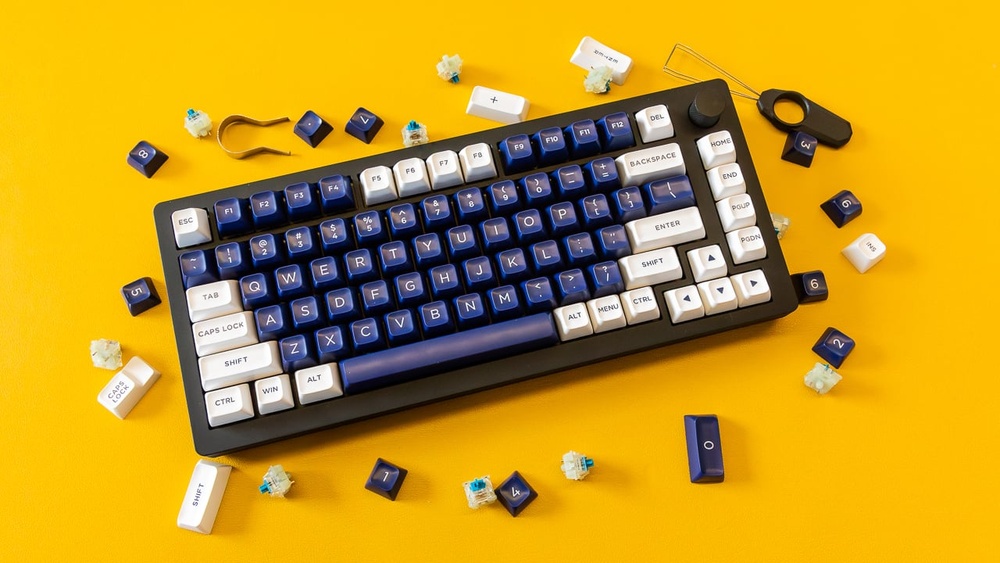
Use a keycap puller: Avoid damage by using a proper tool to remove caps.
Clean beneath keycaps: Remove dust or debris before placing new caps.
Install carefully: Align and press down firmly but gently on each keycap.
Test keys: Check each key for proper function after replacement.
Keycap materials and characteristics:
Material
Durability
Texture
ABS Plastic
Moderate
Smooth, may shine over time
PBT Plastic
High
Textured, resists shine
POM Plastic
High
Smooth and durable
Replace keycaps every 1-2 years or sooner if keys become uncomfortable. Custom keycaps can also improve your gaming experience.
Firmware Updates
Firmware controls how your keyboard works. Manufacturers release updates to fix bugs, improve features, and add new functions. Keep your keyboard firmware updated to ensure the best performance.
Check for updates: Visit your keyboard brand’s official website or software app regularly.
Backup settings: Save your custom lighting or macro profiles before updating.
Follow instructions: Use the official update tool and follow the steps carefully.
Do not unplug: Keep the keyboard connected during the entire update process.
Restart if needed: Some updates require a restart of your computer or keyboard.
Firmware update benefits:
Fixes key input issues
Improves RGB lighting effects
Adds new macro functions
Enhances compatibility with new games
Regular updates keep your keyboard responsive and compatible with gaming software. Set a reminder to check for updates every few months.
Frequently Asked Questions
What Are The Top Gaming Keyboard Brands In 2026?
Top brands include Logitech, Razer, Corsair, SteelSeries, and HyperX for quality and performance.
Which Gaming Keyboards Offer The Best Value For Money?
Corsair and HyperX provide great features at affordable prices for casual and serious gamers.
Do Mechanical Keyboards Improve Gaming Performance?
Mechanical keyboards give faster response and better durability, preferred by most serious gamers.
What Features Should I Look For In A Gaming Keyboard?
Look for mechanical switches, customizable RGB lighting, anti-ghosting, and programmable keys.
Are Wireless Gaming Keyboards Reliable For Competitive Play?
High-quality wireless keyboards from Logitech and Razer offer low latency and strong signals.
Conclusion
Choosing the right gaming keyboard matters for every player. Brands offer different styles and features. Some focus on speed, others on comfort. Think about what feels best for you. Good keyboards last long and work well. They help you enjoy games more.
Pick one that fits your budget and needs. This way, gaming stays fun and smooth. Keep these tips in mind when buying. Your perfect keyboard is out there. Happy gaming!