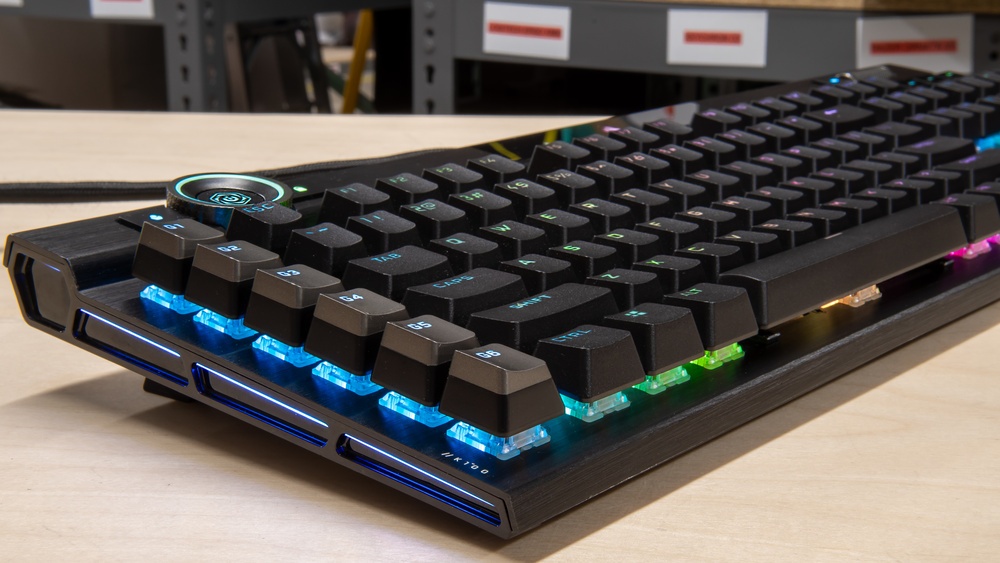
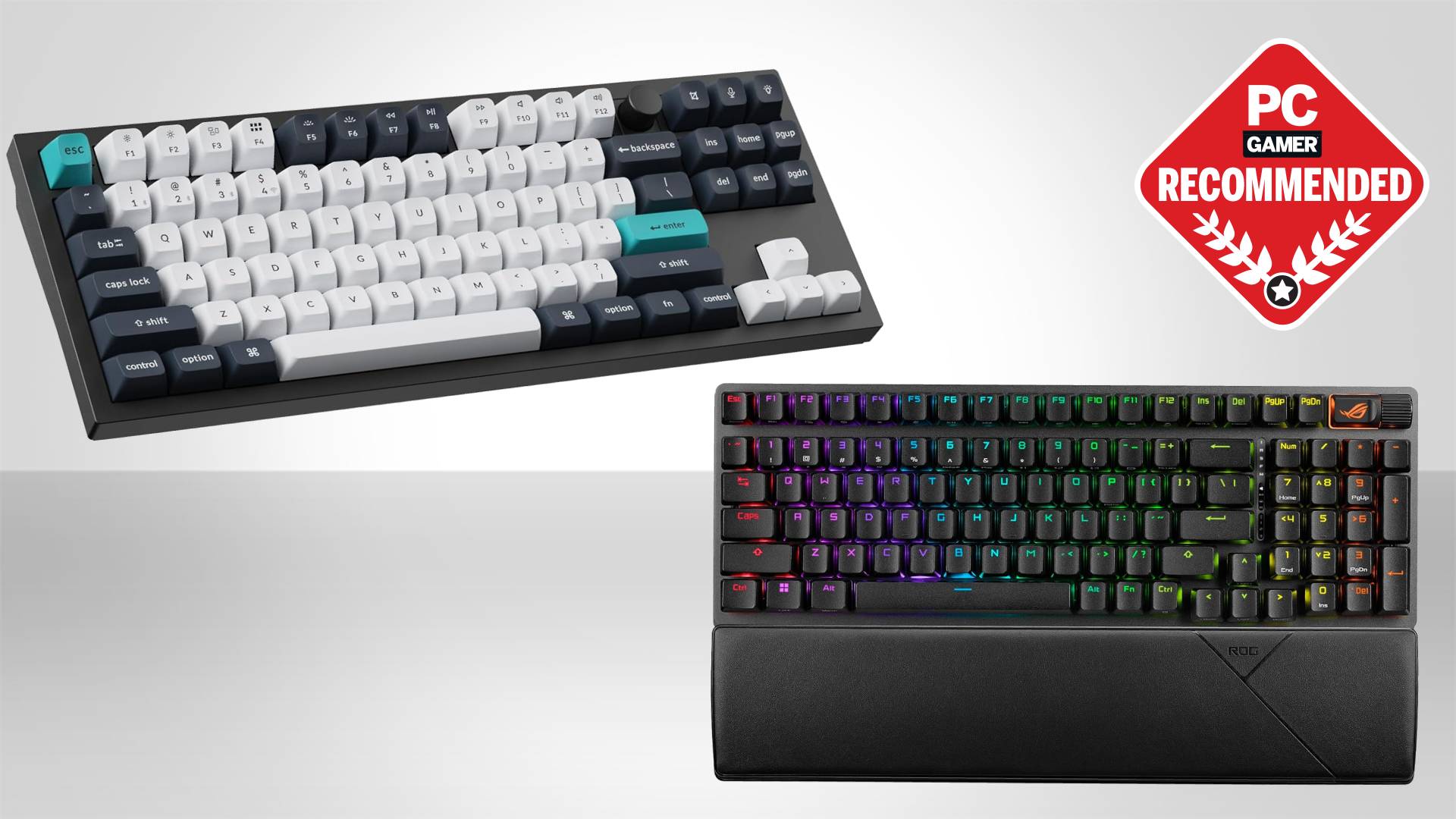
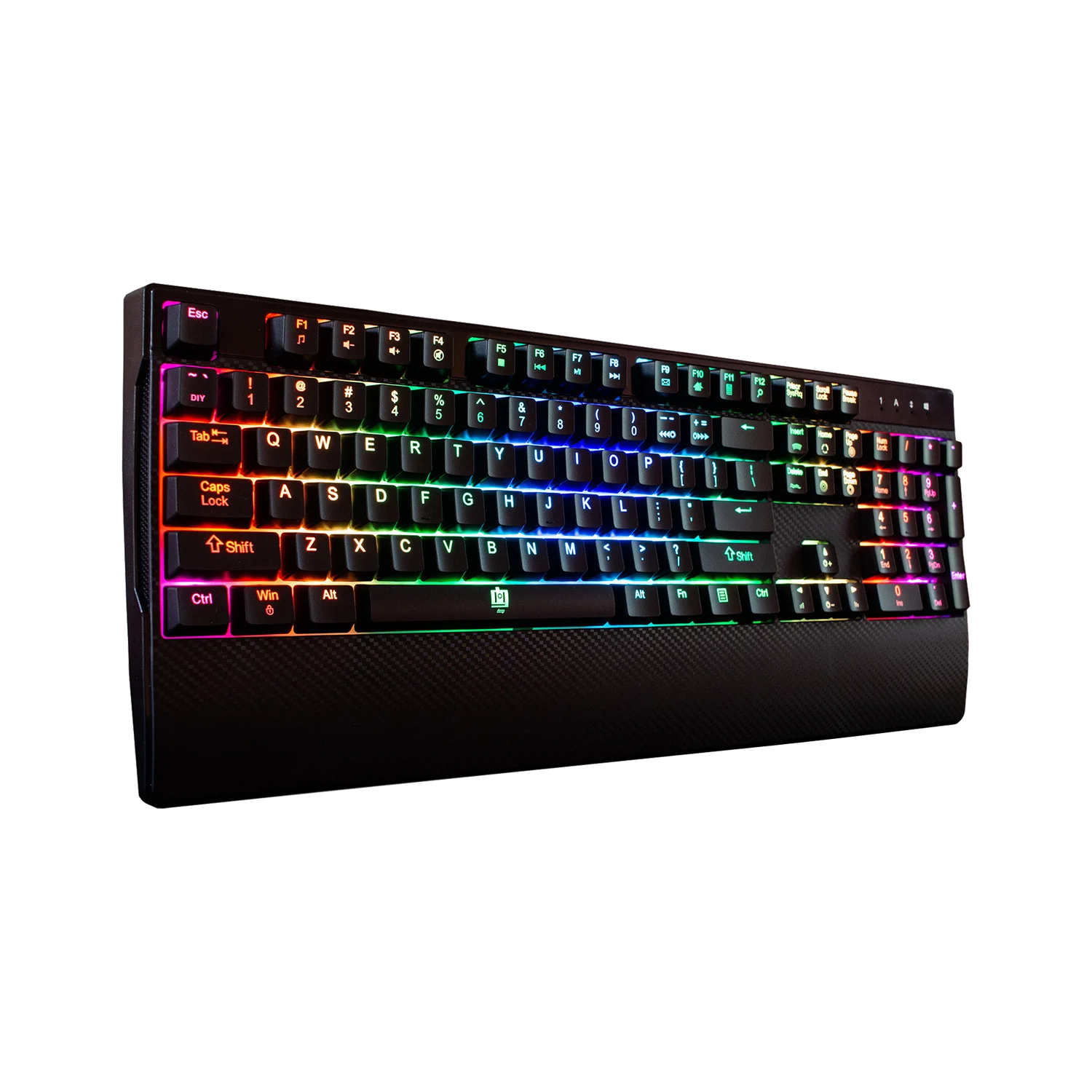
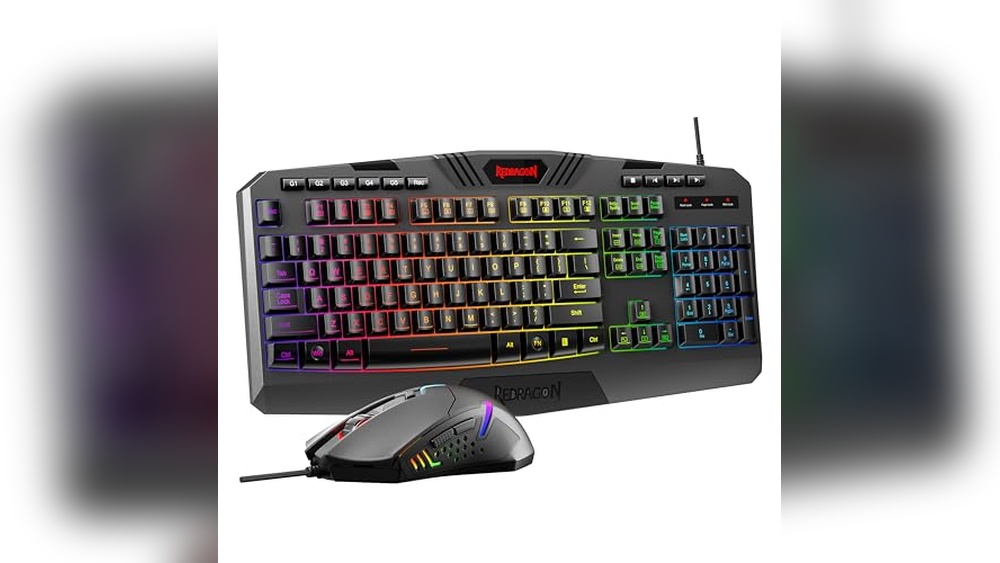
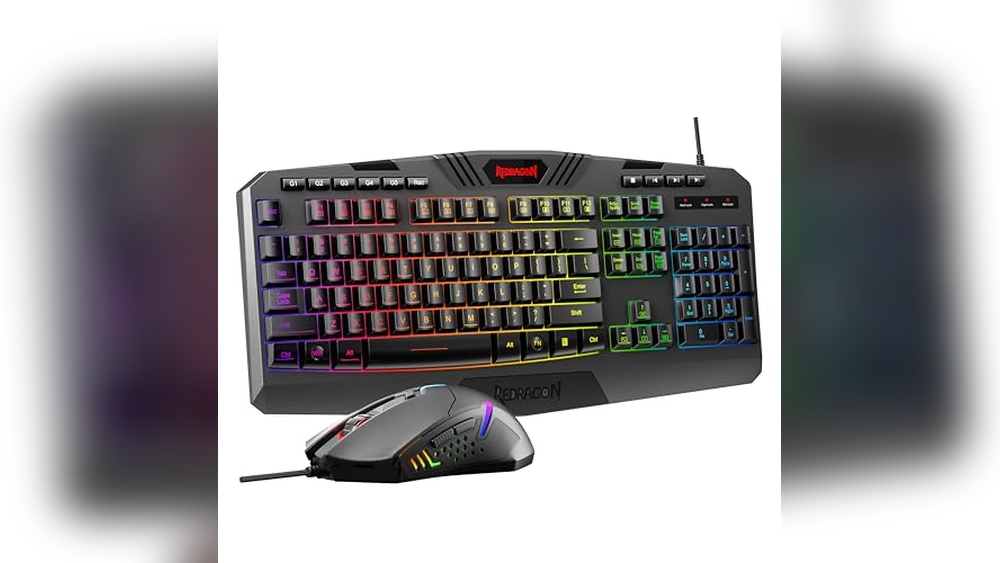
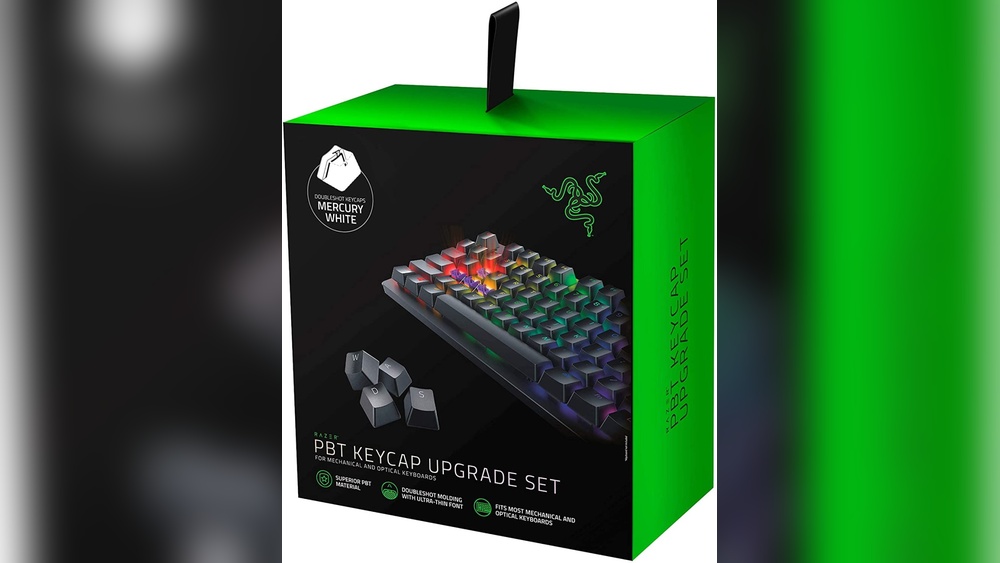
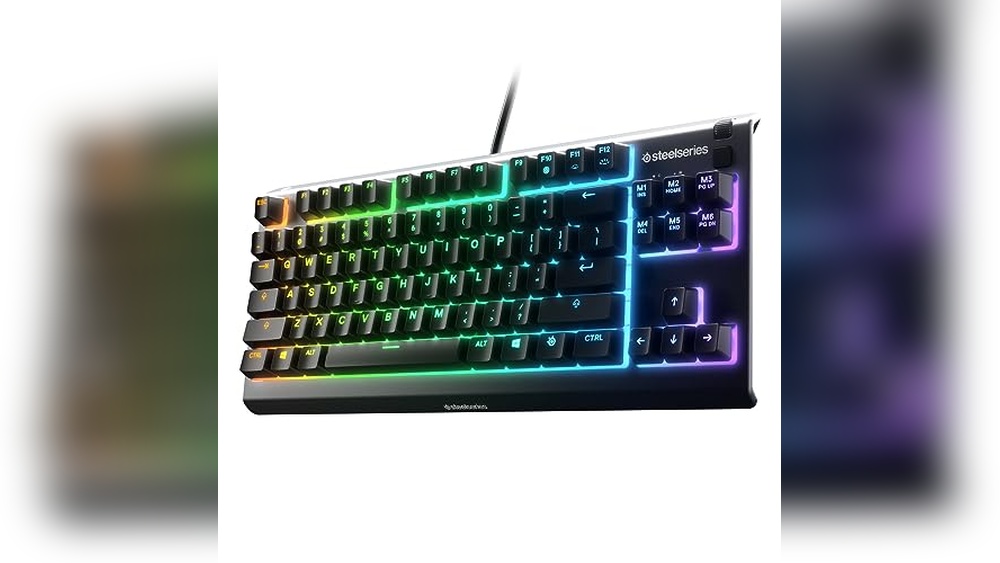
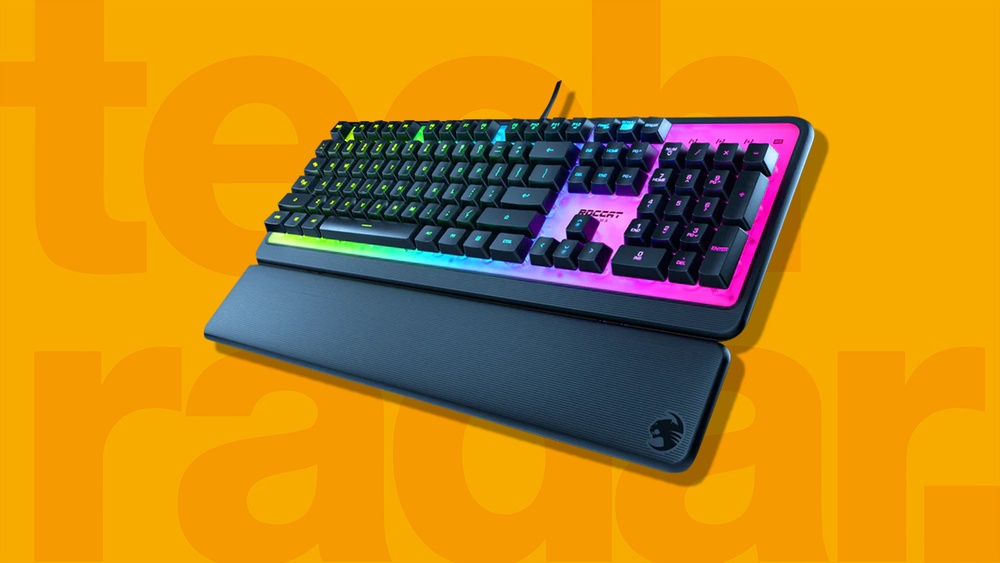
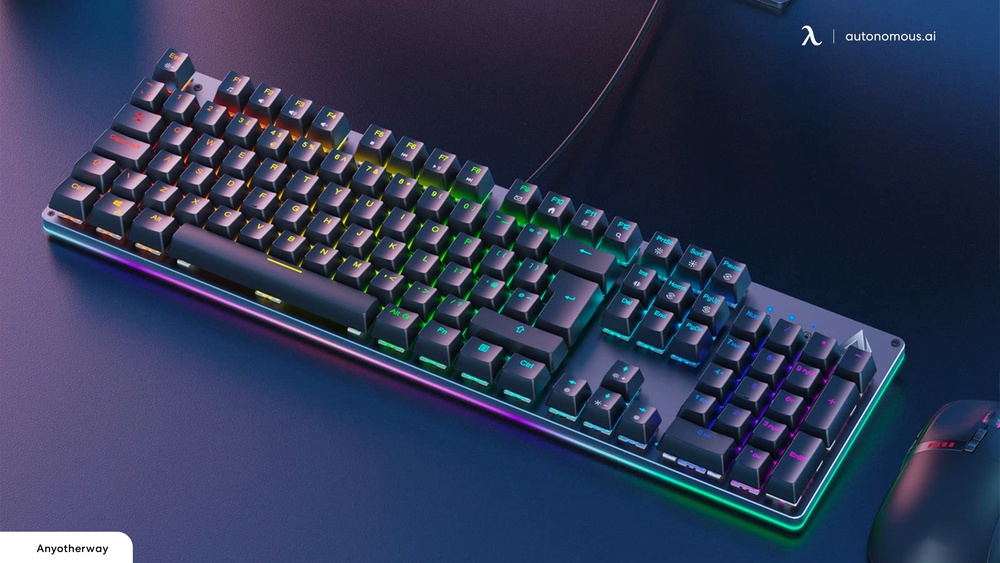
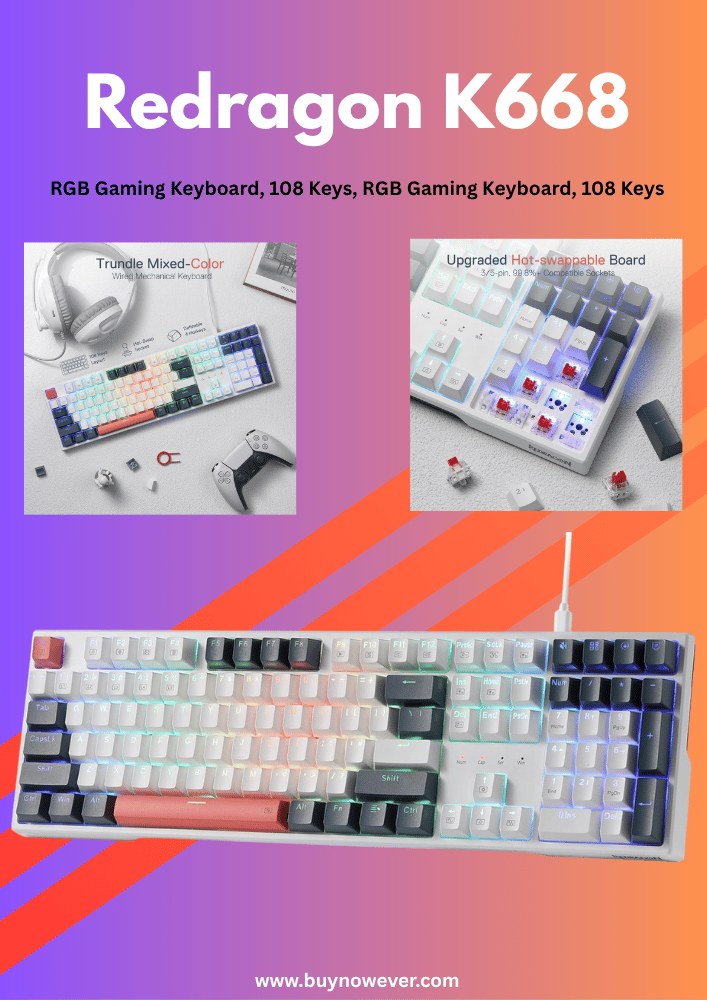
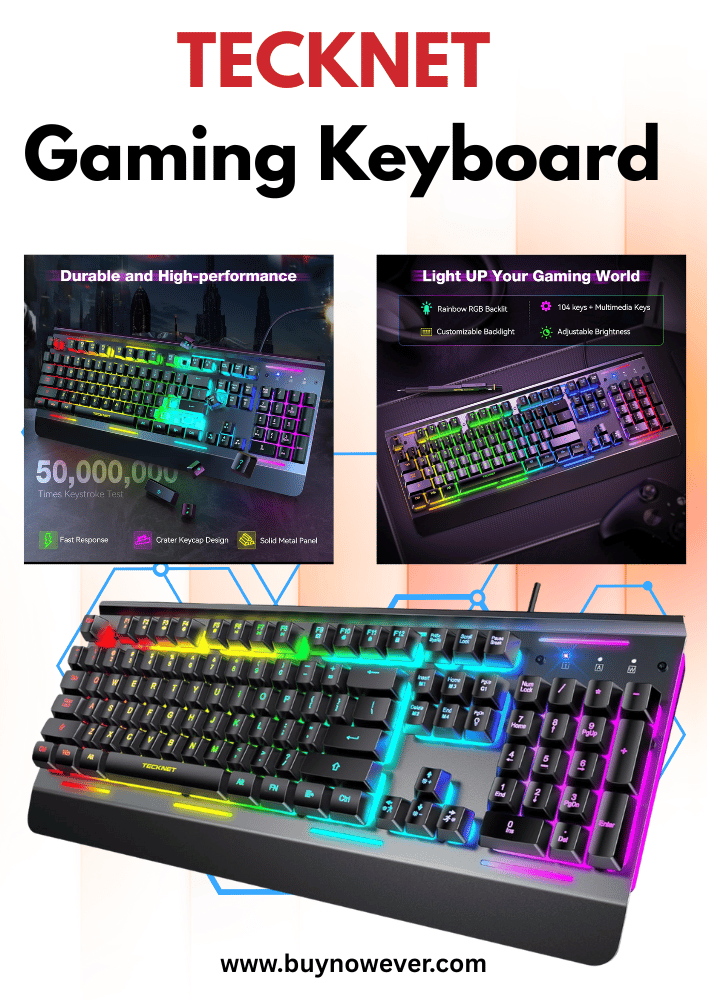
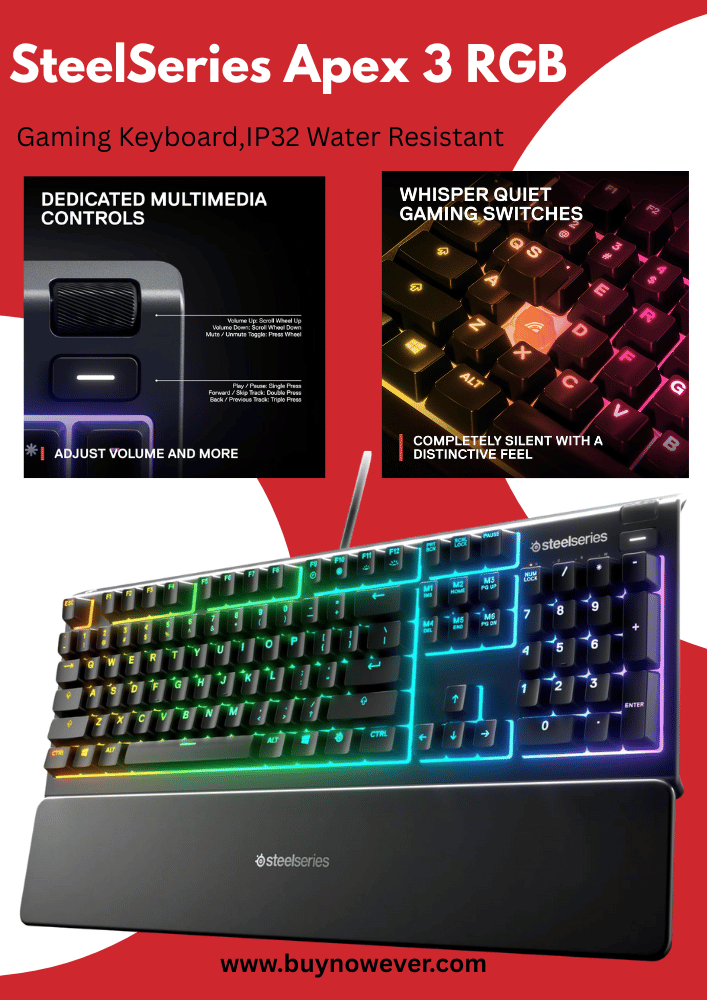
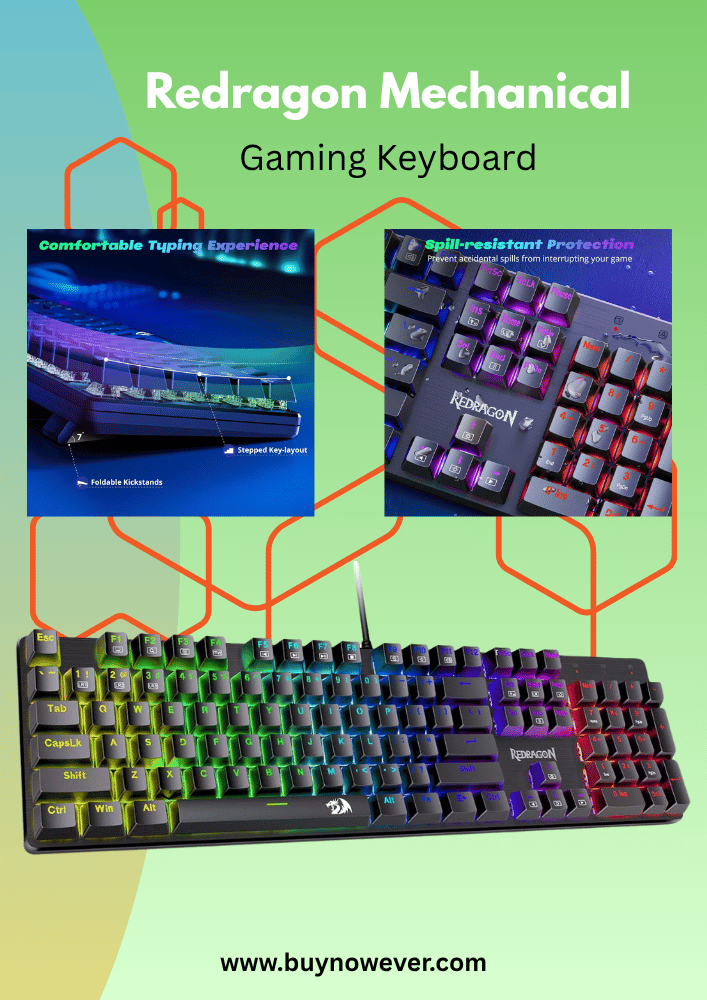
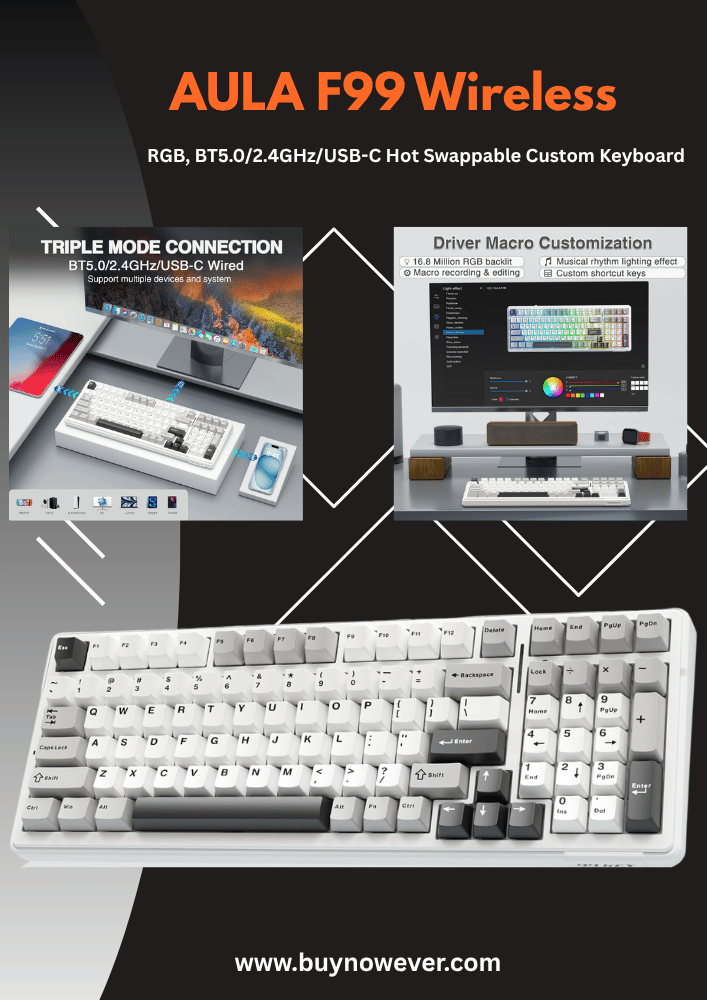
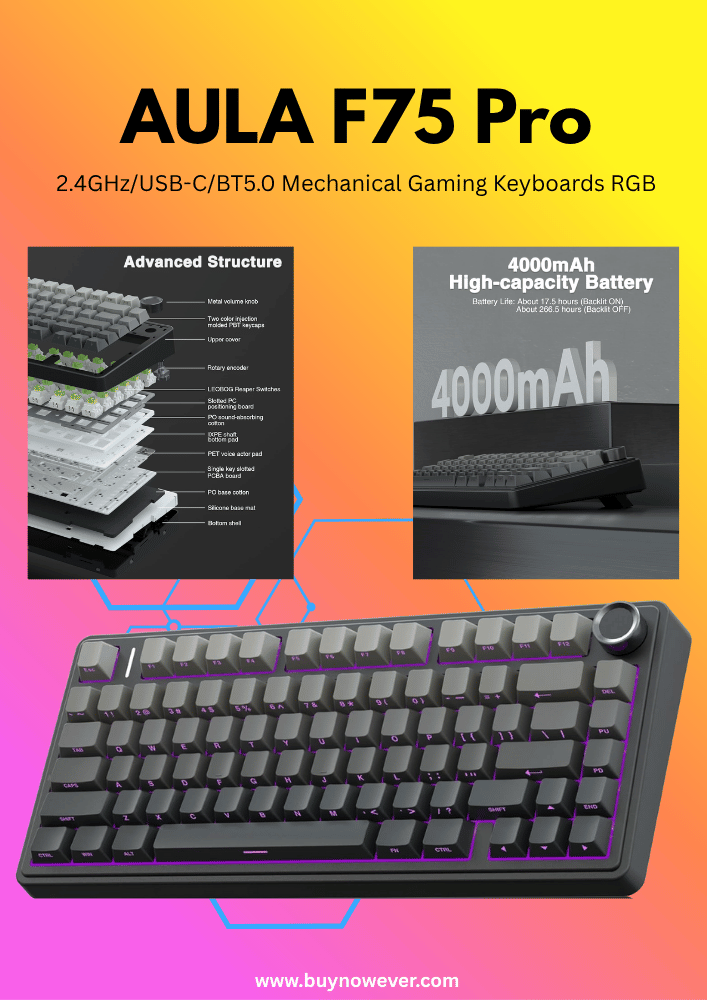
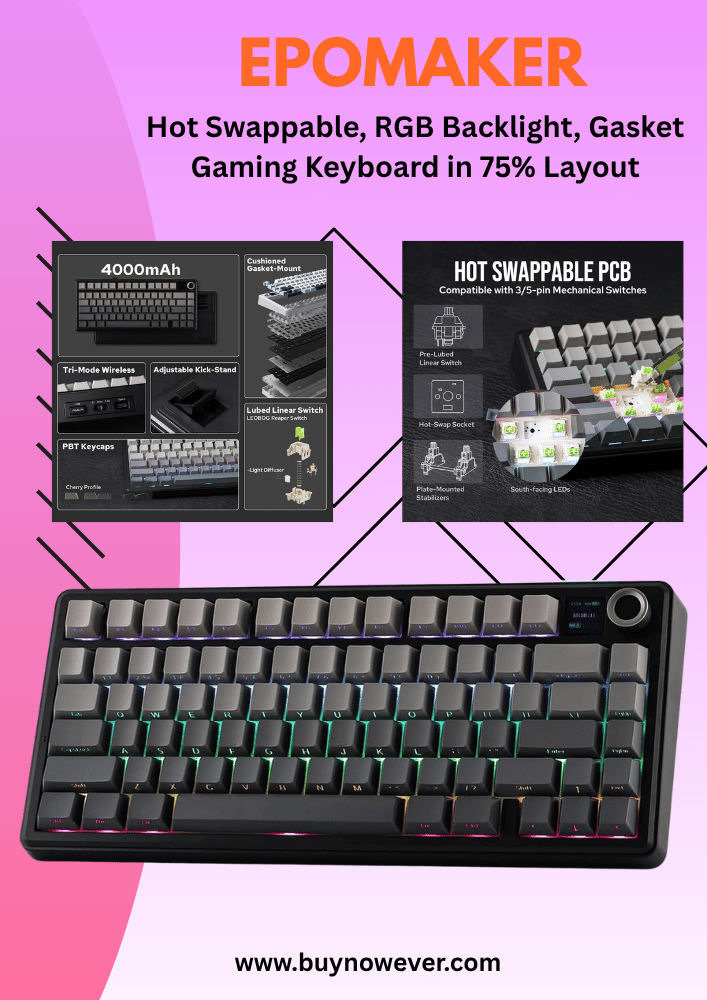
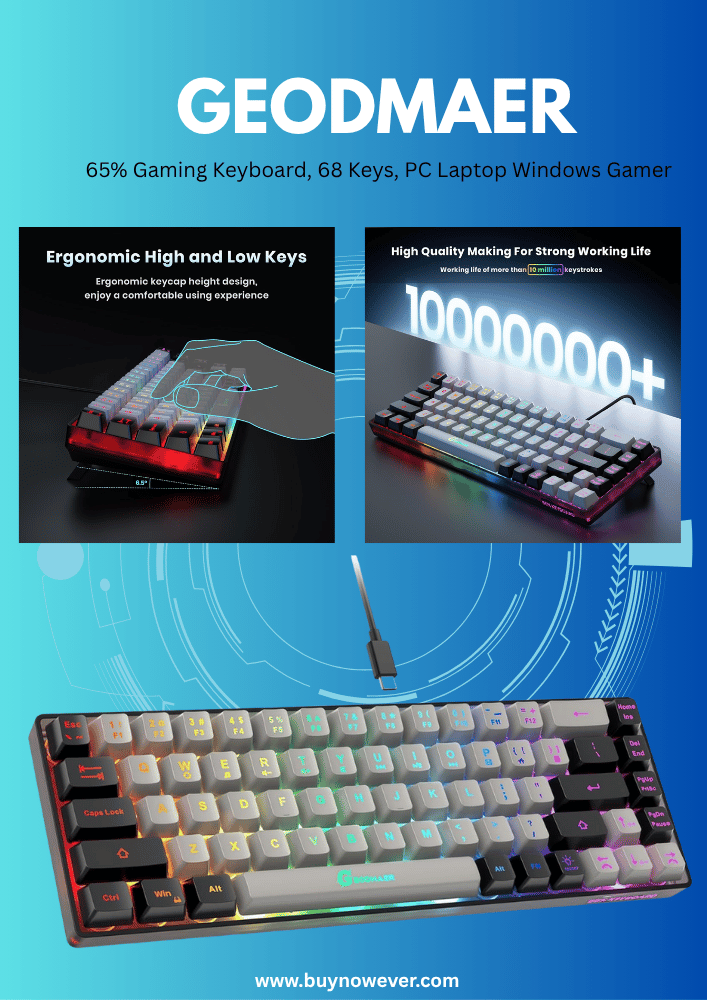
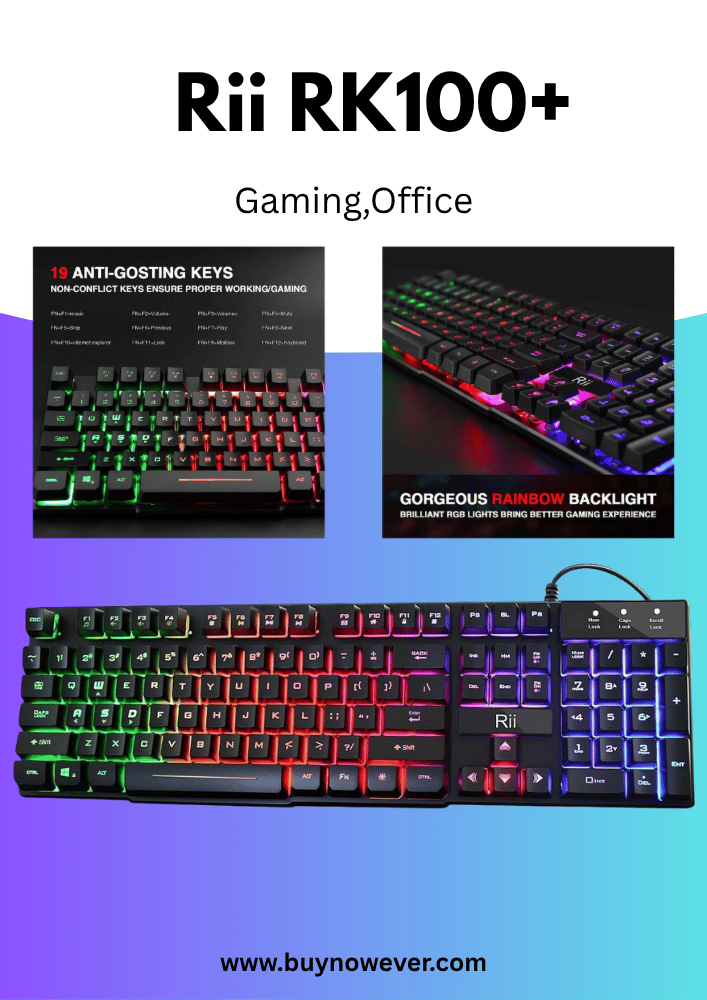
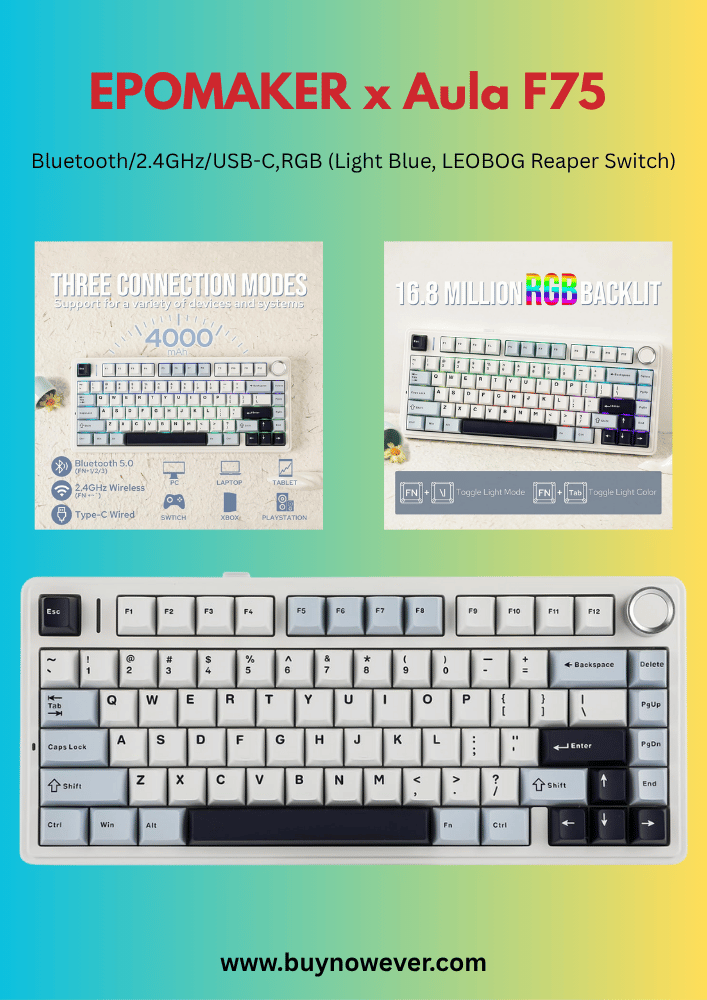
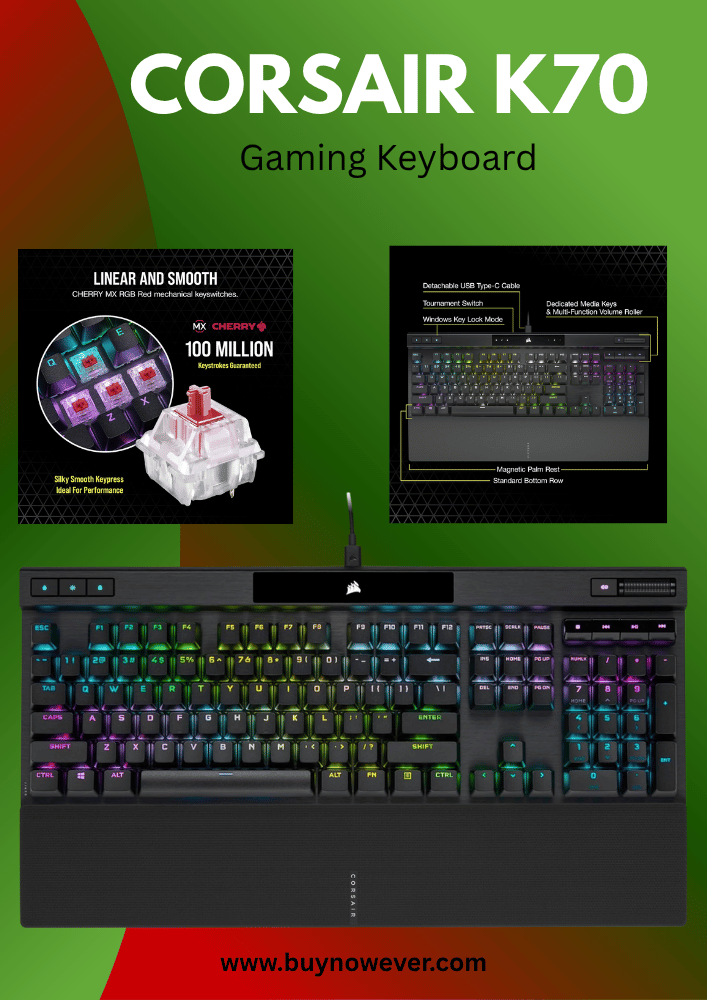
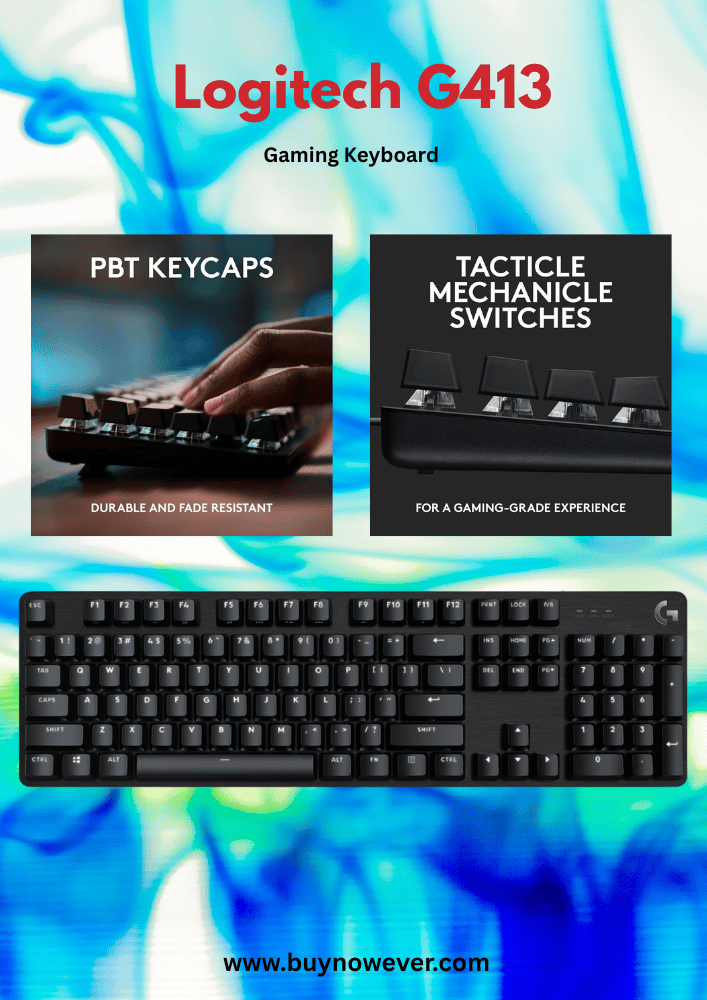
Are you looking to level up your gaming setup? Choosing from the Best Gaming RGB Keyboards can significantly improve your performance while keeping you comfortable and visually immersed during long gaming sessions.
Choosing the best gaming RGB keyboard can give you an edge with faster responses, stunning lighting effects, and unbeatable comfort. Imagine every key lighting up perfectly with your moves, making every game more immersive and exciting. You’ll discover top keyboards that combine style, performance, and durability to match your gaming needs.
Keep reading, and find the perfect keyboard that turns your gaming into an unforgettable experience.
Top Gaming RGB Keyboards
Gaming RGB keyboards bring color and style to your setup. They offer bright lights and smooth keys for fast gaming. Picking the right keyboard can boost your gameplay and make your desk look great. Here are some of the top gaming RGB keyboards that combine performance and lighting effects.
Steelseries Apex Pro
The SteelSeries Apex Pro features adjustable mechanical switches. You can change the actuation point for faster or slower key response. It has vibrant RGB lighting and a small OLED display for custom info.
Adjustable mechanical switches
Per-key RGB lighting
OLED smart display
Durable aluminum frame
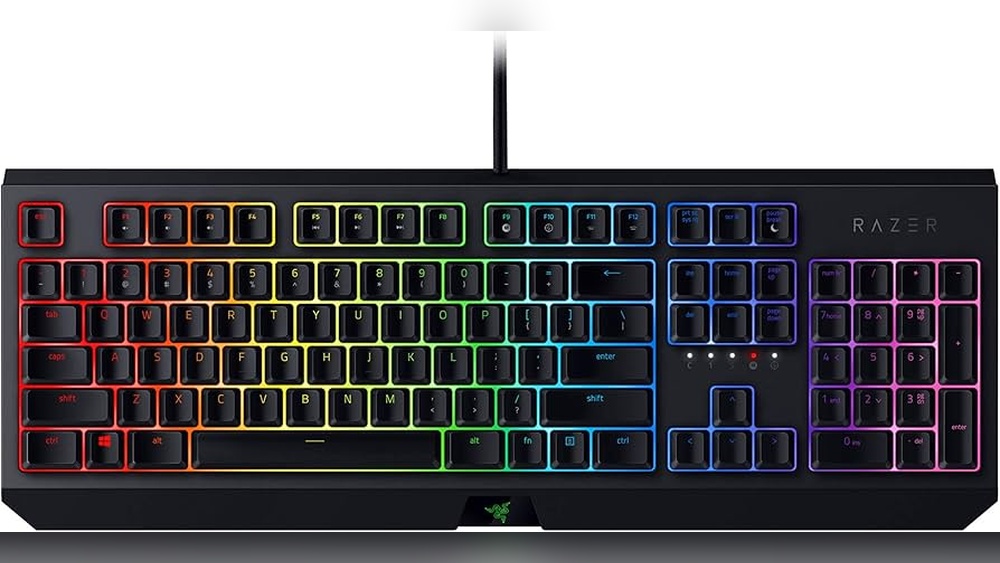
Razer Blackwidow V4
Razer BlackWidow V4 offers tactile green switches for great feedback. It has a full RGB spectrum and easy customization through Razer Synapse software. The keyboard is built to last with a solid frame.
Razer mechanical switches
Chroma RGB lighting
Dedicated media controls
Ergonomic wrist rest
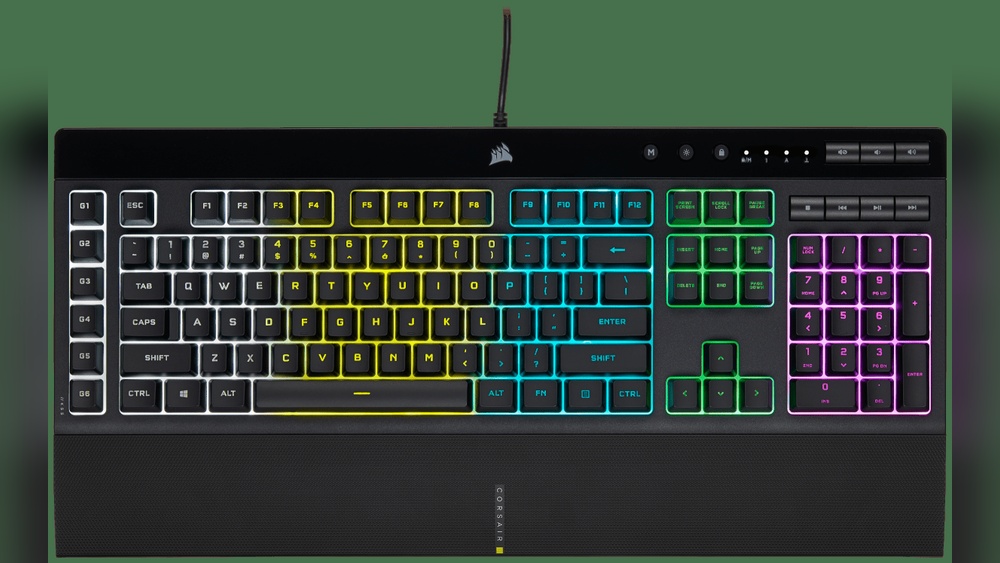
Corsair K95 RGB Platinum
The Corsair K95 RGB Platinum comes with six programmable macro keys. Its RGB lighting is bright and customizable by zone or per key. The keyboard uses Cherry MX switches for smooth typing and gaming.
Cherry MX mechanical switches
Per-key RGB backlighting
Six macro keys
Aircraft-grade aluminum frame
Logitech G Pro X
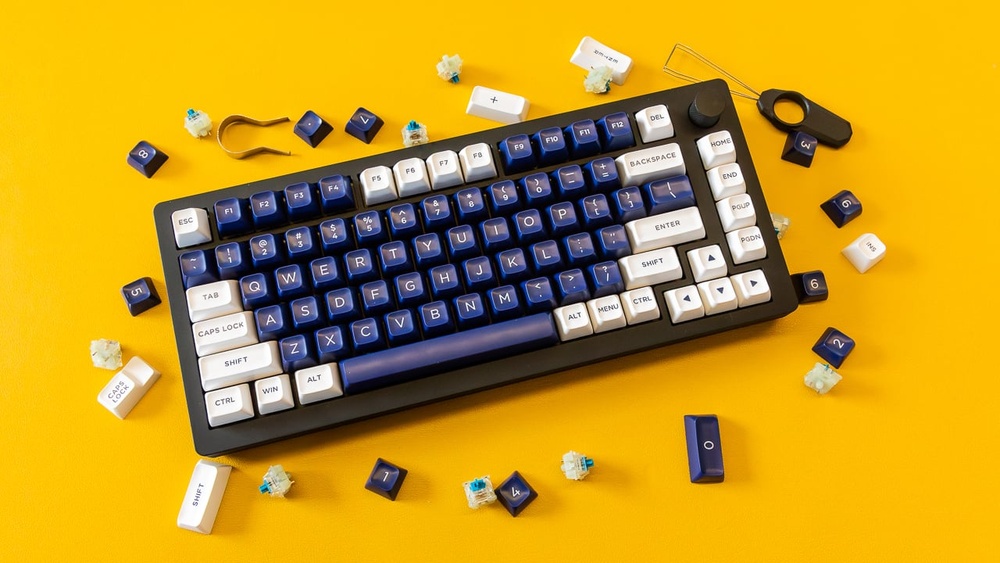
Logitech G Pro X features swappable switches. This lets you change switch types without buying a new keyboard. It has RGB lighting and a compact design, ideal for small desks.
Hot-swappable switches
Customizable RGB lighting
Compact tenkeyless layout
Durable build quality
Comparison Table Of Top Gaming RGB Keyboards
Keyboard
Switch Type
RGB Lighting
Special Features
Build Material
SteelSeries Apex Pro
Adjustable Mechanical
Per-key RGB
OLED Display, Adjustable Actuation
Aluminum
Razer BlackWidow V4
Razer Green Mechanical
Chroma RGB
Media Controls, Wrist Rest
Plastic/Metal
Corsair K95 RGB Platinum
Cherry MX
Per-key RGB
6 Macro Keys, Aluminum Frame
Aircraft-grade Aluminum
Logitech G Pro X
Hot-swappable Mechanical
Customizable RGB
Compact, Switch Swap
Plastic/Metal
Key Features To Consider
Choosing the best gaming RGB keyboard means paying attention to key features that affect performance and experience. These features impact comfort, speed, and visual appeal. Understanding what to consider helps you find a keyboard that fits your gaming style and needs perfectly. Here are the main features to keep in mind.
Switch Types
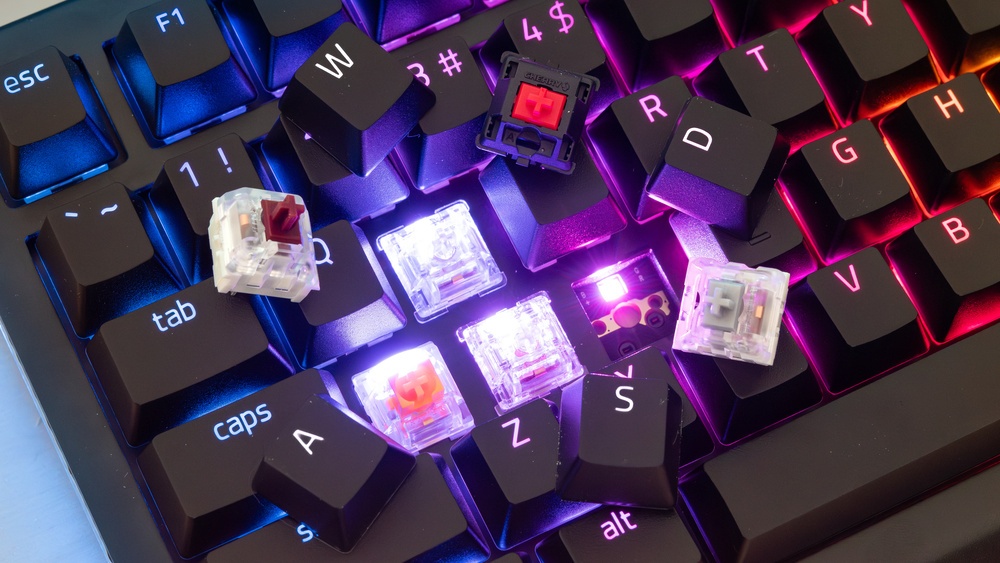
Switches are the heart of any keyboard. They control the feel and response of each key press. Different switch types offer unique feedback and sound levels. Mechanical switches are popular for gaming because they provide quick and accurate key registration.
Common switch types include:
Linear switches: Smooth keystrokes with no tactile bump. Ideal for fast, repeated key presses.
Tactile switches: Provide a slight bump to signal key actuation. Good for precise typing and gaming.
Clicky switches: Have a tactile bump plus an audible click. Preferred by users who like sound feedback.
Here is a quick comparison:
Switch Type
Feel
Sound
Best For
Linear
Smooth, consistent
Quiet
Fast gaming, rapid key presses
Tactile
Bump feedback
Moderate
Mixed gaming and typing
Clicky
Bump + click sound
Loud
Typing, users who like audible feedback
Choosing the right switch depends on your preference for feel and sound. Test switches if possible before buying.
Customization Options
Customization plays a big role in gaming keyboards. It allows users to tailor the keyboard to their needs and style. Keyboards may offer different levels of customization, from software settings to hardware features.
Important customization features include:
Programmable keys: Assign macros or commands to specific keys for quick access.
Key remapping: Change the function of any key to suit your play style.
Profiles: Save multiple settings profiles for different games or users.
Software support: Use dedicated apps to control lighting, macros, and key assignments.
Detachable cables: For easier transport and replacement.
Here is how customization can improve your gaming:
Set up macros to perform complex actions with one key press.
Create lighting zones for better key visibility.
Switch profiles quickly for different games or tasks.
Remap keys to reduce finger movement and increase speed.
Good customization options help you play more efficiently and enjoy your keyboard more.
Build Quality
Build quality affects durability and comfort during long gaming sessions. A sturdy keyboard lasts longer and feels better under your fingers. Pay attention to materials and design.
Key points about build quality:
Material: Look for metal or high-quality plastic frames for strength.
Keycaps: PBT keycaps resist wear and shine better than ABS.
Stabilizers: Good stabilizers reduce noise and wobble on larger keys.
Water resistance: Some keyboards offer spill-proof designs to protect against accidents.
Ergonomics: Features like wrist rests improve comfort during long use.
Check keyboard weight and stability. A heavier keyboard often stays put on the desk. Also, consider size and layout to fit your desk space and gaming setup.
Lighting Effects
RGB lighting is a popular feature in gaming keyboards. It adds style and can improve visibility in low light. Lighting effects range from simple backlighting to complex animations.
Types of lighting effects include:
Static: One solid color across all keys.
Breathing: Lights fade in and out smoothly.
Wave: Colors move across the keyboard in waves.
Reactive: Keys light up when pressed.
Custom zones: Different colors in different areas.
Lighting control is often done through software, allowing you to:
Create custom colors and patterns.
Sync lighting with other RGB devices.
Adjust brightness and speed of effects.
Choose a keyboard with lighting options that match your style and setup. Good lighting can enhance the gaming atmosphere and make key recognition easier.
Mechanical Vs Membrane RGB Keyboards
Choosing the right RGB keyboard is key for gamers. Mechanical and membrane keyboards are the two main types. Both have colorful lighting but work differently. Understanding their features helps pick the best one for gaming.
What Are Mechanical RGB Keyboards?
Mechanical keyboards use individual switches under each key. These switches give a tactile feel and sound when pressed. They are known for durability and fast response. Many gamers prefer them for better control.
Each key has a physical switch.
Strong, clicky feedback
Long lifespan, often over 50 million keystrokes
Customizable RGB lighting on each key
What Are Membrane RGB Keyboards?
Membrane keyboards work with pressure pads beneath the keys. They are quieter and usually cheaper. The keys feel softer and less precise. These keyboards also offer RGB lighting but with fewer options.
Use pressure pads instead of switches.s
Quieter and softer key presses
Lower cost and simpler design
RGB lighting often covers zones, not individual keys
Comparison Table: Mechanical Vs Membrane RGB Keyboards
Feature
Mechanical RGB Keyboard
Membrane RGB Keyboard
Key Switch Type
Individual mechanical switches
Pressure pads under keys
Typing Feel
Clicky and tactile
Soft and quiet
Durability
High (50+ million keystrokes)
Lower (5-10 million keystrokes)
RGB Lighting
Per-key customizable
Zone-based lighting
Price
Higher
Lower
Which Keyboard Suits Different Gamers?
Mechanical keyboards suit gamers who want precision and fast reactions. They also work well for long gaming sessions. The sound can help with feedback, but might disturb others.
Membrane keyboards fit gamers on a budget or those who prefer quiet keys. They are lighter and easier to carry. The RGB lighting still adds style, but with fewer effects.
Budget-friendly Rgb Keyboards
Budget-friendly RGB keyboards bring colorful lighting and solid performance without high costs. They suit gamers who want style and function on a tight budget. These keyboards often offer customizable RGB effects, decent key response, and good build quality. Affordable options let gamers enjoy vibrant setups and responsive typing without overspending.
Top Affordable RGB Keyboards
Keyboard Model
Price Range
Key Switch Type
RGB Features
Additional Features
Redragon K552
$40 – $50
Mechanical (Outemu Blue)
Customizable per-key RGB lighting
Compact design, splash-proof
AUKEY Mechanical Keyboard
$50 – $60
Mechanical (Outemu Blue)
Multi-zone RGB backlighting
Durable ABS keycaps, anti-ghosting
Velocifire TKL02
$40 – $55
Mechanical (Brown switches)
White LED with RGB effects
Tenkeyless design, quiet keys
Features to Expect in Budget RGB Keyboards
Customizable Lighting: Multiple lighting modes and colors to personalize the look.
Mechanical or Membrane Keys: Mechanical keys offer better feedback; some models use quality membrane keys.
Durability: Sturdy plastic or metal frames designed to last.
Anti-Ghosting: Supports multiple simultaneous key presses for gaming.
Compact or Full Size: Options for tenkeyless or full-size layouts.
Tips for Choosing a Budget RGB Keyboard
Identify preferred key switch type: mechanical or membrane.
Check lighting customization options and software support.
Look for anti-ghosting to avoid missed key presses.
Consider keyboard size based on desk space and usage.
Read user reviews for reliability and comfort insights.
High-end RGB Keyboards
High-end RGB keyboards offer more than just bright lights. They combine advanced features, great build quality, and smooth performance. These keyboards suit serious gamers and those who want a stylish setup.
Mechanical Switches And Durability
Most high-end RGB keyboards use mechanical switches. These switches givea fast response and last for millions of keystrokes. Popular types include Cherry MX, Razer, and Romer-G. Mechanical switches feel firm and clicky or soft and quiet, depending on the model.
Durable keycaps: Usually made of PBT plastic for long-lasting use.
Strong frame: Aluminum or metal for solid build quality.
Customizable RGB Lighting
High-end keyboards feature full RGB lighting with millions of colors. Users can create lighting effects or sync colors to games and music. Lighting zones can be controlled individually or in groups.
Per-key illumination for detailed customization.
Pre-set effects like wave, ripple, and reactive.
Software support for easy lighting changes.
Additional Features For Gamers
Extra features improve gaming comfort and control.
Macro keys: Programmable buttons for complex commands.
Dedicated media controls: Adjust volume or play/pause without leaving the game.
Detachable wrist rest: Adds comfort during long sessions.
USB pass-through ports: Connect other devices like a mouse or a headset.
Top High-end Rgb Keyboards Comparison
Model
Switch Type
Lighting
Extra Features
Price
Corsair K100 RGB
Cherry MX Speed
Per-key RGB
Macro keys, media controls, wrist rest
High
Razer Huntsman Elite
Razer Optical
Per-key RGB
Media controls, wrist rest, USB pass-through
High
Logitech G915
GL Clicky/Linear
Per-key RGB
Wireless, media controls, low profile
High
Wireless RGB Keyboards
Wireless RGB keyboards bring freedom and style to gaming setups. They combine colorful lighting effects with the convenience of no cables. Gamers can move their keyboards around without restrictions. These keyboards provide a clean, clutter-free desk space. Many models offer fast wireless connections and long battery life. This makes them perfect for both casual and competitive gaming.
Advantages Of Wireless RGB Keyboards
Mobility: Play from any angle without cable limits.
Quiet Operation: Many wireless keyboards use silent switches.
Compatibility: Works with PCs, laptops, and some consoles.
Popular Wireless RGB Keyboard Features
Feature
Description
Battery Life
Ranges from 20 hours to several weeks,s depending on use.
Connection Type
Bluetooth or 2.4 GHz wireless for low latency.
RGB Lighting Modes
Static, breathing, wave, reactive, and custom profiles.
Key Switches
Mechanical or membrane options for different feels.
Tips For Choosing A Wireless RGB Keyboard
Check battery life and charging method.
Look for a low-latency wireless connection.
Choose key switches based on your typing style.
Consider software support for RGB customization.
Ensure compatibility with your gaming device.
Software And Compatibility
Software and compatibility play a vital role in enhancing the experience of using gaming RGB keyboards. The software controls lighting effects, macros, and key assignments. Compatibility ensures the keyboard works smoothly with different devices and operating systems. Both factors can make a keyboard more flexible and enjoyable for gamers.
Software Features For Customization
Gaming RGB keyboards often come with dedicated software. This software allows users to:
Create custom lighting profiles with various colors and effects
Assign macros to specific keys for faster gameplay
Adjust key functions to suit personal preferences
Save profiles to the keyboard’s memory or cloud
Good software is user-friendly and updates regularly to fix bugs and add new options.
Compatibility With Operating Systems
Check if the keyboard supports your computer’s operating system. Most keyboards work with:
Windows 10 and 11
macOS
Linux (limited support)
Some keyboards have limited features on macOS or Linux. Ensure the software is fully functional on your OS before buying.
Device And Platform Support
Modern gaming keyboards support various devices:
Desktop PCs
Laptops
Gaming consoles like PS5 and Xbox Series X
Mobile devices (via USB or Bluetooth)
Check if the keyboard connects via USB, Bluetooth, or both. Wireless keyboards need good battery life and stable connections.
Software Update And Community Support
Good software receives frequent updates. Updates improve:
Compatibility with new games and systems
Bug fixes
New lighting effects and features
Some brands have active user communities. These communities share custom profiles and tips, enhancing the keyboard’s value.
Feature
Importance
What to Look For
Software Customization
High
Easy-to-use, many lighting effects, macro support
Operating System Support
High
Full functionality on Windows/macOS/Linux
Device Compatibility
Medium
USB/Bluetooth support, console compatibility
Software Updates
Medium
Regular updates, bug fixes, and new features
Tips For Maintaining RGB Keyboards
RGB keyboards add vibrant colors and style to gaming setups. They also require care to keep them working well and looking bright. Proper maintenance helps avoid damage and extends the keyboard’s life. Simple habits protect the lights and keys from wear and tear.
Cleaning Your RGB Keyboard Safely
Dust and dirt reduce the brightness of RGB lights. Clean the keyboard often to keep it bright. Use a soft, dry cloth for the surface. Avoid spraying water or cleaner directly on the keyboard.
Turn off and unplug the keyboard before cleaning.
Use compressed air to blow out dirt between keys.
Use a slightly damp cloth for sticky spots only.
Dry the keyboard well before plugging it back in.
Protecting The RGB Lights
Bright RGB lights need protection from damage. Avoid placing the keyboard in direct sunlight. Heat and light can fade the colors and reduce the lifespan.
Keep the keyboard away from windows and lamps.
Do not press keys too hard to prevent LED damage.
Use software settings to lower brightness if needed.
Maintaining Software And Firmware
RGB keyboards often use software for lighting effects. Update the software and firmware regularly. Updates fix bugs and improve performance.
Maintenance Step
Purpose
Frequency
Check software updates
Fix bugs and add features
Monthly
Update firmware
Improve hardware function
Every 3-6 months
Backup settings
Save lighting preferences
Before updates
Handling And Storage Tips
Proper handling and storage keep the RGB keyboard safe. Avoid dropping or banging the keyboard. Store it in a clean, dry place.
Use a keyboard cover to protect it from dust.
Unplug and store the keyboard during long breaks.
Keep cables untangled to avoid damage.
Frequently Asked Questions
What Makes RGB Keyboards Best For Gaming?
RGB keyboards offer customizable lighting that helps players find keys quickly and enhance gaming mood.
Do RGB Keyboards Improve Gaming Performance?
They don’t directly improve skills but make key visibility easier, which helps in fast reactions.
Which Switch Types Suit RGB Gaming Keyboards Best?
Mechanical switches like Cherry MX or Romer-G are popular for their fast response and durability.
Can RGB Lighting Affect Keyboard Battery Life?
Yes, bright or complex lighting can drain the battery faster on wireless RGB keyboards.
Are RGB Keyboards Compatible With All Gaming Setups?
Most RGB keyboards work with Windows and macOS, but check software support for full lighting control.
Conclusion
Choosing the right RGB keyboard can boost your gaming experience. Bright lights and quick keys help you play better. Pick a keyboard that feels comfortable and fits your style. Think about your budget and what features you need most. Good keyboards last a long time and work well.
Enjoy the colors and smooth typing every day. Your games will feel more fun and exciting. Take your time to decide and enjoy your new setup.