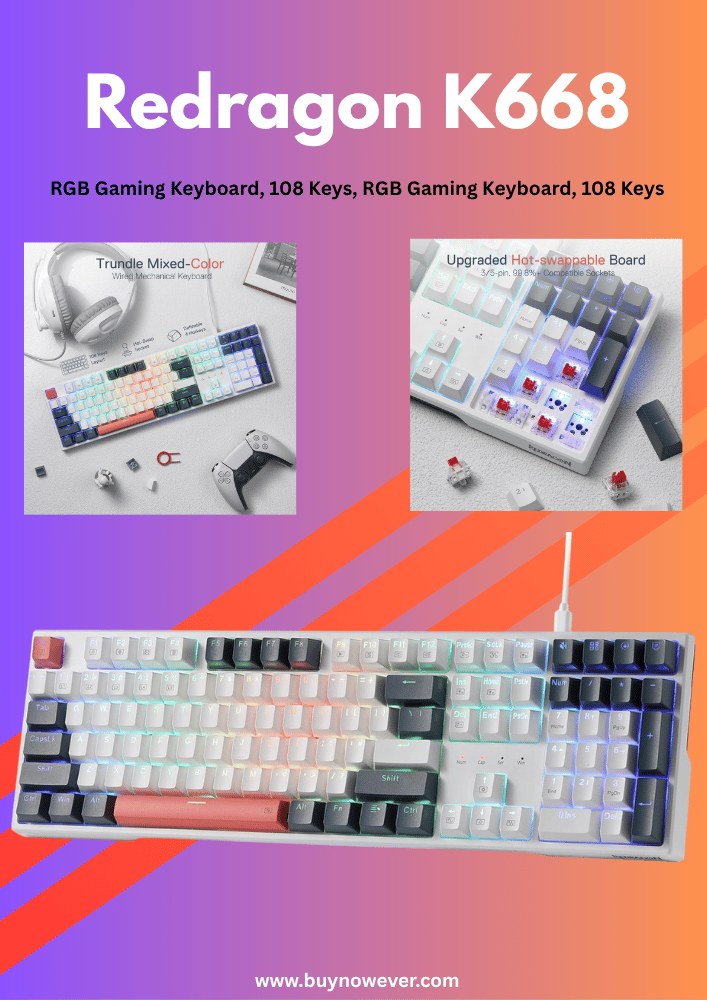
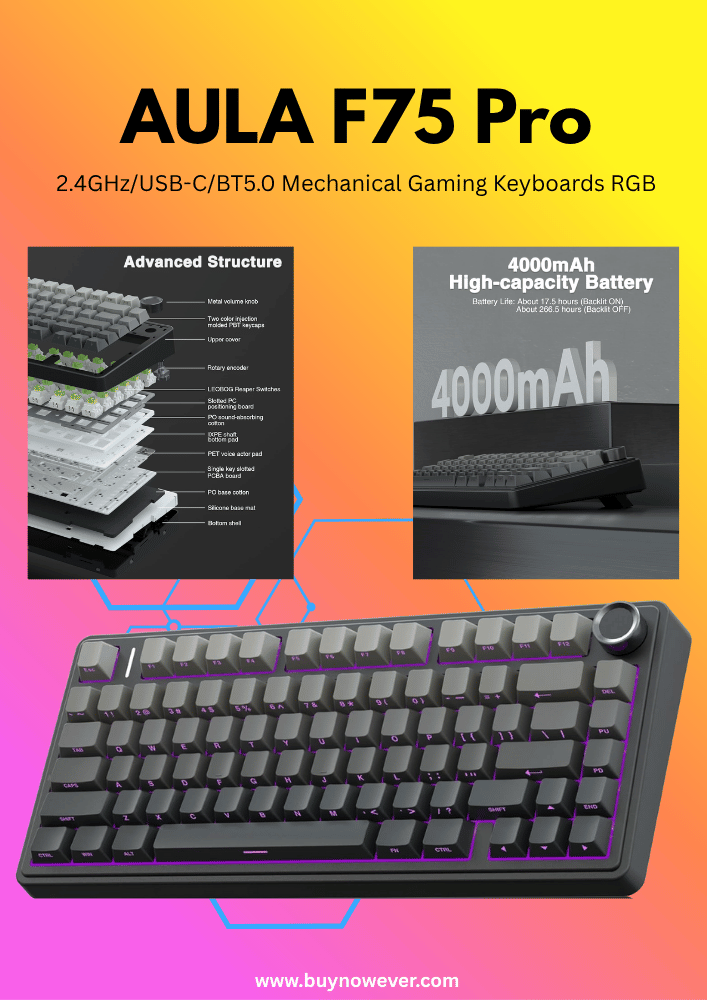
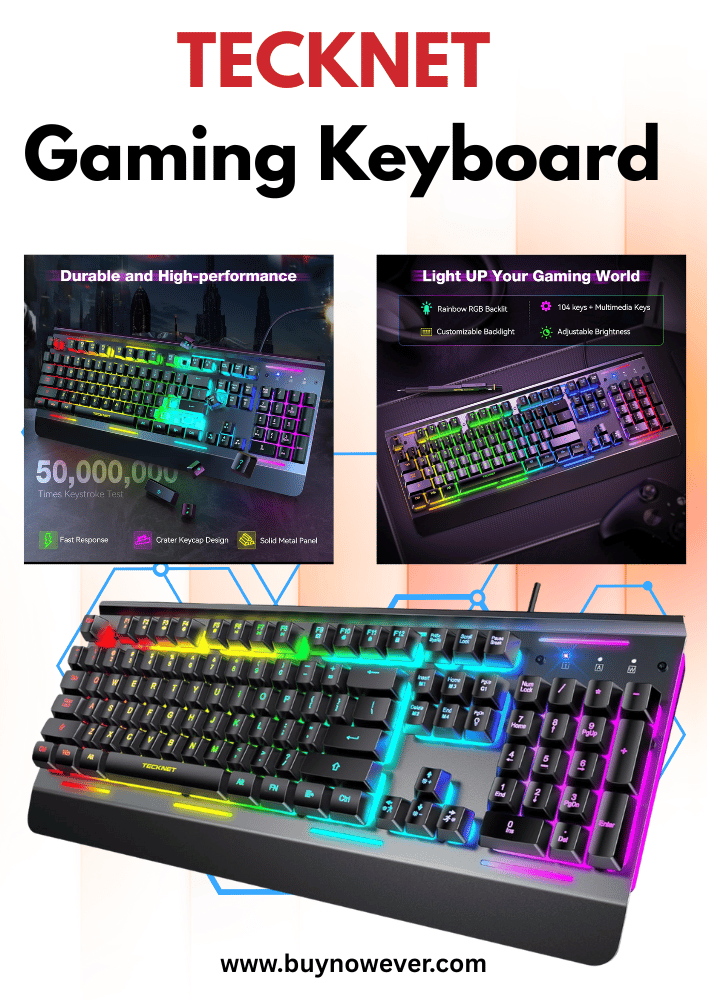
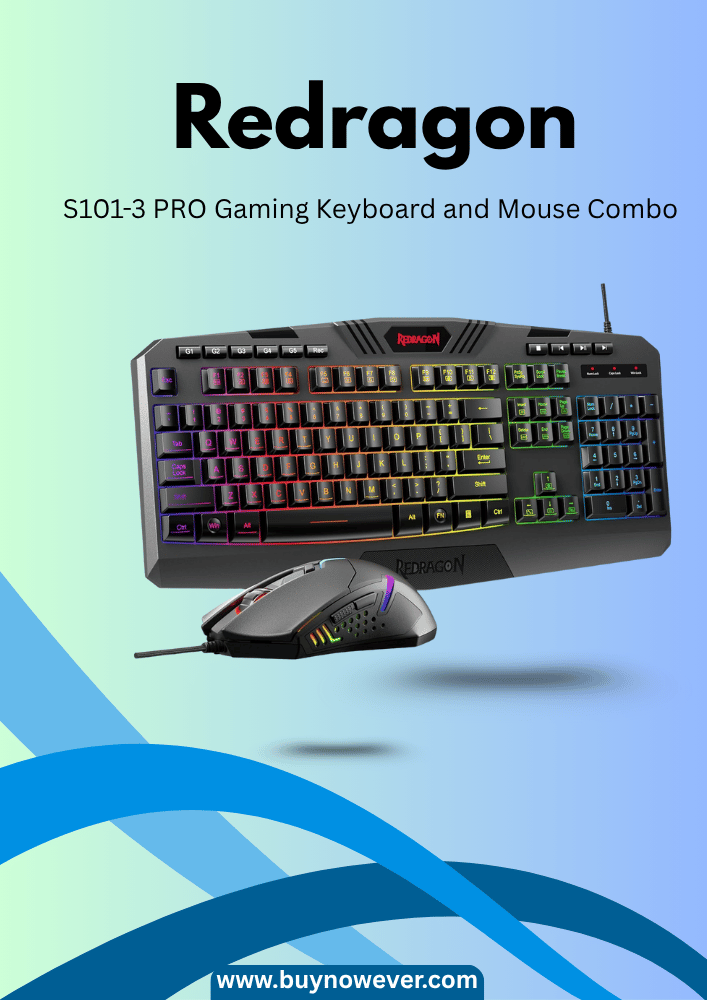
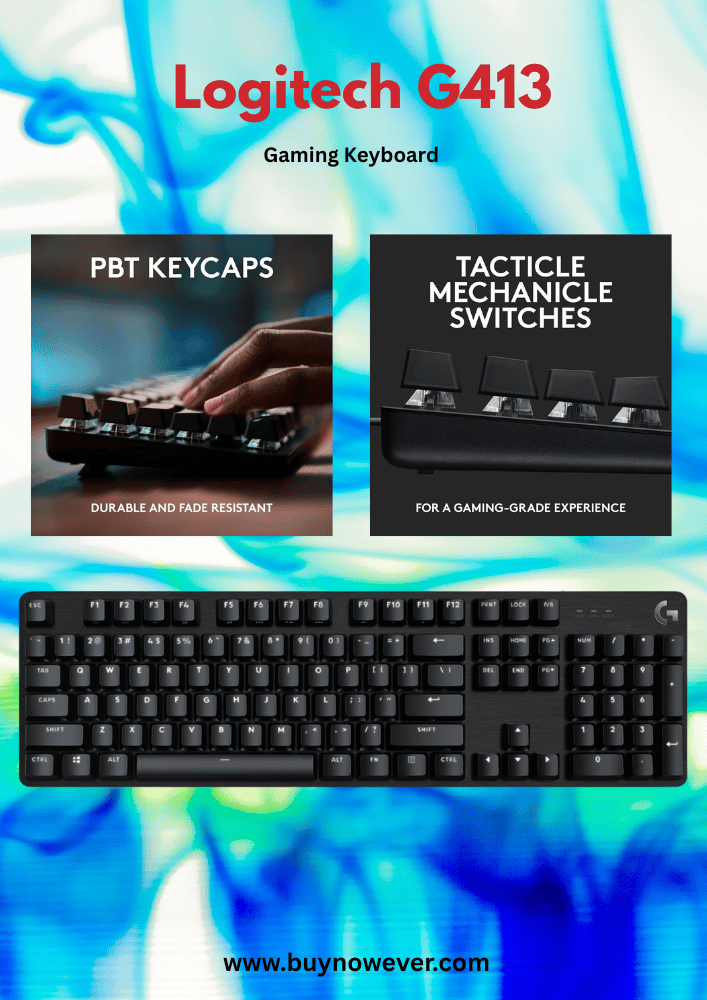
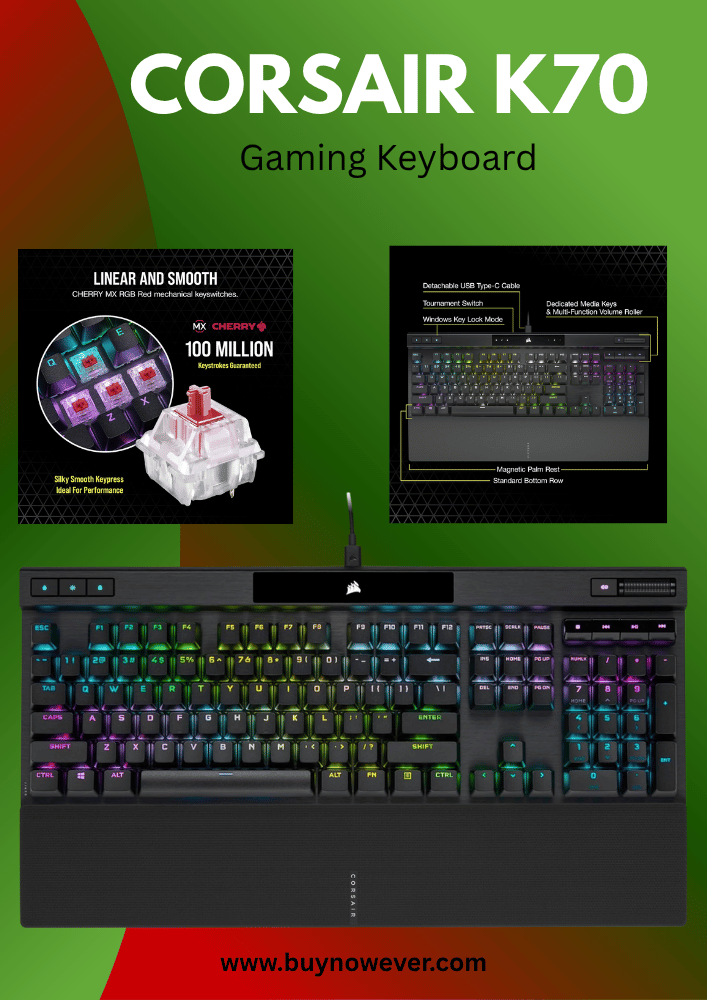
Looking for the best budget keyboards for gaming? You want a keyboard that feels great, responds fast, and doesn’t break the bank.
But with so many options out there, it’s easy to feel overwhelmed and unsure where to start. This guide will help you find the perfect keyboard that matches your gaming style and budget. By the end, you’ll know exactly which keyboard gives you the edge you need without emptying your wallet.
Finding the right keyboard for gaming does not need to cost a lot. Many budget keyboards offer great features for gamers. These keyboards balance price and performance well. They provide good response times, durability, and useful functions. Let’s explore some of the top budget gaming keyboards that perform well without breaking the bank.
Logitech G213 Prodigy
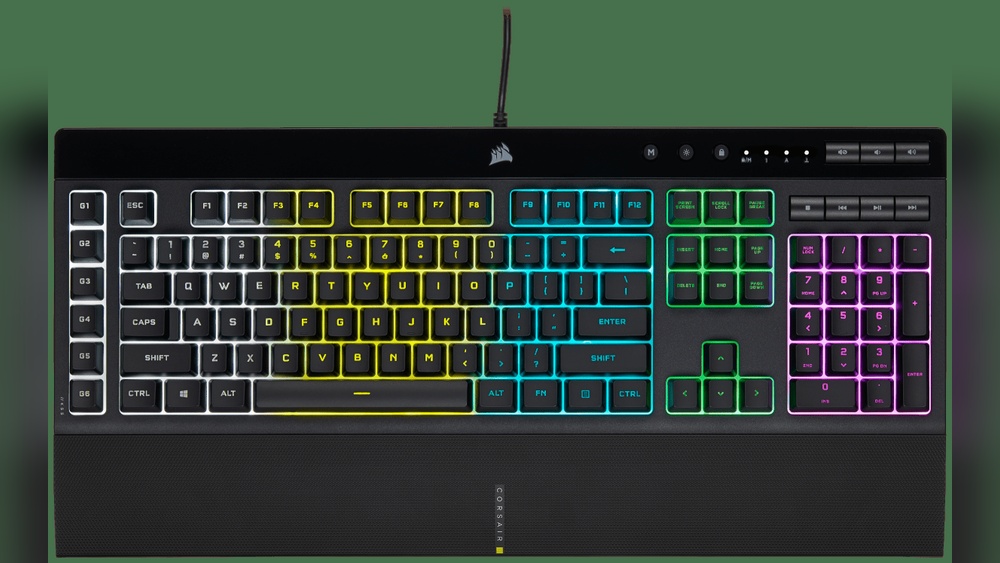
Logitech G213 Prodigy is a popular choice for budget gamers. It features RGB lighting and quiet keys. The keyboard is spill-resistant, which adds to its durability. Its gaming-grade performance helps with fast key presses. The G213 also has dedicated media controls for easy access to music and videos.
Mech-Dome keys with tactile feedback
Customizable RGB lighting zones
Anti-ghosting on 26 keys
Comfortable wrist rest included
Redragon K552 Kumara
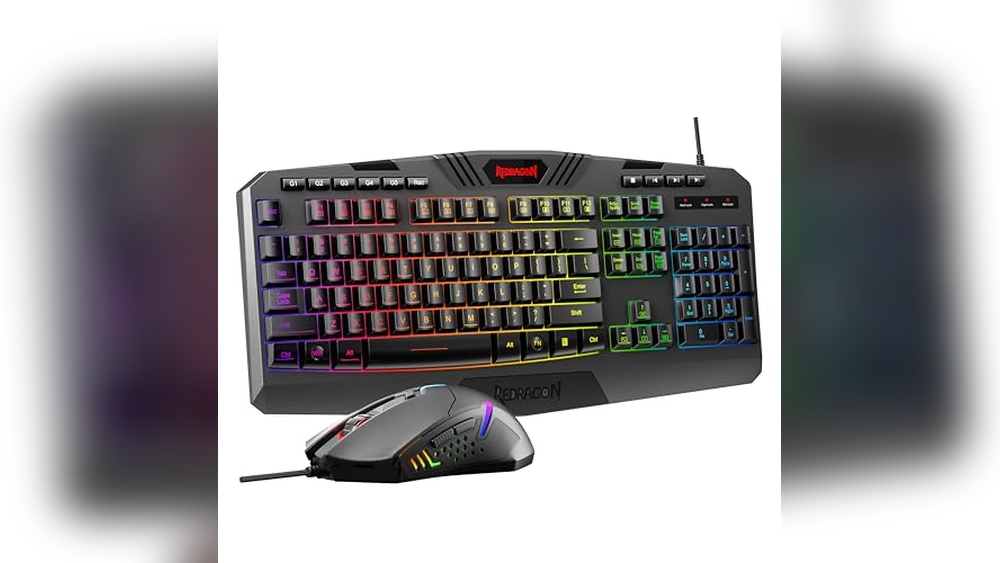
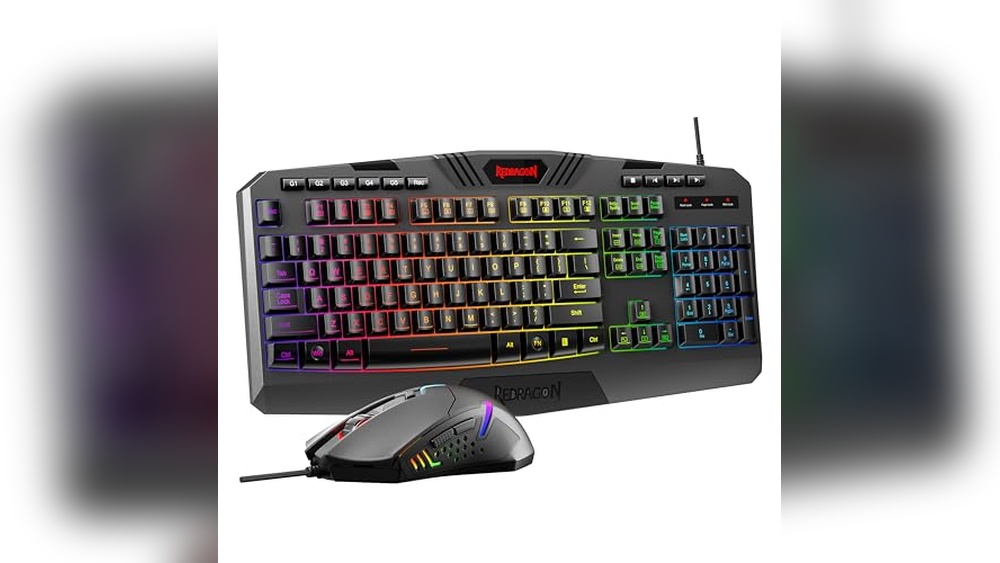
Redragon K552 Kumara offers mechanical switches at a low price. It has a compact design that saves desk space. The keyboard uses Outemu switches, which feel similar to Cherry MX. Its red LED backlight improves visibility in dim rooms. The K552 also has a strong metal frame for extra strength.
Mechanical keys with tactile or clicky feedback
High durability with metal construction
Anti-ghosting with full key rollover
Simple red LED backlighting
Hyperx Alloy Core Rgb
HyperX Alloy Core RGB blends style and comfort. It has quiet membrane keys with a soft touch. The RGB lighting has several effects and is easy to customize. This keyboard also features spill resistance to avoid damage from drinks. It is a solid choice for gamers who want a quiet and colorful keyboard.
Quiet membrane keys with good response
Dynamic RGB lighting with multiple zones
Dedicated media controls
Spill-resistant design
Comparison Table Of Top Budget Gaming Keyboards
Keyboard
Switch Type
Backlighting
Special Features
Price Range
Logitech G213 Prodigy
Mech-Dome (Membrane)
RGB Zones
Spill-resistant, Media Controls
$50 – $70
Redragon K552 Kumara
Mechanical (Outemu)
Red LED
Metal Frame, Full Key Rollover
$40 – $60
HyperX Alloy Core RGB
Membrane
RGB Zones
Spill-resistant, Media Controls
$50 – $65
Mechanical Vs Membrane Keyboards
Choosing the right keyboard is important for gaming. Mechanical and membrane keyboards are the two main types. Each type has its own strengths and weaknesses. This guide helps understand their key differences. It will help pick the best budget keyboard for gaming.
What Are Mechanical Keyboards?
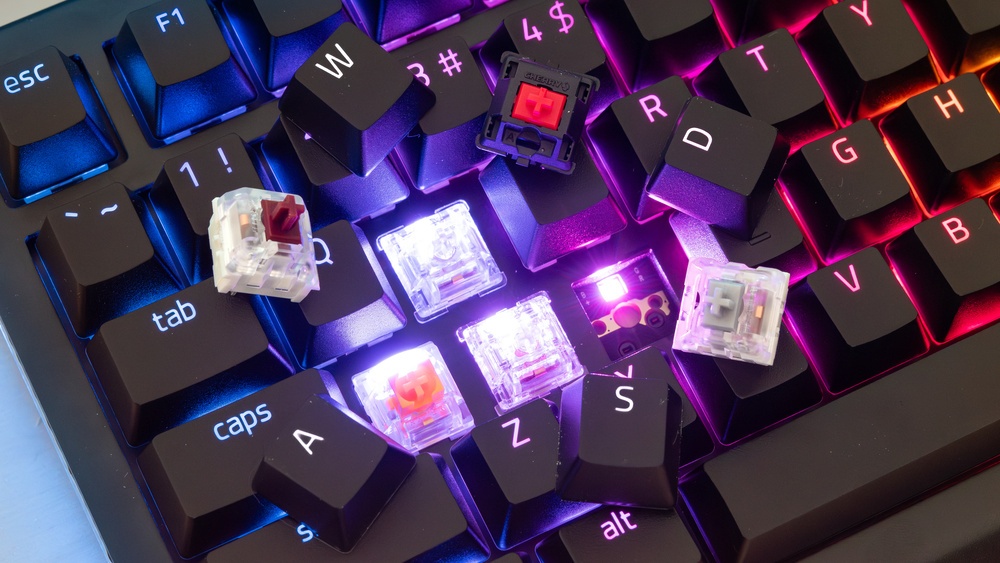
Mechanical keyboards use individual switches under each key. These switches make a distinct sound and feel when pressed. They offer precise feedback and fast response times.
Durable and long-lasting
Good for fast and accurate typing
Often louder than membrane keyboards
Keys require more force to press
Mechanical keyboards are popular among gamers who want reliability and speed. They usually cost more but last longer.
What Are Membrane Keyboards?
Membrane keyboards use a pressure pad system. Keys press down on a thin membrane layer to register input. These keyboards are quieter and softer to type on.
Less expensive than mechanical keyboards
Quieter and lighter to press
Less durable and may wear out faster
Typing may feel less precise
Membrane keyboards suit gamers on a tight budget. They are good for casual gaming and everyday use.
Mechanical Vs Membrane: Comparison Table
Feature
Mechanical Keyboard
Membrane Keyboard
Price
Higher cost
Lower cost
Durability
Lasts 50+ million keystrokes
Lasts 5-10 million keystrokes
Key Feel
Clicky and tactile
Softer and quieter
Typing Speed
Faster and more accurate
Slower and less precise
Weight
Heavier
Lighter
Which Keyboard Works Best For Gaming?
Mechanical keyboards suit gamers who want quick responses and durability. They improve accuracy and speed during play.
Membrane keyboards are ideal for casual gamers or tight budgets. They provide quiet typing and basic functionality.
Choosing depends on your gaming style and how much you want to spend.
Key Features To Look For
Choosing the best budget keyboard for gaming requires attention to key features. These features affect your comfort, speed, and gaming experience. Knowing what to check helps pick a keyboard that fits your needs without spending too much. Focus on switch types, backlighting options, build quality, and programmable keys. Each plays a big role in how well the keyboard performs during games and everyday use.
Switch Types
Switches are the heart of any keyboard. They decide how the keys feel and respond. For gaming, the type of switch can change how fast and accurately you press keys.
There are three main switch types:
Mechanical switches: These have individual switches under each key. They offer good feedback and durability. They are popular among gamers because they register key presses quickly.
Membrane switches: These use a rubber dome under the keys. They are quieter and cheaper but less responsive than mechanical switches.
Hybrid switches: These combine features of mechanical and membrane switches to balance cost and performance.
Mechanical switches come in different styles:
Switch Type
Feel
Sound Level
Best For
Linear
Smooth and consistent
Quiet
Fast-paced games
Clicky
Sharp tactile bump and click sound
Loud
Typing and gaming
Tactile
Noticeable bump without click
Moderate
Balanced gaming and typing
Mechanical switches last longer and give better control. For budget options, some brands offer mechanical-like switches that feel good for gaming. Try to pick switches that suit your play style and comfort.
Backlighting Options
Backlighting makes keys visible in dark rooms. It also adds style to your setup. Budget gaming keyboards may offer different backlighting types.
Common backlighting options include:
Single-color lighting: Usually red, blue, or white light under all keys.
RGB lighting: Lights can change colors and create effects. Some keyboards let you customize colors per key.
No backlight: Saves money, but can make it hard to see keys in low light.
Backlighting features to check:
Brightness levels – adjust light intensity for comfort.
Lighting modes – steady, breathing, wave, or reactive effects.
Software support – control colors and effects via apps.
Backlighting adds fun and helps find keys quickly. For budget keyboards, simple single-color lights are common,n but RGB options are growing. Choose lighting that fits your style and needs.
Build Quality
Build quality affects how long your keyboard lasts and how comfortable it feels. A strong keyboard resists wear and damage during long gaming sessions.
Important build quality factors include:
Material: Keyboards use plastic, metal, or a mix. Metal frames increase durability but may cost more.
Keycaps: Look for thick, textured keycaps. They last longer and feel better to press.
Stabilizers: Help larger keys stay steady when pressed.
Anti-ghosting and N-key rollover: These features ensure multiple keys register correctly when pressed together.
Check how the keyboard feels in your hands. A heavier keyboard often means better build quality. Also, see if it has rubber feet to prevent slipping.
Programmable Keys
Programmable keys let you assign custom commands or macros. This boosts your gameplay by saving time and effort.
Features to look for in programmable keys:
Number of keys: Extra keys dedicated to macros or shortcuts.
Software support: Easy-to-use software to program keys and save profiles.
Macro recording: Ability to record complex key sequences and play them with one key press.
Onboard memory: Saves settings directly on the keyboard for use on different computers.
Not all budget keyboards have programmable keys. Some offer limited functionality or require software installation. Decide how much customization you need before choosing.
Top Brands For Budget Keyboards
Top Brands for Budget Keyboards offer quality and value for gamers on a budget. These brands create keyboards that balance performance, durability, and price. Picking a trusted brand helps find a keyboard that lasts and plays well.
Logitech
Logitech is a well-known brand with many budget-friendly keyboards. Their models often feature good build quality and responsive keys. Logitech keyboards usually include useful extras like adjustable lighting and programmable keys.
Durable and comfortable designs
Good key response for gaming
Affordable options under $50
Redragon
Redragon focuses on budget gaming gear with solid features. Their keyboards offer mechanical switches and RGB lighting at low prices. Redragon keyboards are popular for reliability and style among budget gamers.
Mechanical keys for better feedback
Bright RGB lighting effects
Strong metal and plastic build
Razer
Razer has a few entry-level keyboards for gamers who want brand quality without high costs. These keyboards often have gaming-grade switches and sleek designs. Razer’s budget models offer good performance and a recognizable look.
Responsive mechanical switches
Simple but elegant designs
Basic RGB lighting
Cooler Master
Cooler Master provides budget keyboards with solid performance. Their keyboards often include mechanical switches and customizable keys. Cooler Master focuses on comfort and durability for long gaming sessions.
Mechanical switch options
Ergonomic design
Affordable prices
Brand
Key Features
Price Range
Logitech
Durable, responsive keys, adjustable lighting
$20 – $50
Redragon
Mechanical switches, RGB lighting, sturdy build
$30 – $60
Razer
Gaming switches, sleek design, basic RGB
$40 – $70
Cooler Master
Mechanical keys, ergonomic, durable
$30 – $60
Comparison Of Popular Models
Choosing the right budget keyboard for gaming can be tricky. Many models offer different features, designs, and prices. Comparing popular keyboards helps find the best match for your needs. Below, you will see a clear comparison of some well-known budget gaming keyboards.
Key Features Comparison
Model
Switch Type
Backlight
Anti-Ghosting
Price Range
Redragon K552
Mechanical (Outemu Blue)
Red LED
87-Key Anti-Ghosting
$30 – $40
Razer Cynosa V2
Membrane
RGB
10-Key Rollover
$50 – $60
Logitech G213
Membrane
RGB
Anti-Ghosting
$50 – $60
Velocifire TKL02
Mechanical (Brown Switch)
White LED
Full Anti-Ghosting
$40 – $50
Build Quality And Design
Redragon K552 offers a compact, metal build. It feels solid and durable. The keyboard is tenkeyless, saving desk space.
Razer Cynosa V2 has a plastic body, but it looks sleek. It includes dedicated media keys for easy control.
Logitech G213 feels sturdy with a spill-resistant design. The keys are soft and quiet, good for shared spaces.
Velocifire TKL02 features a simple design with a solid plastic frame. It is also tenkeyless, perfect for small setups.
Performance And Gaming Experience
Redragon K552: Mechanical switches provide tactile feedback. Good for fast and precise gaming.
Razer Cynosa V2: Membrane keys are quiet but less responsive. RGB lighting adds style.
Logitech G213: Comfortable for long sessions. Anti-ghosting helps with multiple key presses.
Velocifire TKL02: Brown switches balance quiet typing and good responsiveness.
Which Keyboard Is Best For You?
Choose Redragon K552 if you want a mechanical feel on a tight budget.
Pick the Razer Cynosa V2 for colorful RGB and quiet keys.
Go for Logitech G213 if you want durability and comfort.
Try Velocifire TKL02 for a compact mechanical keyboard with quiet switches.
Tips For Choosing The Right Keyboard
Choosing the right keyboard is important for a good gaming experience. A budget keyboard can still offer great performance and comfort. Focus on features that matter most to you. This guide helps you pick a keyboard that fits your needs and budget.
Choose The Right Switch Type
Keyboard switches affect how the keys feel and respond. There are three main types:
Membrane switches: Quiet and soft but less precise.
Mechanical switches: Clicky and tactile, good for fast response.
Hybrid switches: Mix of membrane and mechanical features.
Mechanical switches are popular for gaming due to better feedback and durability. Pick a switch type that feels comfortable for long gaming sessions.
Check Key Rollover And Anti-ghosting
Key rollover means how many keys you can press at once and have them register correctly. Anti-ghosting prevents wrong key presses when multiple keys are pressed. These features help in fast-paced games where multiple commands happen together.
Look for keyboards with at least 6-key rollover or full n-key rollover for the best results.
Consider Keyboard Size And Layout
Keyboards come in various sizes:
Size
Description
Good For
Full-size
Includes number pad and all keys
Typing and gaming with the number pad use
TKL (Tenkeyless)
No number pad, smaller footprint
More desk space, portable
60% or 65%
Compact, fewer keys
Small desks, easy to carry
Pick a size that matches your space and gaming style.
Look For Customization Options
Custom features improve your gaming:
Programmable keys: Assign macros or shortcuts.
Backlighting: Helps in low light and adds style.
Adjustable polling rate: Affects how fast the keyboard communicates with your PC.
Choose a keyboard with features that help you play better and feel comfortable.
Assess Build Quality And Comfort
Good keyboards last longer and feel better:
Sturdy frame: Metal or thick plastic frames resist wear.
Keycap material: PBT keycaps last longer than ABS.
Wrist rest: Helps reduce strain during long sessions.
Comfort improves focus and reduces fatigue.
Where To Buy Budget Gaming Keyboards
Finding the right place to buy budget gaming keyboards is important. Good keyboards improve your gaming without costing too much. Many stores and websites offer a wide range of budget-friendly options. Choosing a reliable seller helps you get a quality product that lasts. Below are some popular places to find budget gaming keyboards.
Online Retailers
Online retailers provide a large selection of budget gaming keyboards. They often have customer reviews to help you decide. Prices tend to be lower online due to frequent sales and discounts.
Amazon: Huge variety, fast shipping, and user reviews.
Newegg: Specializes in computer gear with competitive prices.
Best Buy: Offers online deals and in-store pickup options.
Physical Electronics Stores
Visiting electronics stores lets you test keyboards before buying. You can check the build quality and key feel firsthand. Staff can also help you find the best keyboard for your budget.
Best Buy: Many locations and a good range of keyboards.
Walmart: Affordable options and easy returns.
Target: Convenient locations and occasional discounts.
Gaming Specialty Stores
Stores focused on gaming gear offer keyboards designed for gamers. They sometimes have bundles with other gaming accessories. These shops often have knowledgeable staff for advice.
GameStop: Gaming-focused, with some budget keyboard options.
Micro Center: Good for trying products in person and expert help.
Second-hand Marketplaces
Second-hand sites can offer budget keyboards at very low prices. Be careful to check the condition before buying. Some sellers provide warranties or return policies.
eBay: Auctions and fixed-price deals on used keyboards.
Facebook Marketplace: Local deals with a chance to inspect before buying.
Craigslist: Local sellers, possible good bargains.
Frequently Asked Questions
What Is The Best Budget Keyboard For Gaming Under $50?
The best budget gaming keyboard under $50 offers a good build and responsive keys without extra features.
Do Budget Gaming Keyboards Affect Game Performance?
Budget gaming keyboards provide decent performance for casual and beginner gamers with reliable key response.
Are Mechanical Keyboards Better For Budget Gaming Options?
Mechanical keyboards usually last longer and feel better, but can be pricier than membrane keyboards.
How Important Is RGB Lighting In Budget Gaming Keyboards?
RGB lighting is mostly for style and does not improve gaming performance or speed.
Can Budget Keyboards Handle Long Gaming Sessions Comfortably?
Many budget keyboards have ergonomic designs and comfortable keys suited for longer gaming hours.
Conclusion
Choosing the best budget keyboard for gaming can improve your play. Good keyboards offer comfort, speed, and durability. You don’t need to spend a lot to get quality. Many affordable options have features gamers want. Think about your needs and pick what fits.
A reliable keyboard helps you enjoy every game session. Play smarter, not harder, with the right gear. Your gaming experience matters, even on a budget. Keep these tips in mind for better choices. Gaming can be fun and smooth without breaking the bank.