How Many Keys on a Gaming Keyboard: Guide to Key Counts
Have you ever wondered how many keys on a gaming keyboard really matter for your gameplay? Knowing this can make a big difference in your gaming experience.
Whether you’re customizing controls or choosing the perfect setup, understanding your keyboard’s layout is key. You’ll discover exactly how many keys are on a gaming keyboard and why that number matters to your gameplay. Keep reading to unlock the full potential of your gear!
Gaming keyboards come in different sizes, each with a specific number of keys. Standard key counts help gamers choose the right keyboard for their needs. The keys affect gameplay, comfort, and desk space. Understanding these counts makes picking the best keyboard easier.
Full-size Keyboards
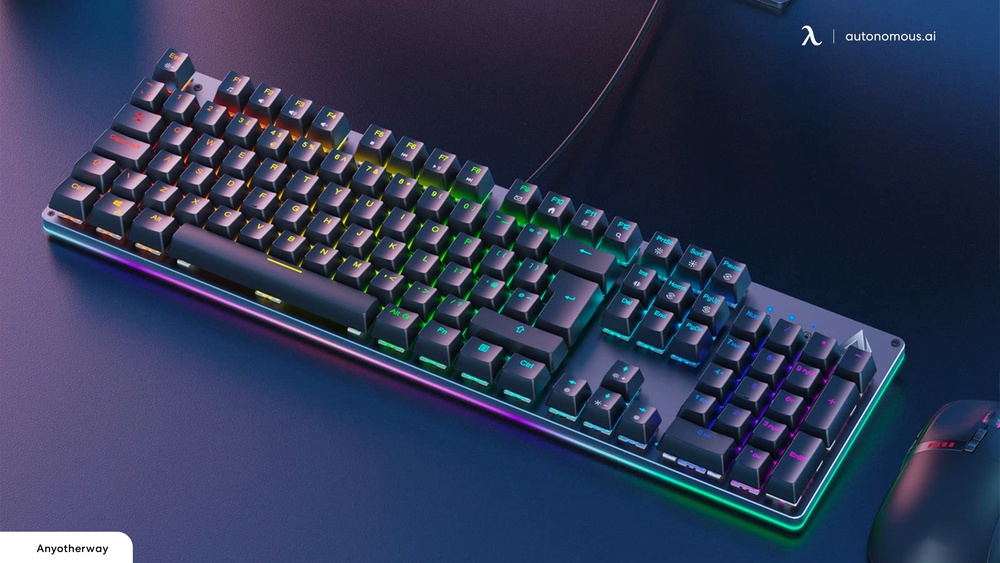
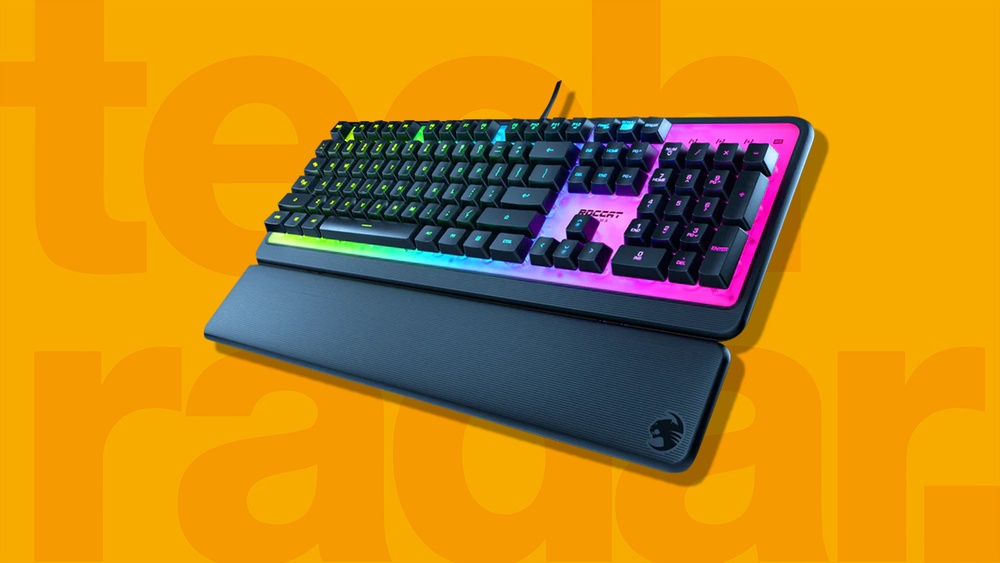
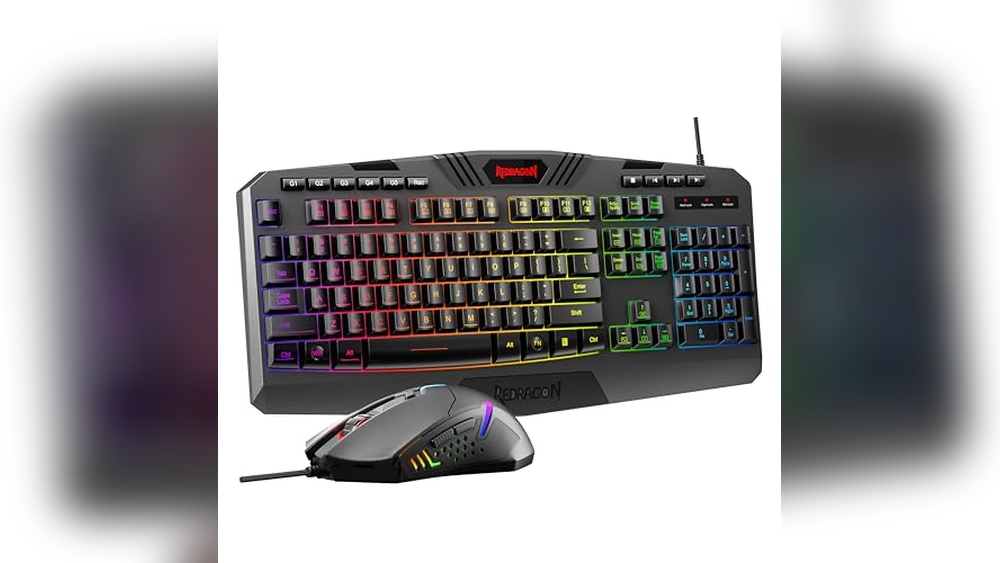
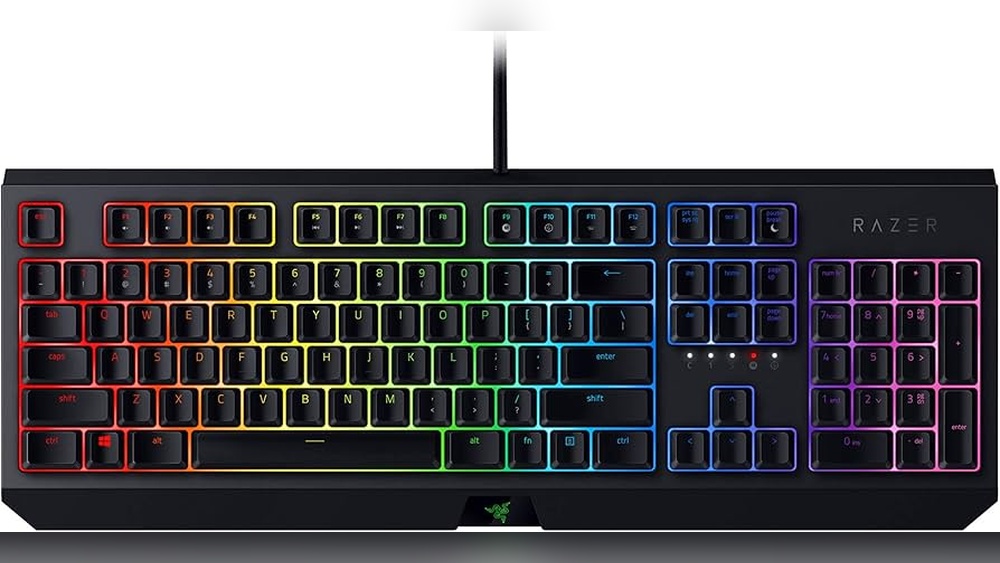
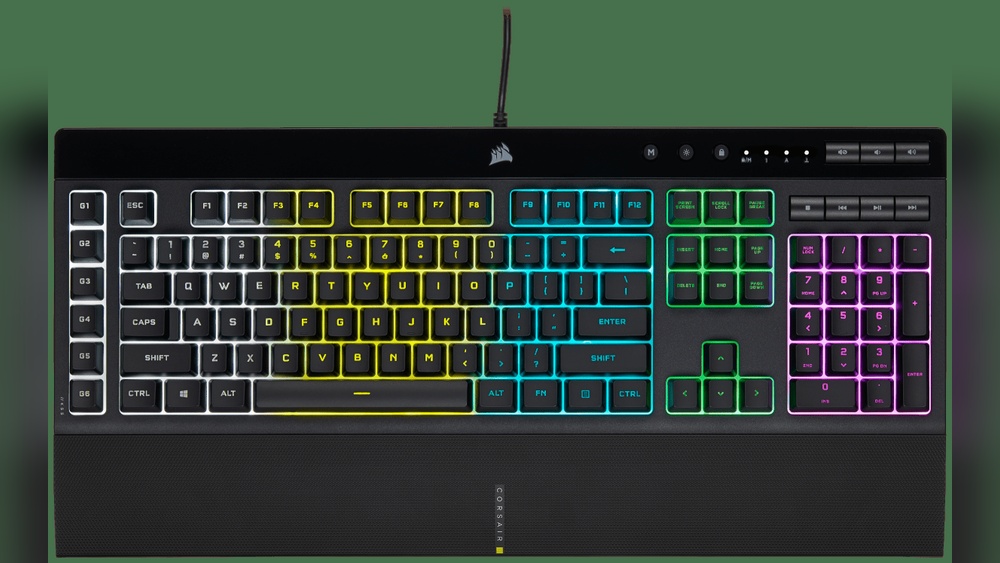
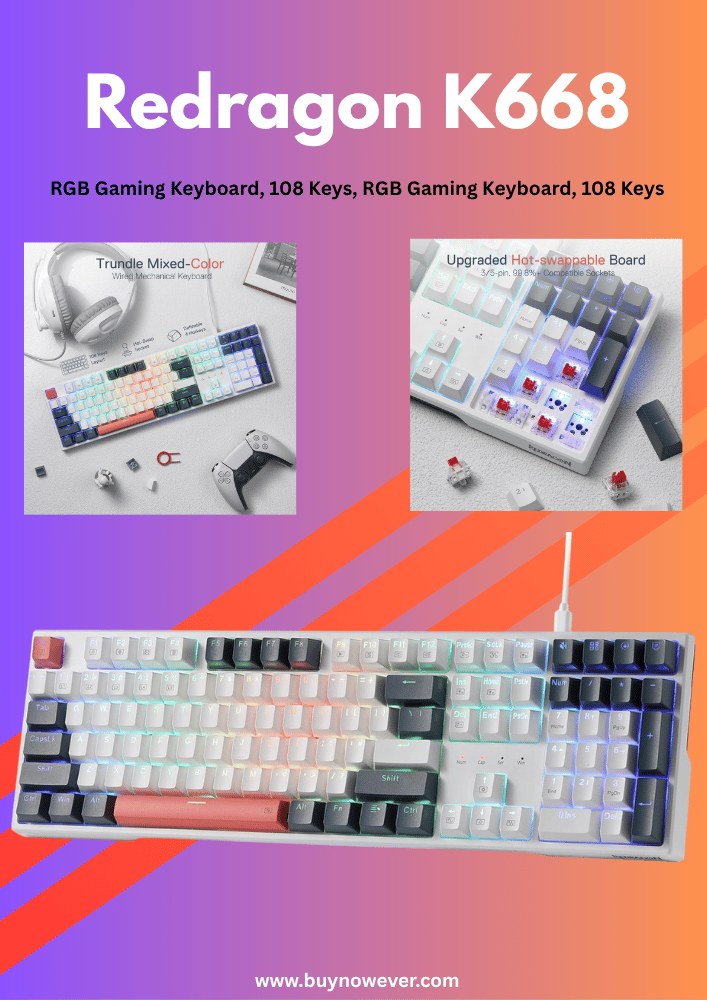
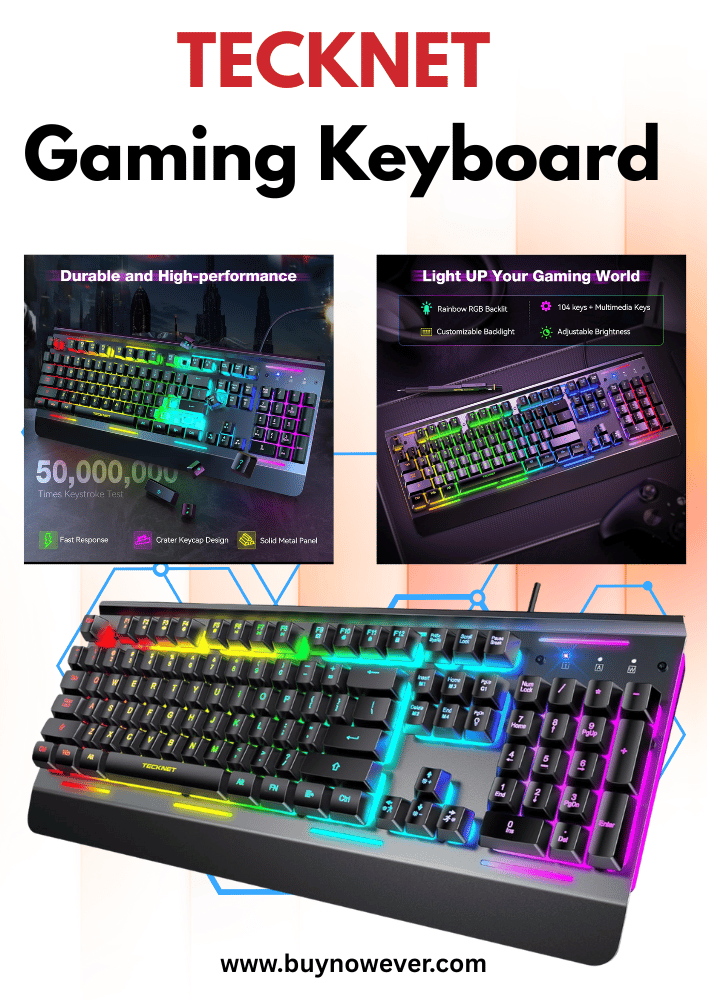
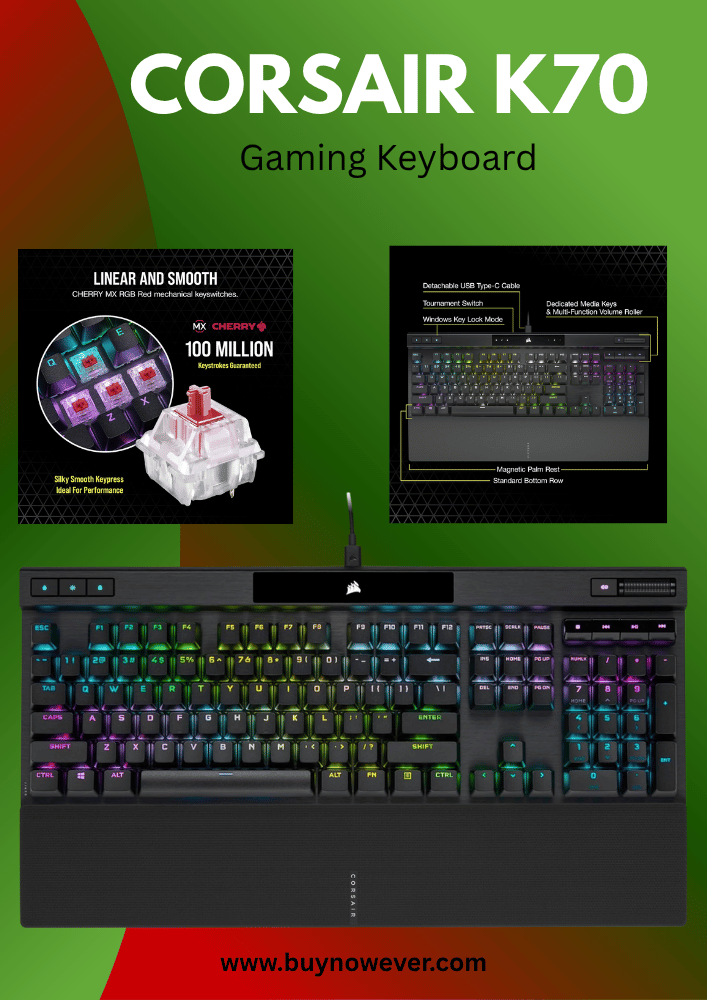
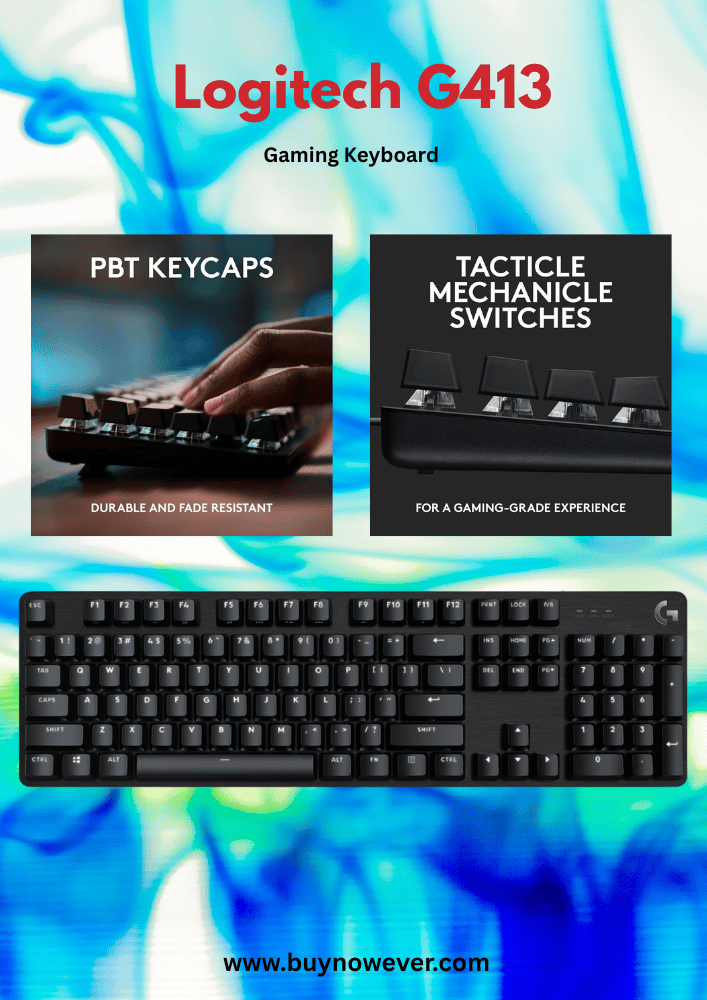
Full-size keyboards have all the keys you see on a regular keyboard. They usually have 104 to 108 keys. This includes:
Alphanumeric keys (letters and numbers)
Function keys (F1 to F12)
Arrow keys
Number pad (numpad) on the right side
Control keys (Ctrl, Alt, Shift)
Navigation keys (Home, End, Page Up, Page Down)
Many gamers like full-size keyboards because of the numpad. It is useful for games that use many commands. The number pad also helps with tasks like typing numbers quickly.
Here is a quick overview:
Feature
Number of Keys
Purpose
Alphanumeric Keys
61
Typing letters and numbers
Function Keys
12
Special commands
Navigation Keys
6
Cursor movement
Number Pad
17
Number input and shortcuts
Control Keys
8
Modifier functions
Full-size keyboards are large and need more desk space. They also weigh more, which makes them less portable. Still, they offer complete functionality for gaming and work.
Tenkeyless Models
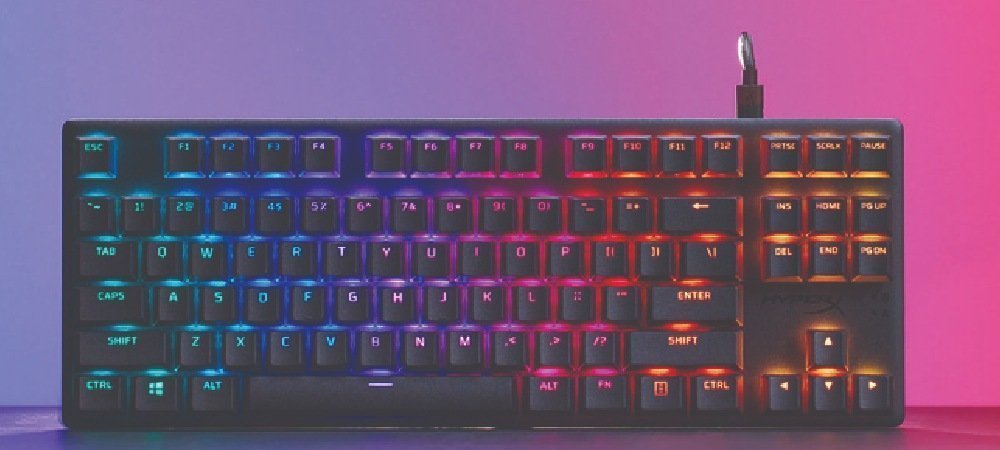
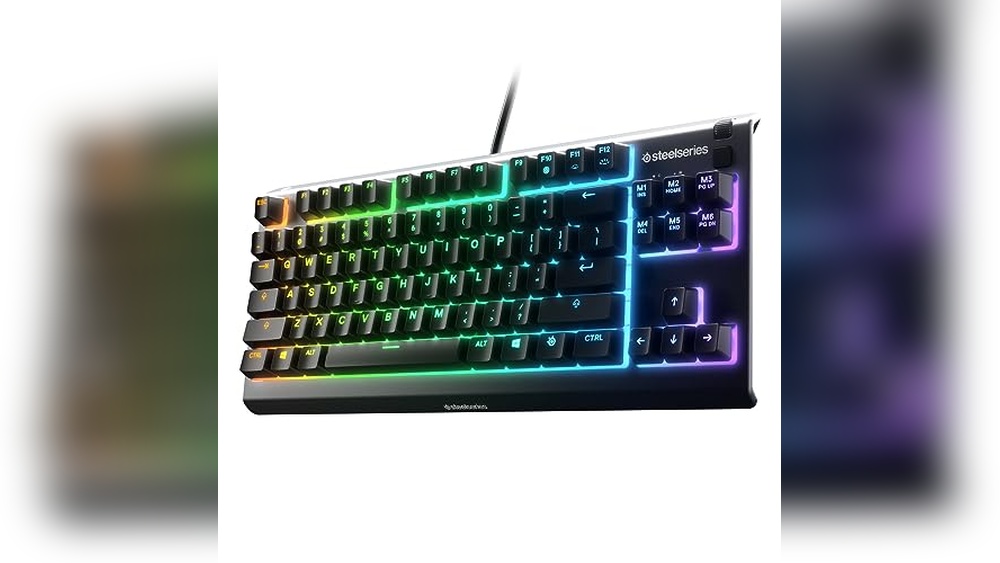
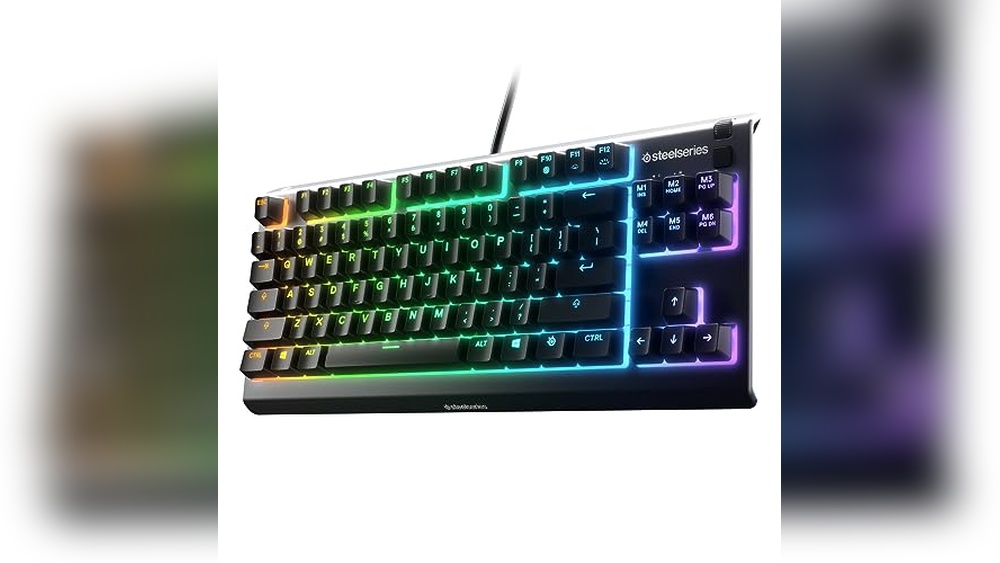
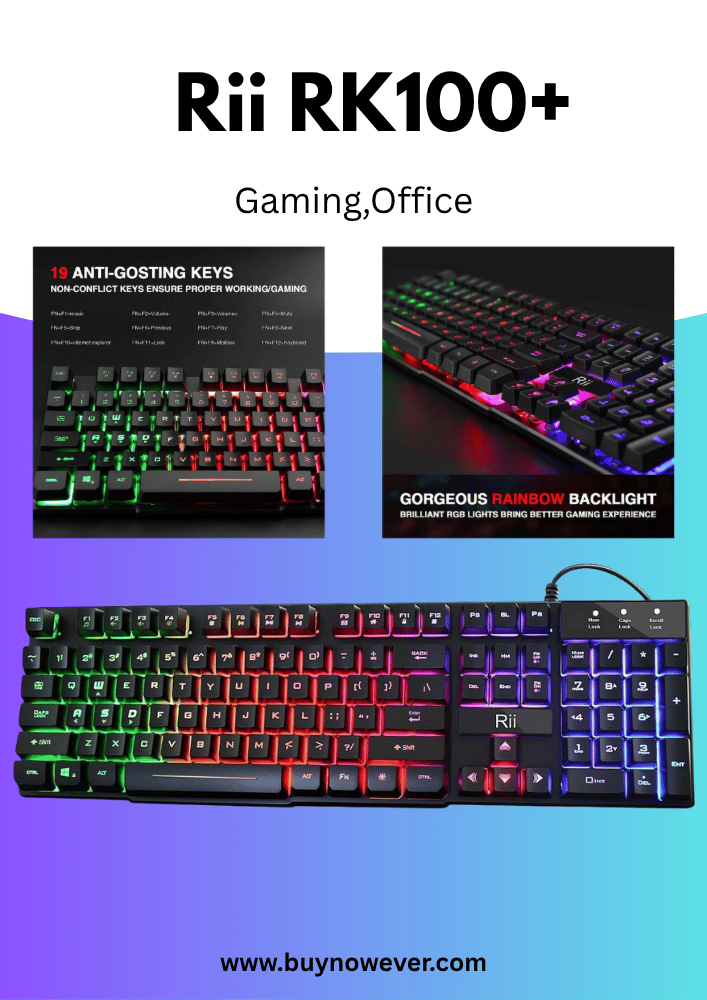
Tenkeyless (TKL) keyboards remove the number pad. This makes them smaller and lighter. TKL keyboards usually have 87 keys. They keep all the main keys but save space.
Here are some benefits of TKL keyboards:
More desk space for mouse movement
Easier to carry to gaming events
Less strain on the right hand
Still have function and navigation keys
Because they lack the numpad, some gamers find them less useful for games needing many keybinds. But many prefer TKL for fast, competitive play.
Key layout comparison:
Keyboard Type
Total Keys
Includes Numpad?
Full-Size
104-108
Yes
Tenkeyless (TKL)
87
No
TKL keyboards balance size and function well. They suit gamers who want a compact setup without losing important keys.
Compact Keyboards
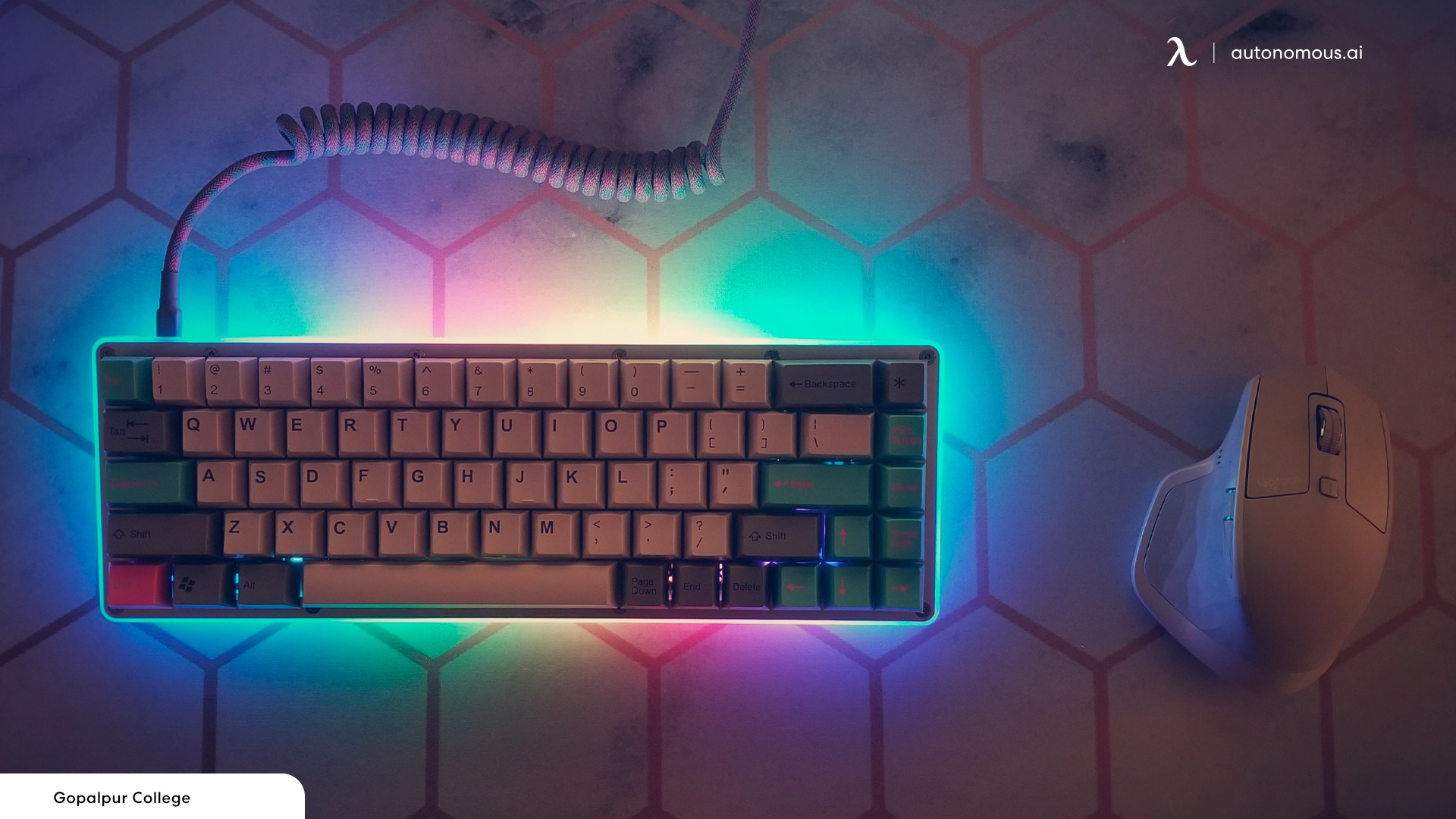
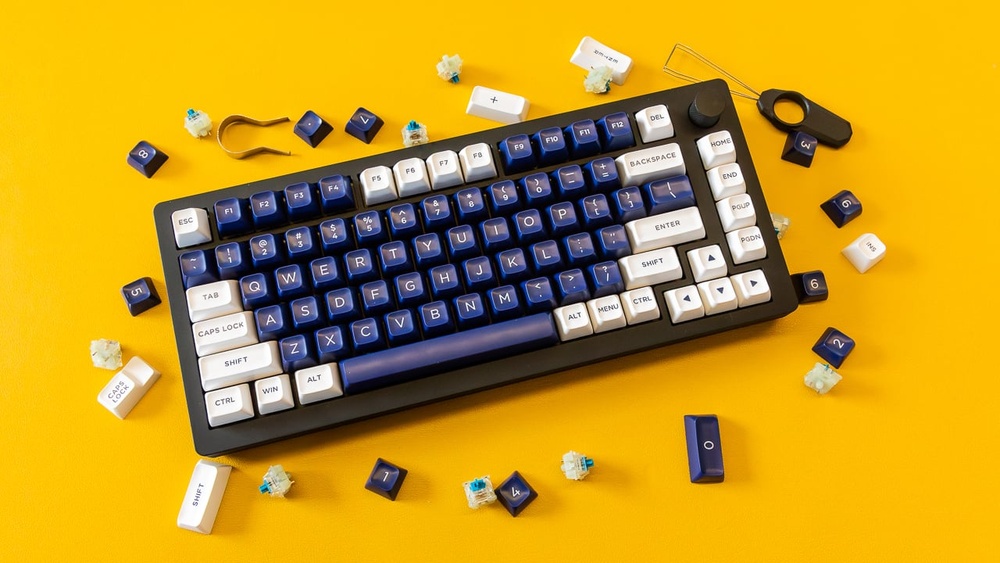
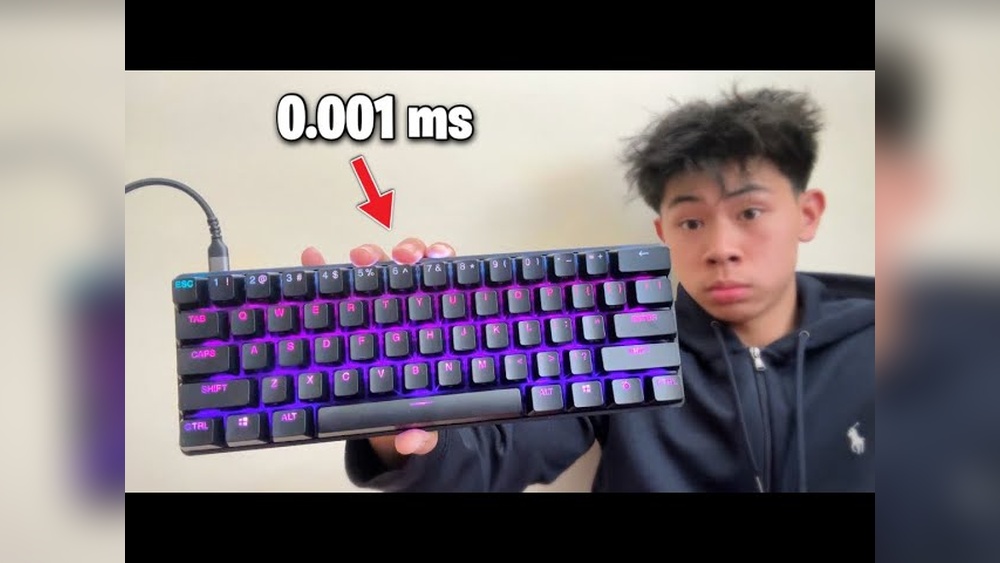
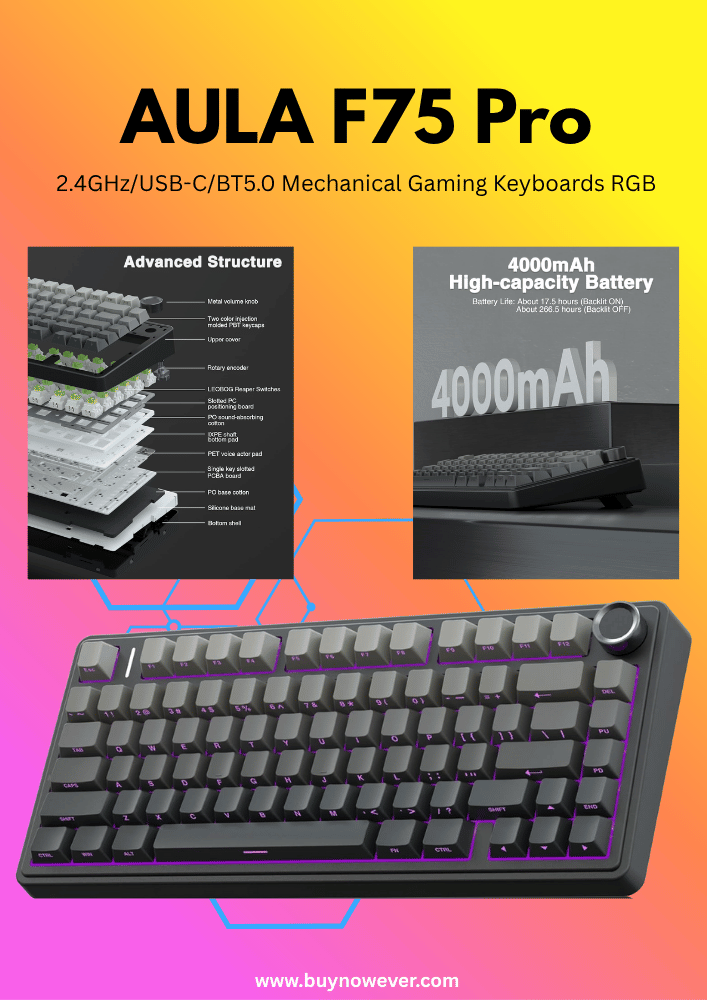
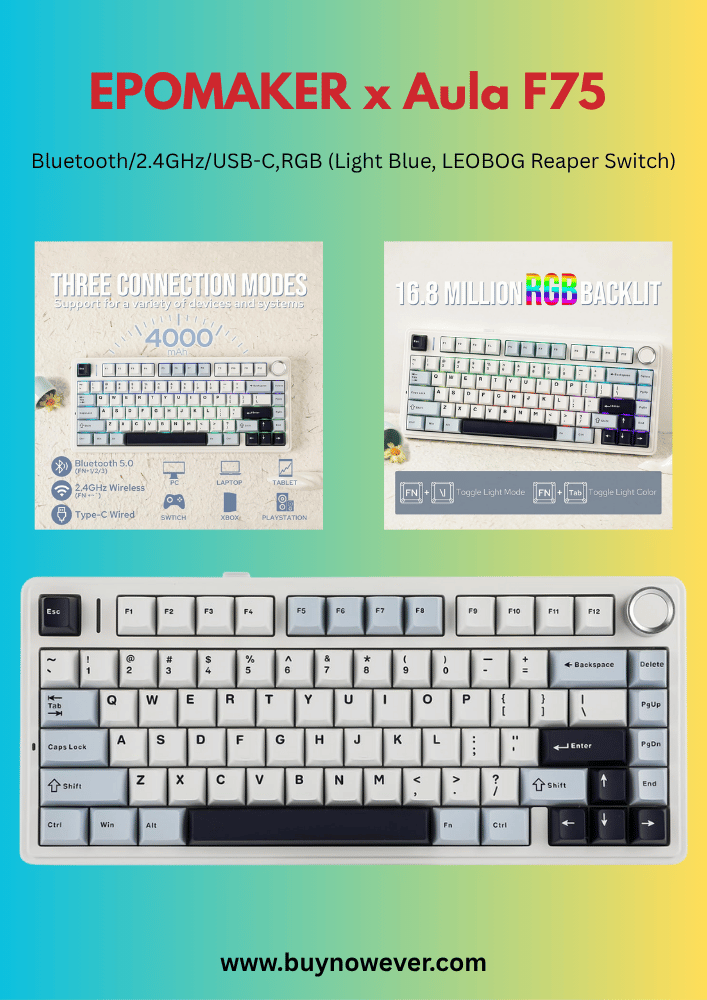
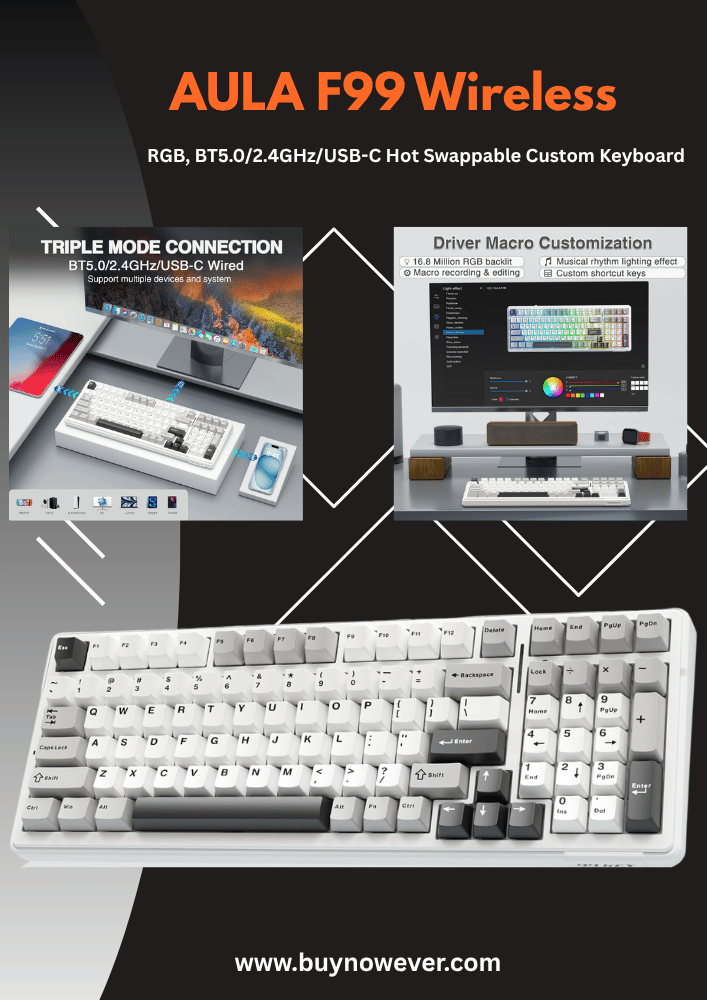
Compact gaming keyboards are smaller than TKL models. They remove extra keys like function keys or navigation keys. The most common types are 75%, 65%, and 60% keyboards.
Typical key counts for compact keyboards:
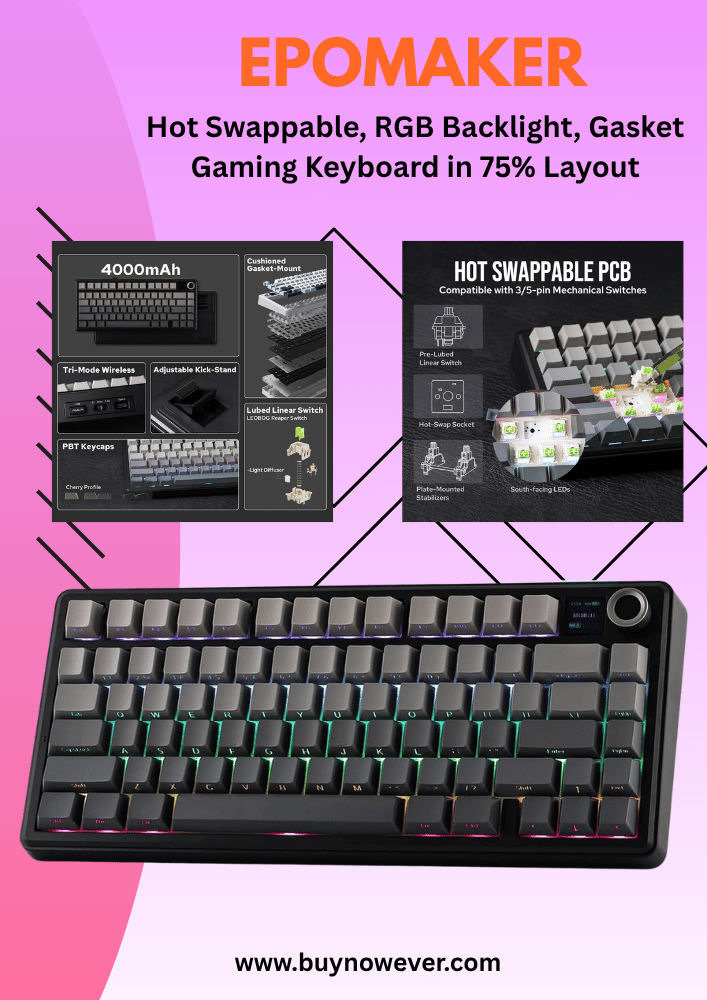
75%: About 84 keys, keep function row
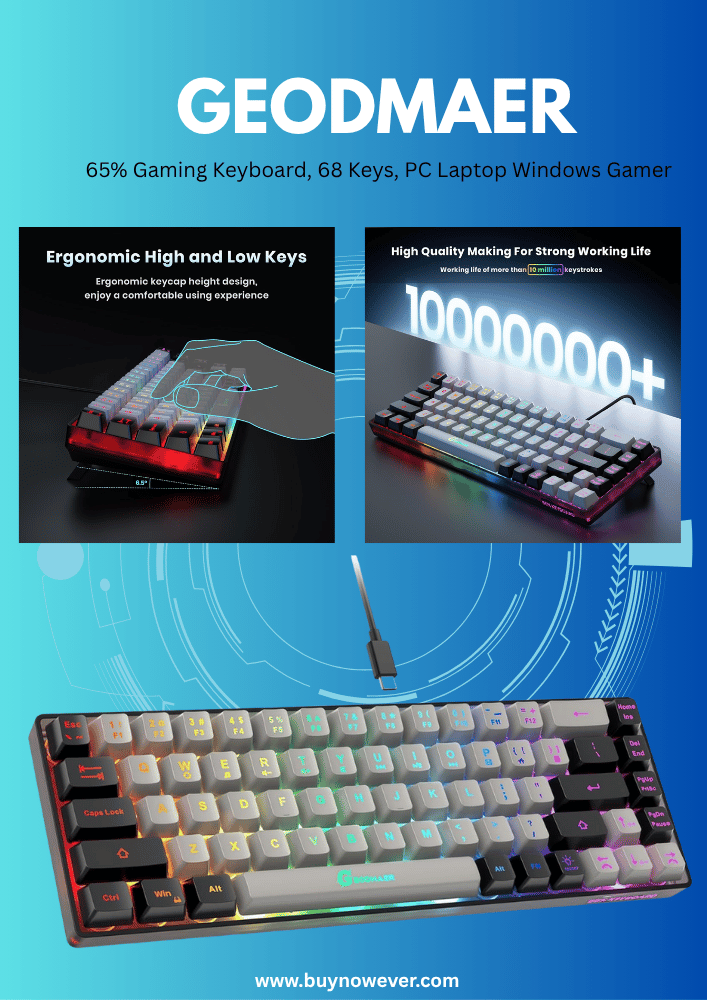
65%: Around 67 keys, drop function row
60%: Roughly 61 keys, no function or navigation keys
Compact keyboards save lots of desk space and are very portable. They focus on essential keys for gaming. Many gamers use software or key combos for missing keys.
Advantages of compact keyboards:
Minimal footprint on the desk
Lightweight and easy to carry
Modern look and design
Often customizable layouts
Compact keyboards suit gamers who prefer simplicity and speed. They may take time to get used to missing keys, but they offer a clean setup.
Summary table of compact keyboard sizes:
Size
Approximate Keys
Includes Function Row?
Navigation Keys
75%
84
Yes
Yes
65%
67
No
Some
60%
61
No
No
Special Gaming Keys
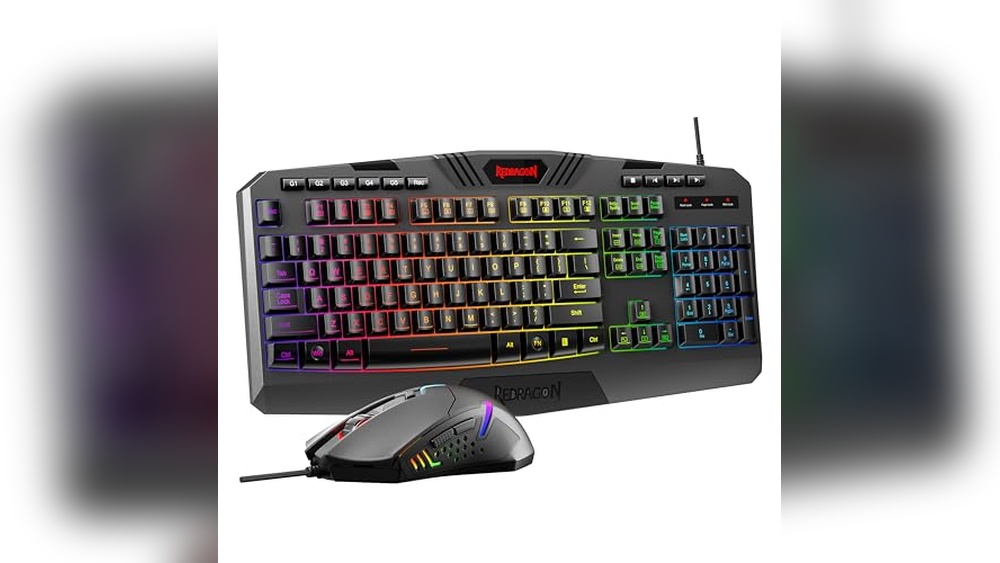
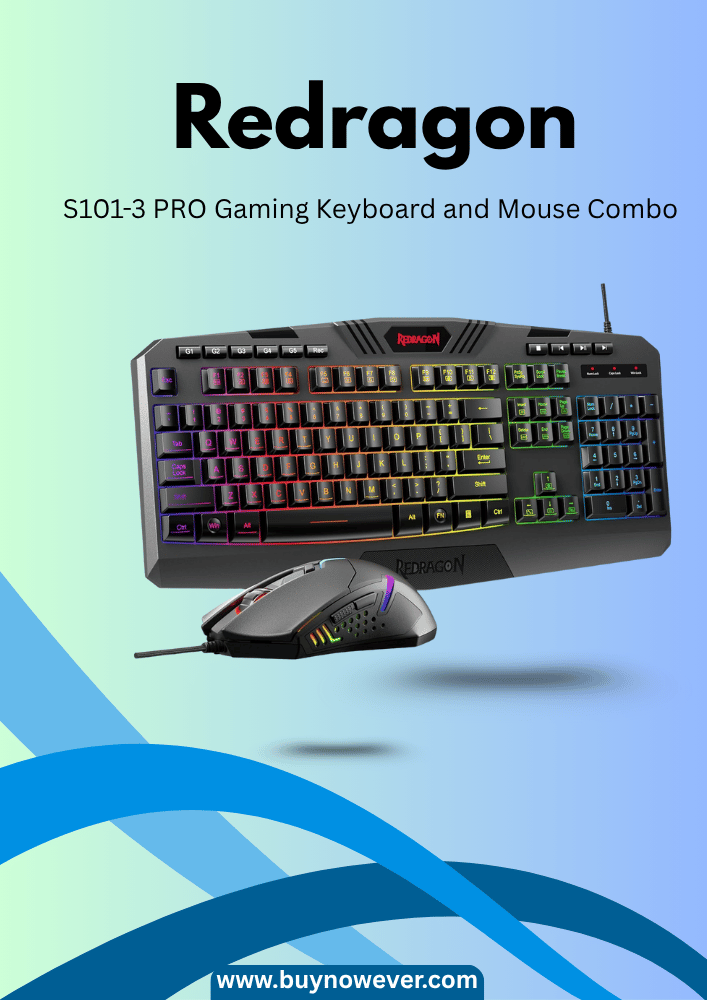
Gaming keyboards often have more keys than standard keyboards. This is because they include special gaming keys designed to improve gameplay and convenience. These keys help players perform complex actions quickly and control their gaming setup without leaving the game. Understanding these keys can help you choose the right keyboard and enhance your gaming experience.
Macro Keys
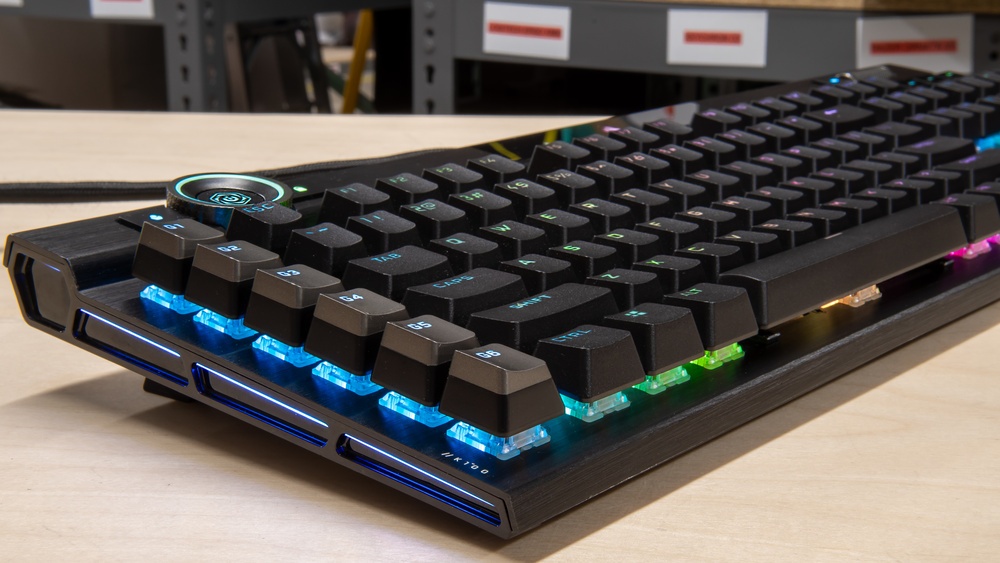
Macro keys are extra buttons found on many gaming keyboards. They let players record a series of commands or actions and activate them with one press. This saves time and effort during intense gaming moments.
These keys are especially useful in games that require repeating the same actions quickly. For example, casting spells, switching weapons, or building structures in a fast-paced game. Instead of pressing many keys, one macro key does it all.
Here are some benefits of macro keys:
Perform complex moves with one key press
Save time during gameplay
Customize commands to fit your style
Improve accuracy and speed
Most gaming keyboards allow users to program macro keys using software. You can assign:
Multiple key presses
Mouse clicks
Delays between actions
The number of macro keys varies by keyboard model. Some have just 5 extra keys, while others may have 20 or more. This table shows typical counts:
Keyboard Type
Number of Macro Keys
Standard Gaming Keyboard
5-10
High-End Gaming Keyboard
10-20+
Macro keys make gameplay smoother. They reduce the need for complex finger movements and let you focus on the game.
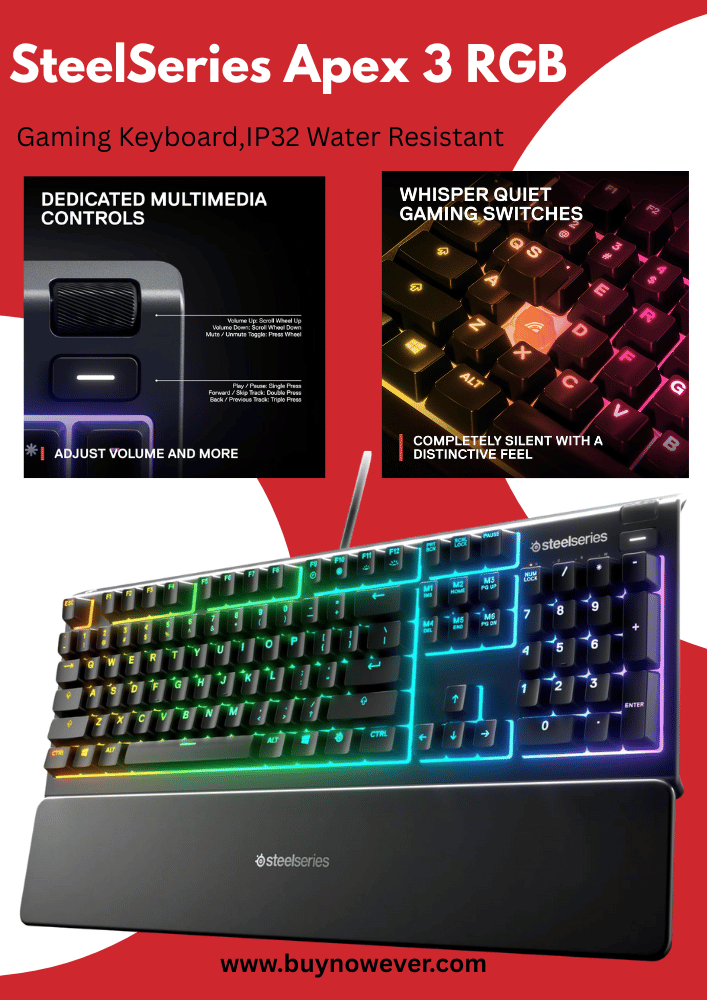
Media Control Keys
Gaming keyboards often include dedicated media control keys. These keys help manage music, videos, and sound without leaving the game screen. They improve convenience and keep you in control during play.
Common media control keys include:
Play/Pause
Stop
Next Track
Previous Track
Volume Up
Volume Down
Mute
Using these keys means no need to open media apps or use a mouse. You can quickly adjust volume or skip songs during breaks or quiet moments in the game.
Some keyboards also provide a dedicated wheel or slider for volume control. It offers precise and fast adjustments.
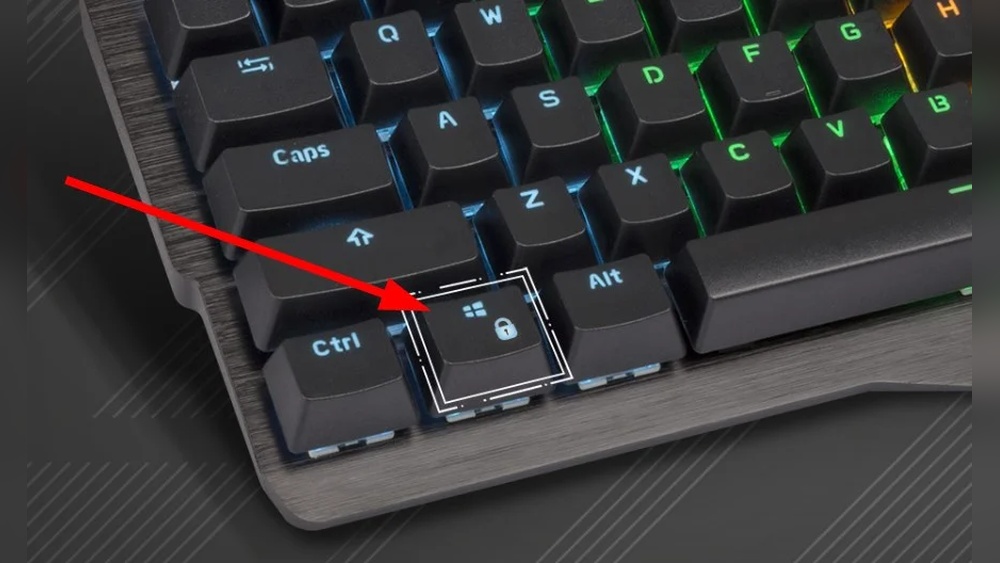
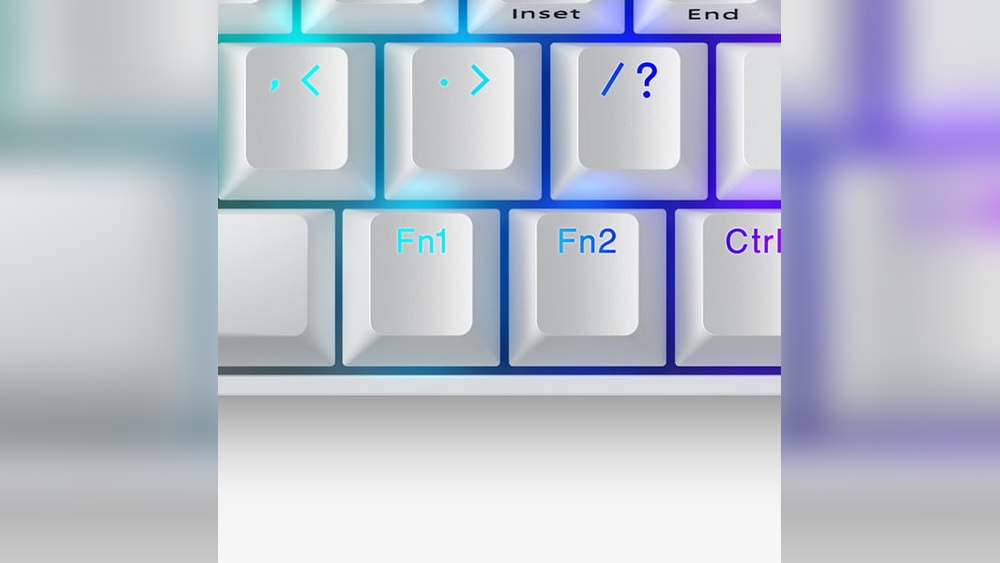
Media keys may be physical buttons or integrated as secondary functions on other keys. They usually work with a special function key (Fn) for easy access.
This setup helps players multitask better. You stay focused on gaming while controlling background media smoothly.
RGB Lighting Controls
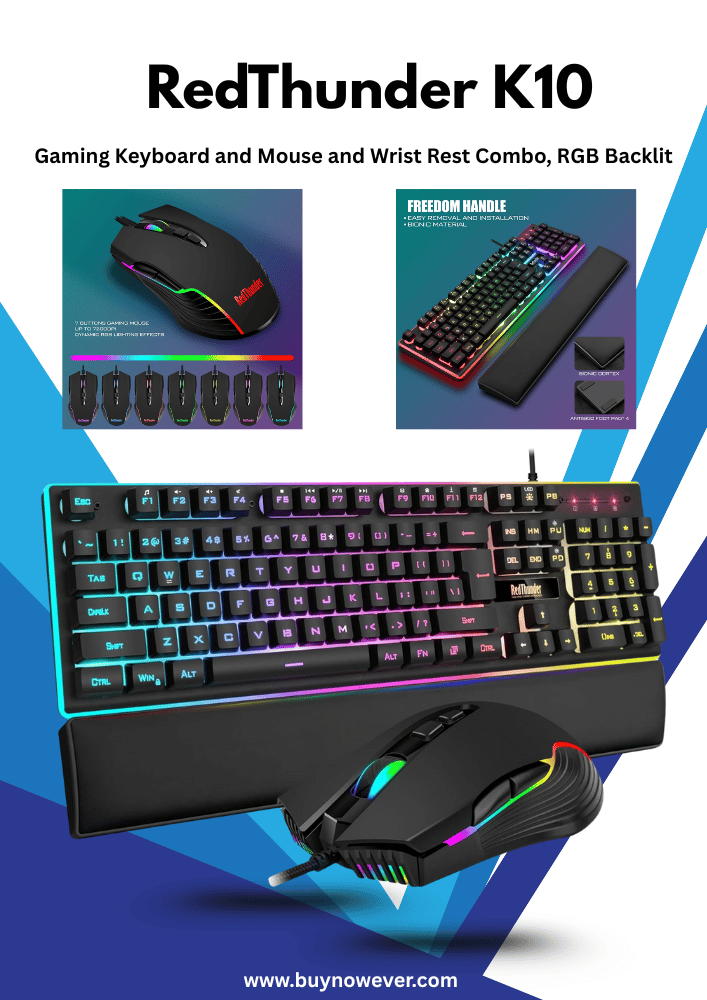
RGB lighting controls are special keys or software options on gaming keyboards. They let users change the keyboard’s backlight colors and effects. RGB lighting adds style and can improve visibility in low light.
Gaming keyboards offer many lighting options, such as:
Static colors
Breathing effects
Color waves
Reactive lighting
Some keyboards have dedicated keys to cycle through these modes or adjust brightness. Others require software for detailed customization.
Lighting controls help gamers match their keyboard to the game theme or personal taste. They also highlight important keys, making them easier to find during fast gameplay.
Here is a simple overview of RGB lighting control methods:
Control Method
Description
Dedicated Keys
Quickly change lighting modes or brightness
Software
Full customization of colors and effects
Mobile App
Remote control and syncing with other devices
RGB lighting controls add fun and function. They make gaming keyboards not just tools, but also a part of the gaming setup’s look.
Key Layout Variations
Gaming keyboards come with different key layouts that affect how many keys they have and how comfortable they feel. Key layout variations change the position and size of keys, which impacts gaming and typing performance. Understanding these layouts helps gamers pick the right keyboard that suits their style and needs. Two common layout types are ANSI and ISO, while some keyboards focus on ergonomic design for better comfort during long gaming sessions.
Ansi Vs Iso Layouts
The ANSI (American National Standards Institute) and ISO (International Organization for Standardization) layouts are the most popular key arrangements worldwide. Both have unique features that affect the total number of keys and how they are placed.
ANSI layout features:
Used mostly in the United States and Canada
104 keys on a full-size keyboard
Wide left Shift key
Single-row Enter key
Backslash key above Enter
ISO layout features:
Common in Europe and other regions
105 keys on a full-size keyboard
Narrow left Shift key
Large L-shaped Enter key
Extra key next tothe left Shift
Feature
ANSI Layout
ISO Layout
Number of Keys
104
105
Enter Key Shape
Single-row
L-shaped
Left Shift Key
Wide
Narrow
Extra Key
No
Yes, next to Left Shift
Choosing between ANSI and ISO depends on your location and typing habits. Some gamers prefer ANSI for its simplicity, while others like ISO for the extra key and layout style. Both layouts support gaming well, but key placement can affect comfort and speed.
Ergonomic Designs
Ergonomic gaming keyboards focus on reducing strain and improving comfort during long gaming sessions. These keyboards often change the shape and arrangement of keys. This helps prevent hand fatigue and improves posture.
Common ergonomic features include:
Split key layout to keep hands natural and relaxed
Curved or tented design to reduce wrist bending
Wrist rests to support wrists and reduce pressure
Adjustable angles to fit different desk setups
Compact designs to minimize hand movement
Ergonomic keyboards might have fewer keys to allow better hand placement. For example, a 75% or 65% keyboard removes the number pad and some function keys. This design helps gamers keep their hands closer to the mouse.
The table below shows some popular ergonomic keyboard types and their key counts:
Keyboard Type
Key Count
Description
Full-size
104-108
Includes number pad and all keys
TKL (Tenkeyless)
87-88
Removes the number pad for a smaller size
75%
80-84
Compact with a function row but no number pad
65%
67-68
Smaller, removes the function row and number pad
Ergonomic designs improve comfort without sacrificing gaming performance. They suit gamers who play for hours and want to avoid strain or injury. Choosing the right ergonomic layout depends on hand size, desk space, and personal comfort needs.
Choosing The Right Keyboard
Choosing the right keyboard plays a big role in gaming comfort and performance. Gaming keyboards come with different numbers of keys, layouts, and features. Picking a keyboard that fits your needs helps improve gameplay and reduces fatigue. Consider what you use the keyboard for, how often you move it, and how much you want to spend. These points guide you toward the best choice for your setup.
Purpose And Usage
The number of keys on a gaming keyboard depends on what you need it for. Some keyboards have a full layout with 104 keys, including a number pad, function keys, and arrow keys. Others have fewer keys, like tenkeyless (TKL) models, which remove the number pad to save space. There are also compact keyboards with 60% or 75% of full keys, focusing on essential keys only.
Think about your gaming style and daily tasks. For example:
MMORPG players benefit from extra macro keys for custom commands.
FPS gamers prefer smaller, minimalist keyboards for fast movement.
General users might want a full keyboard for typing and gaming.
Here is a quick comparison:
Keyboard Type
Number of Keys
Ideal For
Pros
Cons
Full-size
104+
Typing, gaming, macros
All keys, number pad
Large size, less portable
Tenkeyless (TKL)
87-88
Gaming, smaller desk space
Compact, lighter
No number pad
60%-75%
61-84
FPS, travel, minimalists
Very compact, portable
Missing some keys
Choose based on what keys you use most and your gaming needs.
Portability Considerations
Portability matters if you take your keyboard to gaming events or use a small desk. Smaller keyboards weigh less and take up less space in bags. Keyboards without number pads or with compact layouts are easier to carry.
Think about these points:
Size and weight: Smaller means lighter and easier to pack.
Durability: Travel-friendly keyboards often have stronger builds.
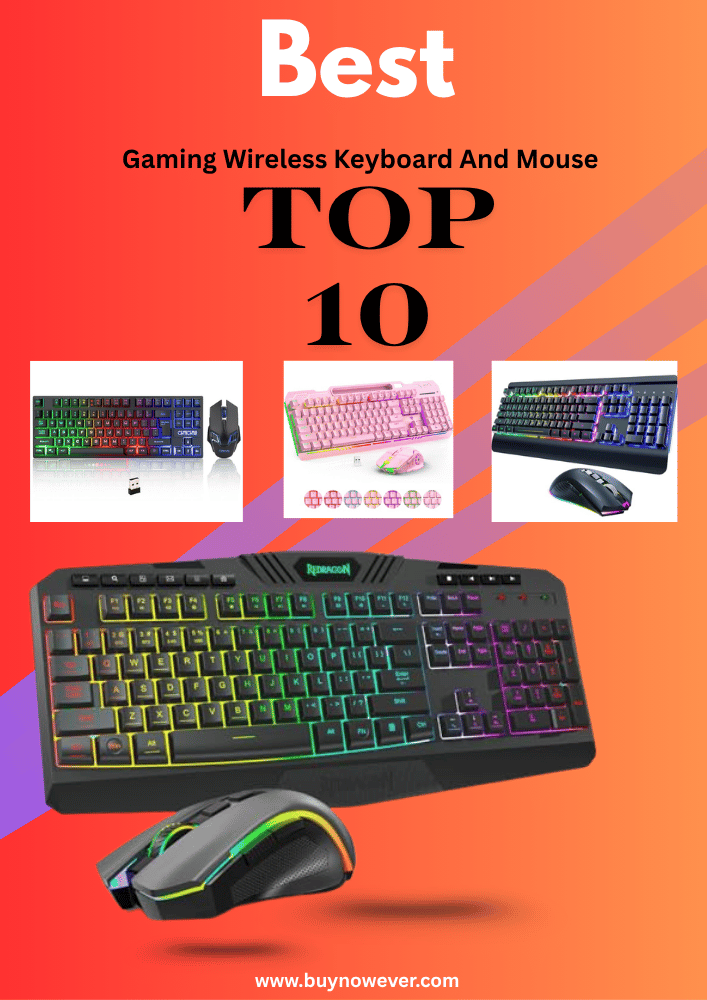
Connectivity: Wireless keyboards avoid cable clutter but need charging.
Example of keyboard types and portability:
Keyboard Type
Weight (approx.)
Portability Level
Notes
Full-size
1.5 – 2 kg
Low
Heavy, large, less travel-friendly
Tenkeyless (TKL)
1.0 – 1.3 kg
Medium
Good balance of keys and size
60%-75%
0.6 – 0.9 kg
High
Very portable, best for travel
Pick a keyboard size based on how often you move it. Choose wireless if you want fewer cables, but check battery life.
Budget Factors
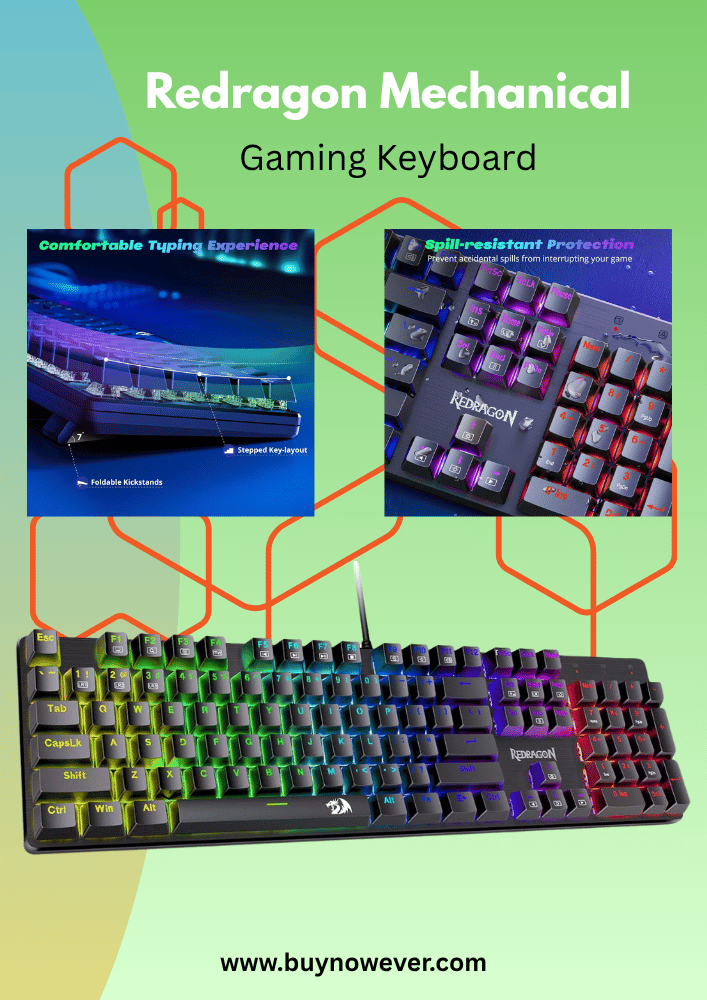
Budget affects which gaming keyboard you can buy. Prices vary by size, features, and brand. Mechanical keyboards tend to cost more than membrane ones due toa better feel and durability.
Here are key points to consider:
Basic models: Usually membrane, fewer features, $20-$50.
High-end: Extra macro keys, wireless, premium build, $100+.
Use this table for budget planning:
Price Range
Key Features
Keyboard Types
$20 – $50
Membrane, basic layout
Full-size, budget models
$50 – $100
Mechanical switches, RGB
TKL, 60%, 75%
$100+
Wireless, macro keys, premium build
Full-size, TKL
Set a budget before buying. Focus on important features over extras. A good keyboard fits your needs and wallet.
Frequently Asked Questions
How Many Keys Does A Standard Gaming Keyboard Have?
A standard gaming keyboard usually has 104 to 108 keys, including function and media keys.
Do Gaming Keyboards Have Extra Keys For Macros?
Yes, many gaming keyboards include extra macro keys for custom commands and shortcuts.
What Is The Difference Between Gaming And Regular Keyboard Keys?
Gaming keyboards often have mechanical keys with faster response and better durability.
Can Smaller Gaming Keyboards Have Fewer Keys?
Yes, compact or tenkeyless gaming keyboards may have 87 keys or fewer.
Why Do Gaming Keyboards Have Multimedia Keys?
Multimedia keys help control volume, play, pause, and skip without leaving the game.
Conclusion
Gaming keyboards have different numbers of keys to fit your needs. Most have around 104 keys, like regular keyboards. Some include extra keys for quick actions in games. Smaller keyboards may have fewer keys to save space. Choosing the right keyboard depends on your game style.
Remember, the key count affects your comfort and control. Pick a keyboard that feels good and works well. Your gaming experience can improve with the right setup. Simple and clear choices work best for every player.